
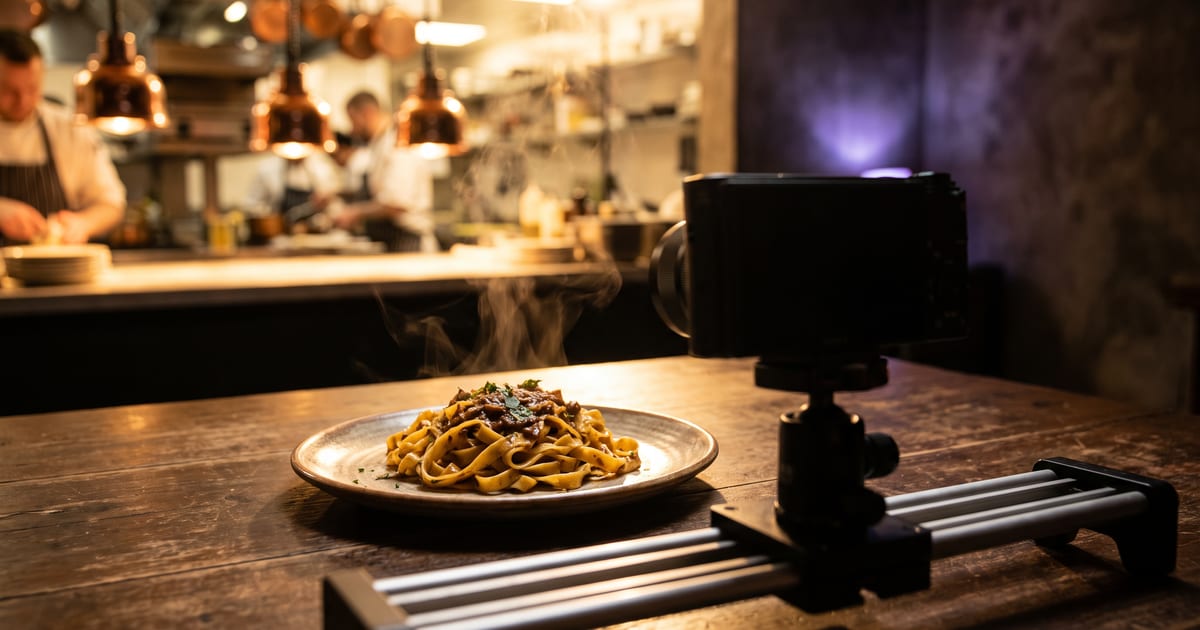
What an AI commercial is
An AI commercial is a short advertisement, usually fifteen to thirty seconds, where the shots are generated instead of filmed. You describe the scenes, the product and the mood, and video models turn that into clips. Sound, voice and music can be generated too, so the whole spot is made in one place.
Big brands have started using it for seasonal campaigns, and small brands use it because a shoot with a crew, a location and a day of editing is out of budget. The result does not replace every shoot, but for a product, a dish, an app or a place, it gets close enough to run as an ad.
Plan it like a real commercial
The biggest mistake is starting with one long prompt and hoping for a commercial. A commercial is a sequence of short shots that each do one job. Write them down first, just like a storyboard.
- An opening shot that sets the place and the mood, two to three seconds.
- One or two shots of the product or the person using it, close enough to see the detail.
- A shot that shows the result: the finished dish, the happy customer, the clean room.
- An end shot with room for your logo and one line.
Make the hero shot first
Start with one still image of the product or scene you are proud of. That image becomes the reference for every clip, so colours, light and the product itself stay the same from shot to shot. In the studio you make it once and then animate it with image to video, instead of describing the product again in every prompt.
If you sell a physical product, use a real photo of it as the start. A generated product that looks slightly different from the one in the box is the fastest way to lose trust.
Turn the shots into clips
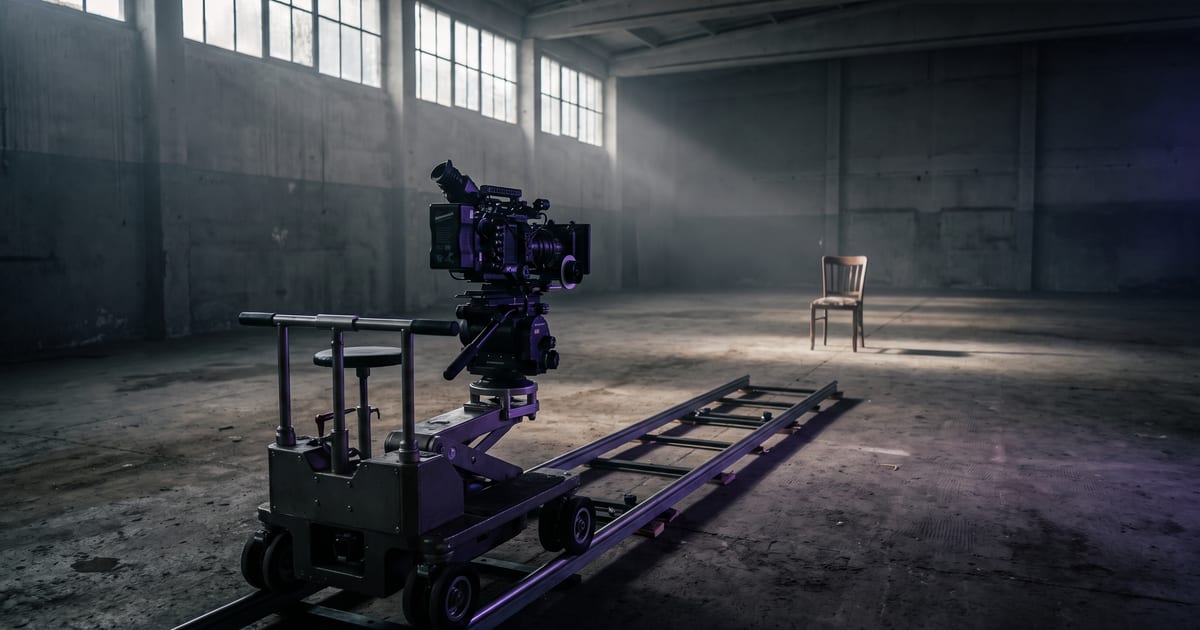
Each shot becomes a clip of five to ten seconds. Describe the camera movement in plain words: a slow push in, a pan across the table, a close-up as steam rises. One movement per clip works better than three. Models differ in what they do well, so for a product close-up you pick a different one than for a wide scene with people.
Keep the start of each clip close to the end of the previous one, or use a start and end frame, so the cuts feel intended rather than random.
Add sound, voice and music
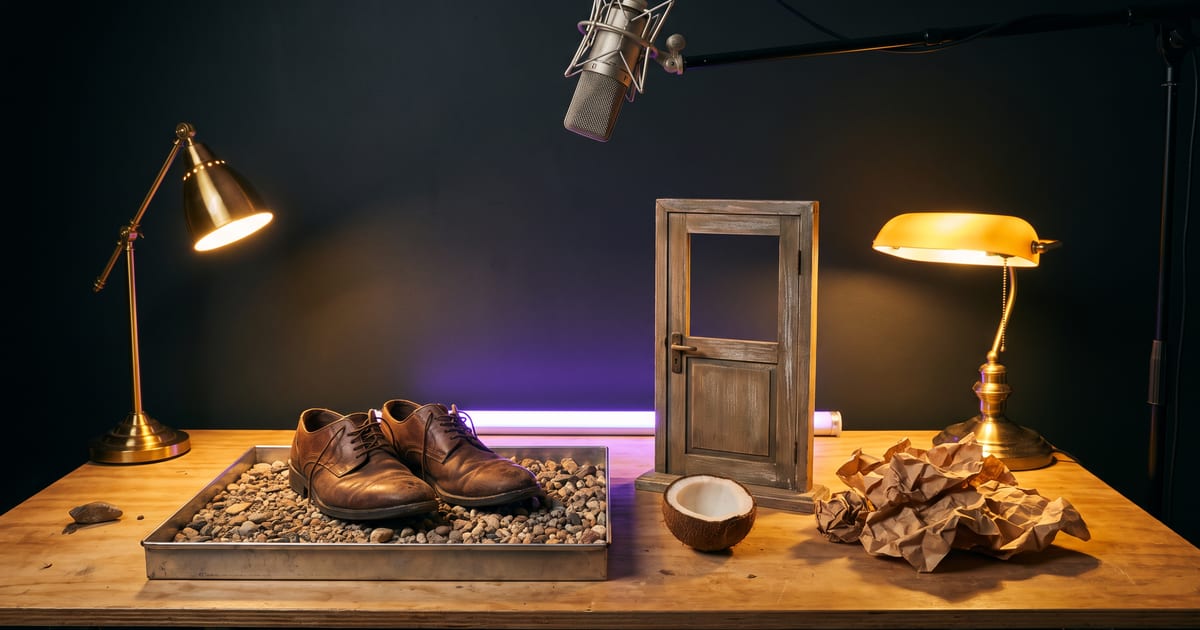
Sound is what makes a set of clips feel like a commercial. Several video models now make sound with the picture: the sizzle of a pan, footsteps, the pour of a drink. For a voice over you write the lines and pick a voice; for music you describe the mood and the tempo.
Keep the voice over short. Thirty seconds holds about sixty to seventy spoken words, and an ad that tries to say more sounds rushed.
Keep it one brand
A commercial made from separate clips can easily look like five different ads. Three things keep it together: the same colour palette in every prompt, the same light, and the same characters or product reference. If you use a person, make them once as a character and reuse that character, so the face does not change between shots.
- Write one style line and paste it into every prompt.
- Use one reference image for the product in every clip.
- Pick one aspect ratio before you start: 16:9 for YouTube and TV, 9:16 for Reels and TikTok.
Where to start
The fastest route is a template that already has the structure. The food commercial template gives you a hero shot and an eight-second slow-motion clip with the sound of the kitchen in it; you only describe the dish. From there you add shots, a voice over and an end card.
Once a commercial works, save it as a flow. The next one, for another product or another season, is then a matter of changing the description instead of building it again.
Check every clip at full size before it runs. Hands, text on packaging and small logos are where generated video most often goes wrong.
The food commercial, step by step
Repeat with a second dish and you have two shots that share a look. Add an end card in your editor and the spot is ready.
- Open the Food commercial template. It has two prompts: the dish, and the commercial.
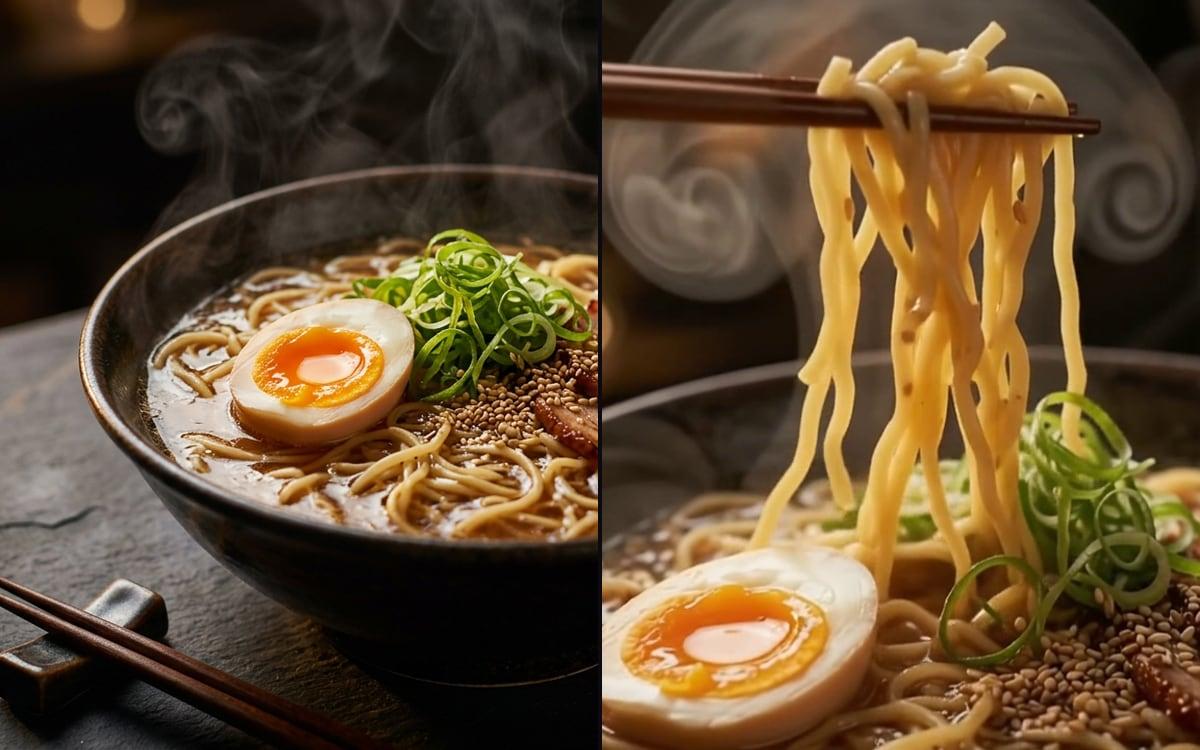
- Describe your dish in the first prompt the way a menu would, with what you can see: glossy sauce, charred edges, herbs on top.
- Run the hero shot and approve it. The clip starts from this image, so this is the cheap moment to fix it.
- In the second prompt, keep the words slow motion, describe one movement and name the sounds, such as a sizzle or a pour.
- Run the clip: eight seconds with the sound of the kitchen in it.
Questions
How long should an AI commercial be?
Fifteen to thirty seconds for social media and online video ads. Shorter ads hold attention better, and every extra shot is another chance for something to look off.
Can I use my own product photo?
Yes, and you should. Start from a real photo so the product in the ad is the product people will receive.
Can I use an AI commercial in paid ads?
Yes. Check the rules of the platform you advertise on: most ask you to label realistic generated content in some cases.
Do I need editing software?
Not to start. You can make the clips, sound and voice in the studio and put them together in a flow. For fine timing you can still export the clips to your own editor.
Read next
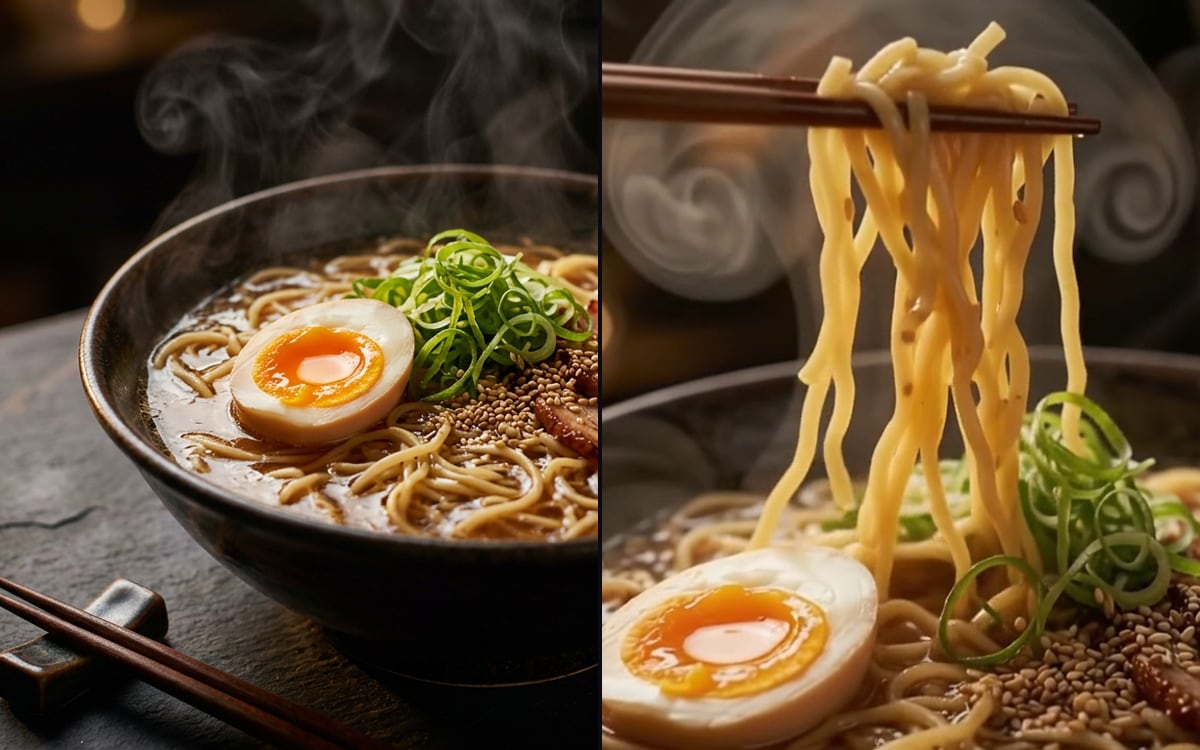 Food commercialA hero shot and a slow-motion clip from one description.
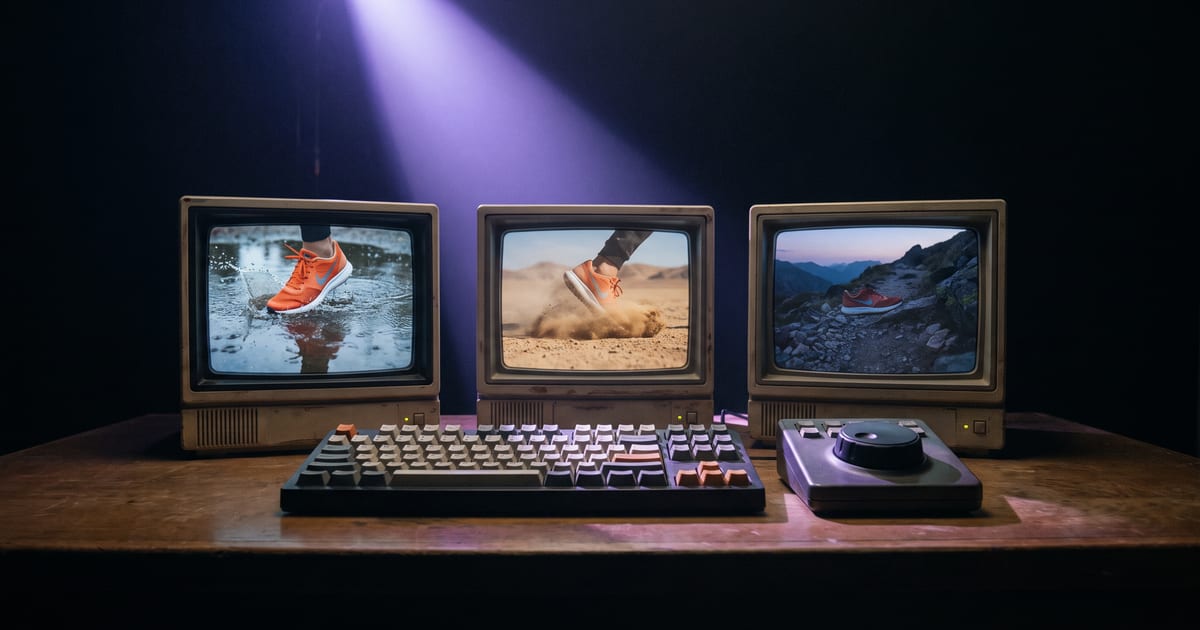 A short ad from three clipsPutting clips together.
 Describing camera movementWords that move the camera.AI video generatorAll video models in one place.
 Video models that make soundSound in the same run.
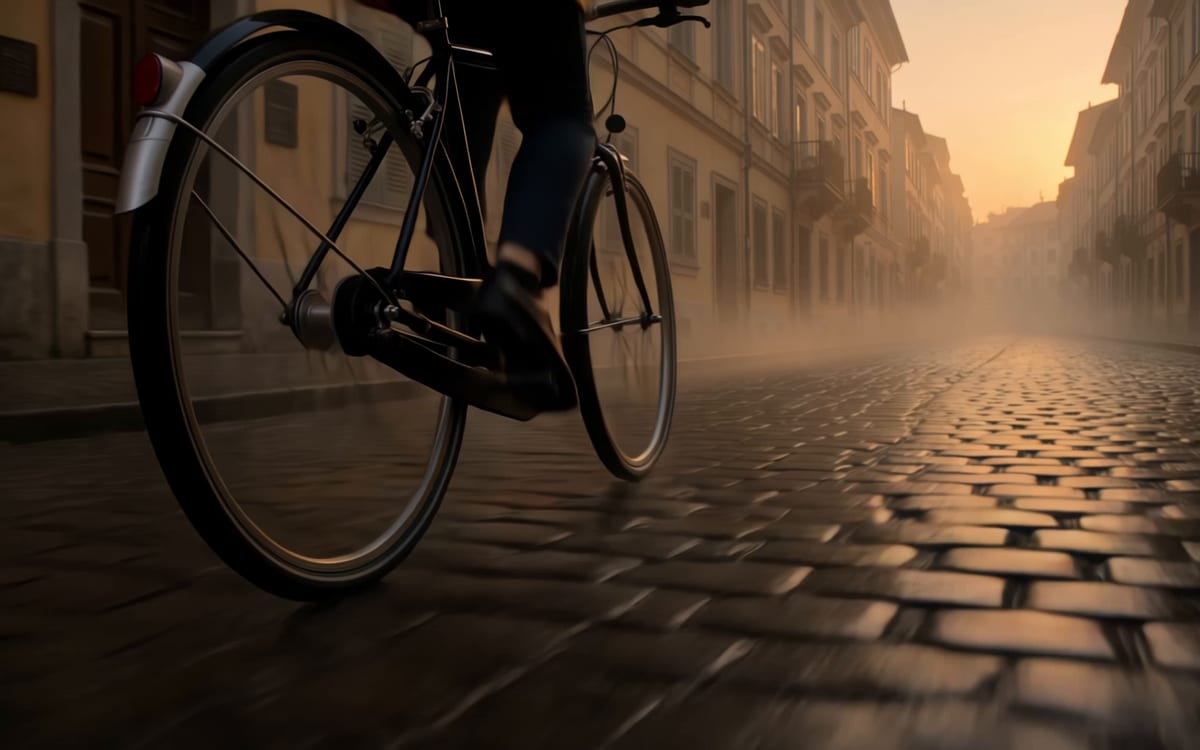 Kling 4.0A character that speaks in its own voice.

Try it in the studio
Open the studio and try what you just read. You start with 1,000 free credits.
Get early access