
The best AI for a consistent character
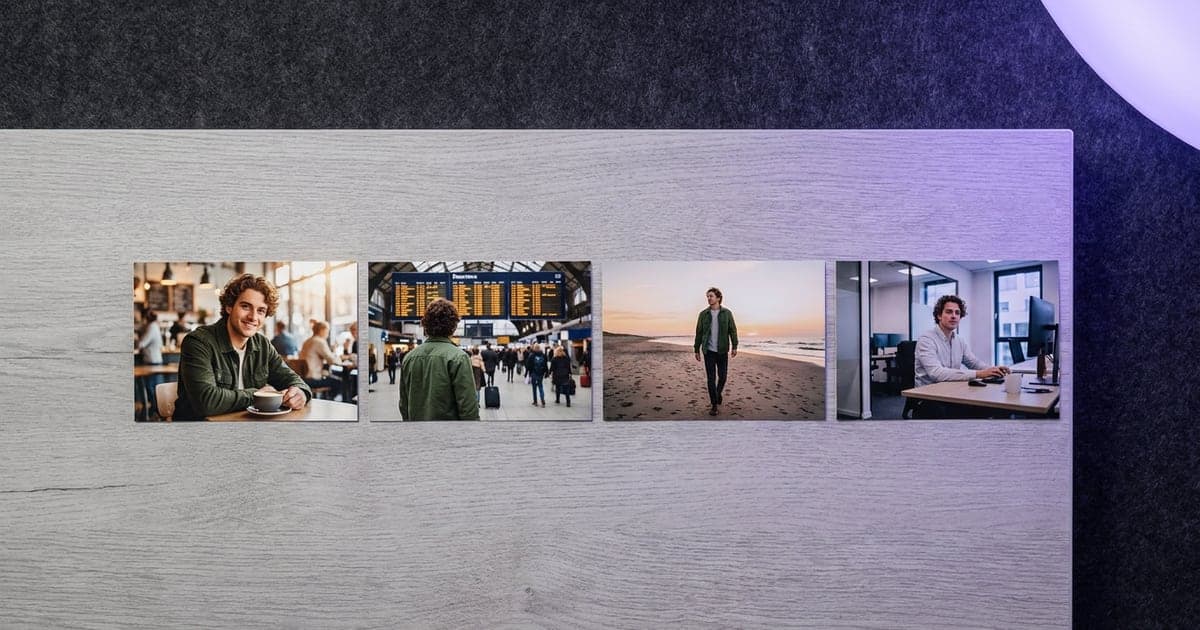
The same face in every image and clip: how to build a character once and which AI models carry it best.
1 min read · last checked
Build the character once
A prompt cannot hold a face steady across a series. A reference can. Start by making the character once, as a portrait, a full body and a sheet with turnaround and expressions, and use that sheet as the reference for everything after. dGEN Influencer does those steps in order and saves the result as a character.
Carry it into images
These models take references and keep a person the same.
- Nano Banana Pro keeps a cast the same, anchored with a reference.
- Krea 3 puts the same cast into new scenes.
- FLUX.2 takes up to ten references, and your own trained style as a LoRA.
Carry it into video
Kling 3.0 takes named elements: reference the character with a tag and it keeps it through the clip. Gemini Omni Flash keeps a character's look and its voice across clips. To put your character into a clip you filmed, Wan 2.2 Animate does that at a low price per try.
Use your own face, an invented one, or someone who agreed to it.
Read next
Put this guide to work
The studio opens in stages. We open access in the order people signed up, and you start with 1,000 free credits.
Get early access