
Less is more
The fastest way to make a clip look fake is to ask for too much movement. A person turning, walking and talking in a few seconds rarely holds together.
Small movements that look real
- Hair or fabric moving in a light wind.
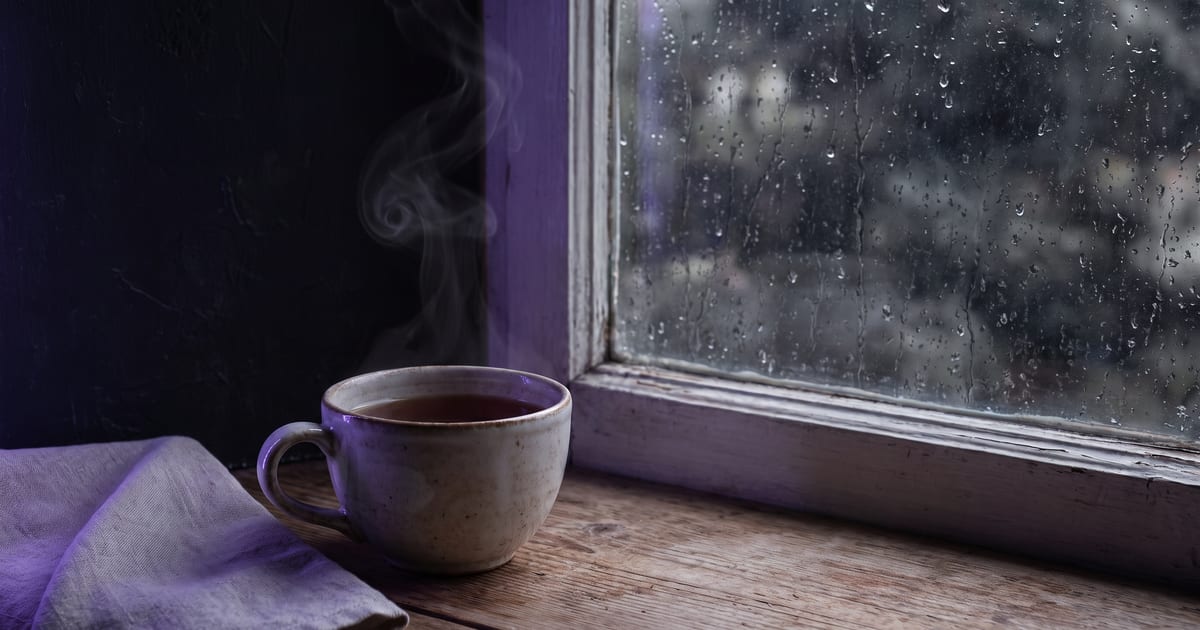
- Steam from a cup, smoke, rain.
- A slow push in on a still scene.
- A blink, a small smile.
Keep the still right first
Movement does not fix a bad still. Get the image right, then animate it with one simple instruction.
Write only the motion
The still already shows the scene, so the prompt describes what moves. Three parts are enough: the main movement, one or two small movements around it, and the camera. Leave out the colours, the place and the clothes; the picture has them.
Three worked examples
These are the motion prompts of three clips in our showcase, each made from a still.
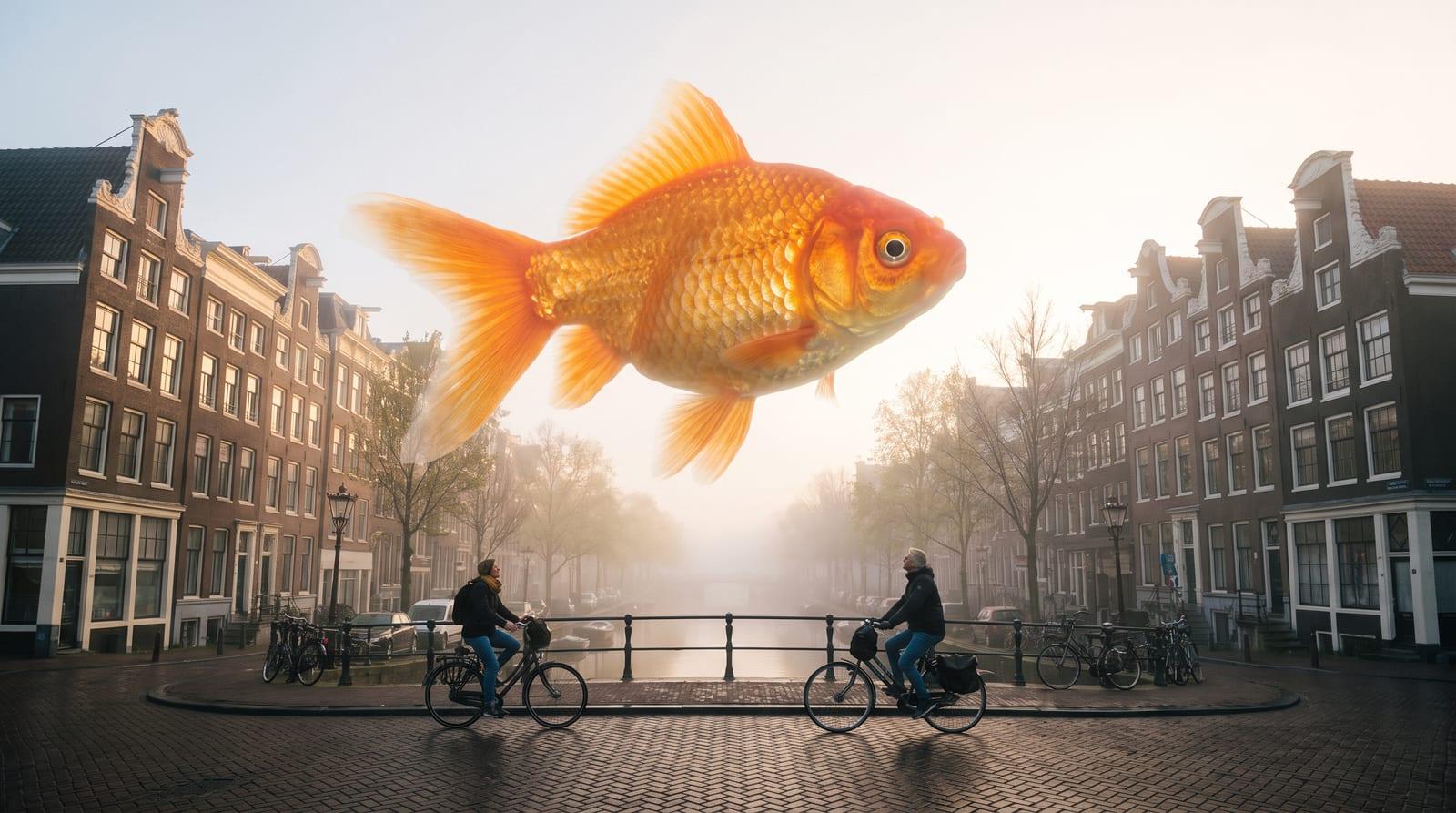
- A goldfish over a canal street: "The goldfish glides slowly over the street, its fins rippling, fog drifting, cyclists passing underneath."
- A woman in a red coat in a rainy alley: "She turns her head slowly towards the camera, rain falling through the neon light, the camera drifting closer."
- A perfume bottle in a splash of gold: "The liquid gold splash slowly rises and falls around the bottle in slow motion, the camera orbiting a little."
What the examples share
Each has one main movement and says how fast it is: slowly, gently, in slow motion. Each adds small movement in the background, such as fog, rain or cyclists, so the world feels alive. And each keeps the camera to one small move, or "a little", so nothing competes with the subject.
Movements that break
These are the movements where a clip most often stops looking real. Avoid them, or keep them very small.
- A face turning far to the side: the model has to invent the half it never saw.
- Hands doing something precise, such as typing or tying.
- Text or a logo in the frame: it wobbles as the picture moves.
- A person walking towards the camera from far away: the body changes size, and proportions slip.
How to do it here
In the Studio, press Make a video of it under your still, write the motion, and pick a video model. Add the Slow motion pace preset when the movement itself is the point, or Locked off from the camera presets when only the subject should move.
Open the clip in the viewer afterwards. The Shot check lists what the clip actually is: the frame, the length, the sound and the first frame it started from, so you can see at once whether it matches what you asked.
Pick a still that wants to move
Some pictures animate better than others. A still with something that naturally moves, such as water, smoke, hair, fabric, clouds or light through leaves, gives the model an easy job. A still of a bare room or a product on white has nothing to move but the camera.
Choose the still with that in mind. If the shot must be calm, look for a detail that can carry a small motion: steam over a cup, a curtain, a reflection on a window.
Mistakes in the motion prompt
- Describing the image again instead of the motion.
- Two main actions: "she turns and waves and smiles".
- No speed: without "slowly" many clips move faster than you meant.
- A motion that the still cannot support, such as a person standing up who is cropped at the waist.
A clean loop
For a loop that repeats without a jump, the last frame has to match the first. Give the same image as the start and the end frame on a model that takes both. Wan 3.0 is built for shots that run from your start frame to your end frame, and the Transition tool makes the clip between two frames you choose.
Which models to try
Each model page says what the model is built for. Test the motion on a cheap model first, then make the final.
- Kling 3.0: cinematic clips up to 15 seconds with a recurring character.
- Vidu: testing image to video ideas cheaply before the final.
- Kandinsky 6: cinematic clips from long prompts.
- Seedance: big movement and several shots, for when subtle is not the goal.
Questions
Which models are good at subtle motion?
The image to video guide lists the current choice.
Can I loop it?
Short, subtle clips loop well. Some models take a start and end frame for a clean loop.
My clip moves too much. What now?
Make the motion prompt shorter and slower: one movement, "slowly", and a camera that is locked off or drifts only a little. Remove any second action. If the still is busy, the model may also add movement on its own; a calmer still gives a calmer clip.
How long should a natural clip be?
Short. A few seconds hold one small movement well; a longer clip gives the model more time to drift away from the still. For a longer shot, extend a clip that already works with the Extend a video tool, or cut several short clips together.
Can I keep a person almost still?
Yes. Ask for the smallest real movement: breathing, a blink, hair moving in a light wind, a slow smile. Combined with Locked off, that gives the look of a living photograph instead of a scene, which suits portraits and product shots.
Read next
 Best image to video AIWhich model.
 Kling image to videoA worked model.
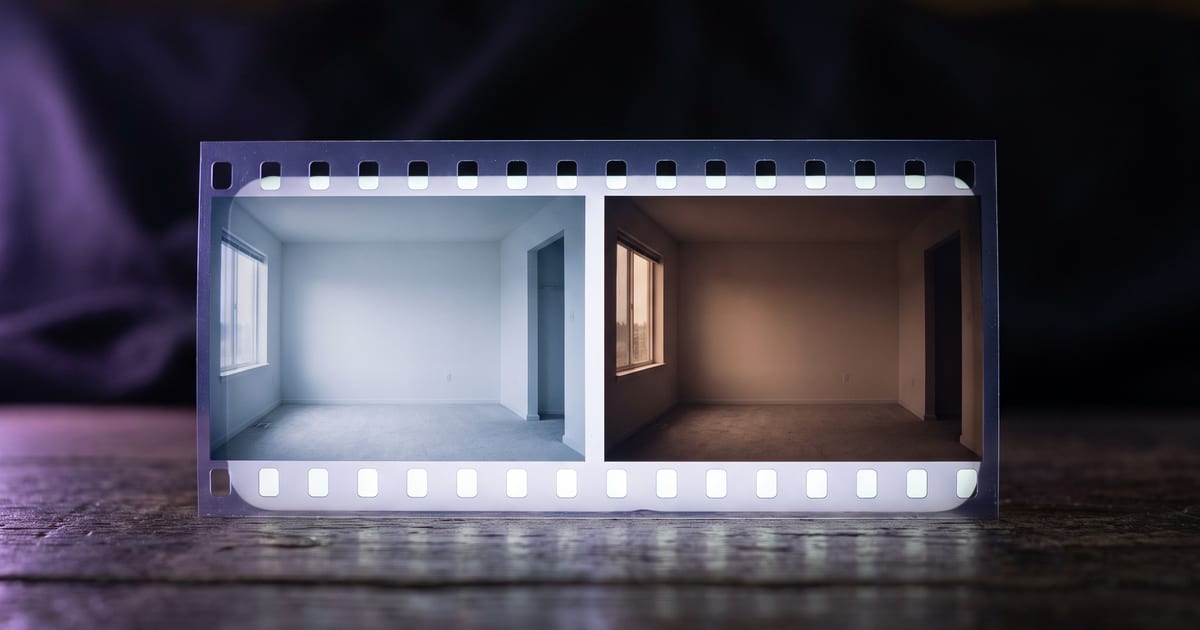 Start and end framesFor loops.
 Text to video or image to videoWhy start from a still.
 Camera movementThe words for each move.
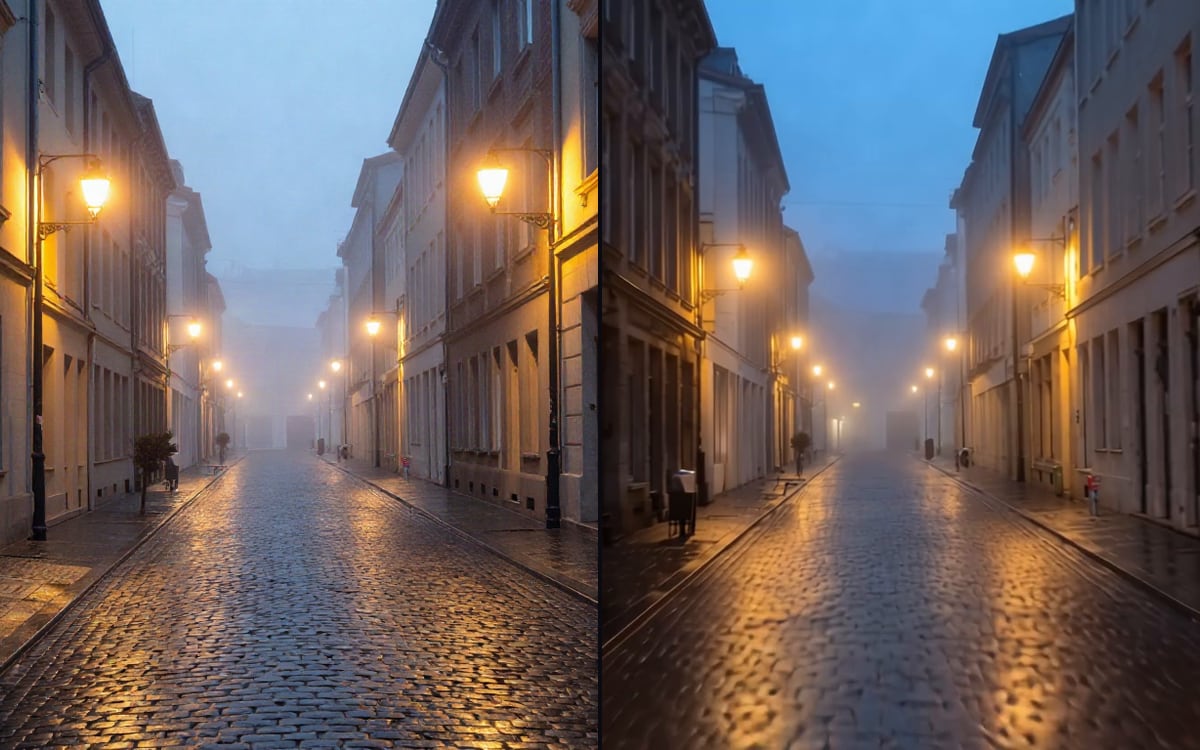 Transition between two framesA clip between two frames.
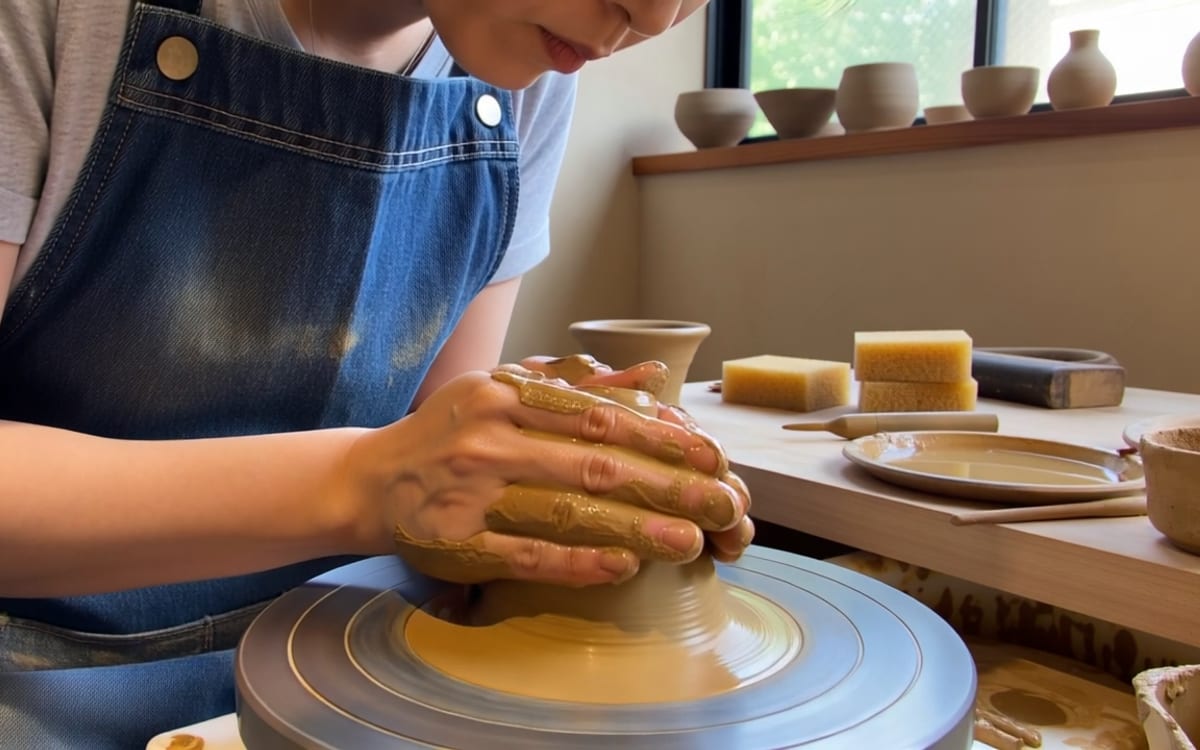 ViduCheap image to video tests.
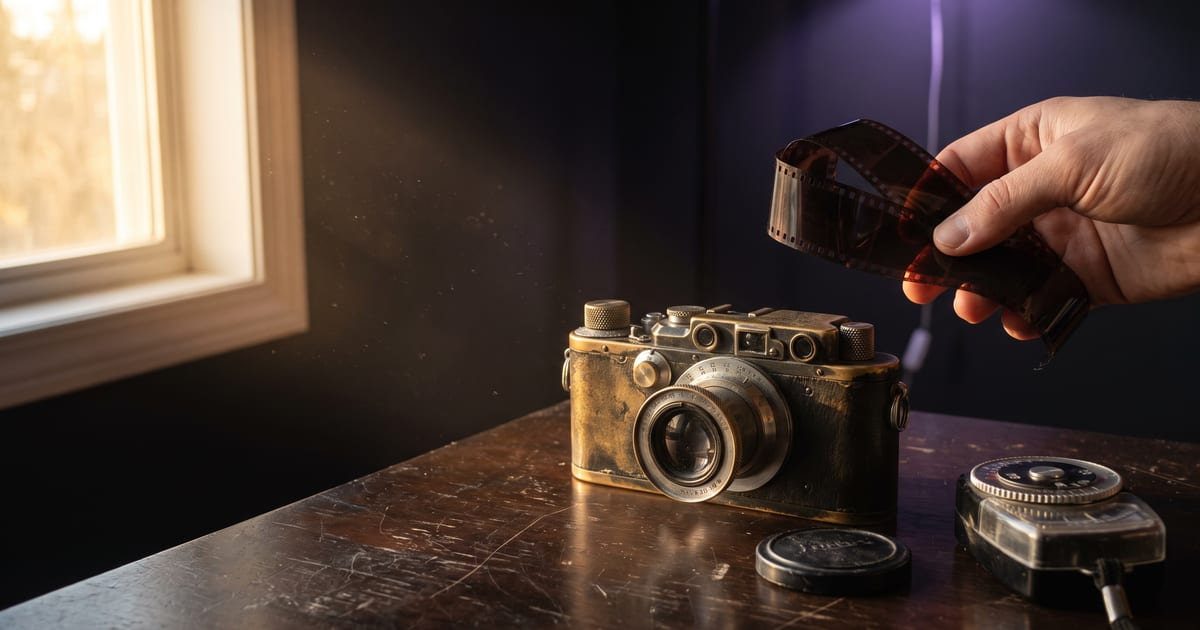 AI film that looks shotA newer guide.

Put this guide to work
Open the studio and try what you just read. You start with 1,000 free credits.
Get early access