
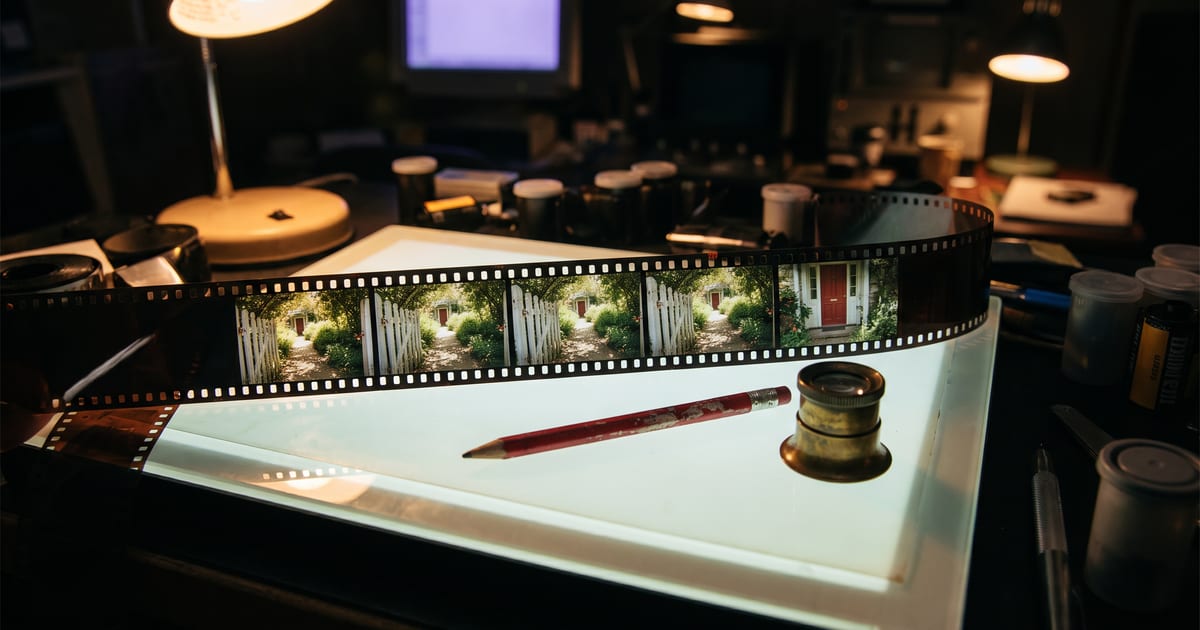
Why three clips look like three films
A video model makes a few seconds at a time. Ask for three clips with the same description and you get three gardens, three kitchens, three streets: the words are the same, the picture is not. A longer story needs something the model can see, not only read.
Make the location a picture
The Scenes node makes the empty location once, as a picture, and draws every frame inside it. Every frame sees that same picture, so the gate, the door and the light stay where they were. Describe the location in a sentence or two, without people in it.
End frames join the scenes
For every scene you write what happens and how it ends. That last frame is also the first frame of the next scene, the same file, so one scene runs into the next without a jump.
- Style: how the whole film looks, written once.
- Location: the empty place, made once.
- Opening frame: where scene 1 starts.
- Per scene: what happens, and the last frame.
Let the character speak
Put spoken lines in quotes and say how they are said before the line: mutters, worried: "Steady now." The video model speaks the line in the clip itself, in the same pass as the picture.
Keep a line short enough to fit the scene: one sentence for five seconds.
Run it in one go
Run scenes makes the location, then the frames, then the clips, and joins them into one video. Look at the frames before the clips run: a frame costs a fraction of a clip, so that is where you change your mind.
Questions
How long can the video be?
Up to twelve scenes. Each scene is as long as you set, within what the video model can make.
Can I change one scene afterwards?
Yes. Change its text and run that scene again; the scenes that are done stay done.
Read next
Put this guide to work
Open the studio and try what you just read. You start with 1,000 free credits.
Get early access