
Start with the voice
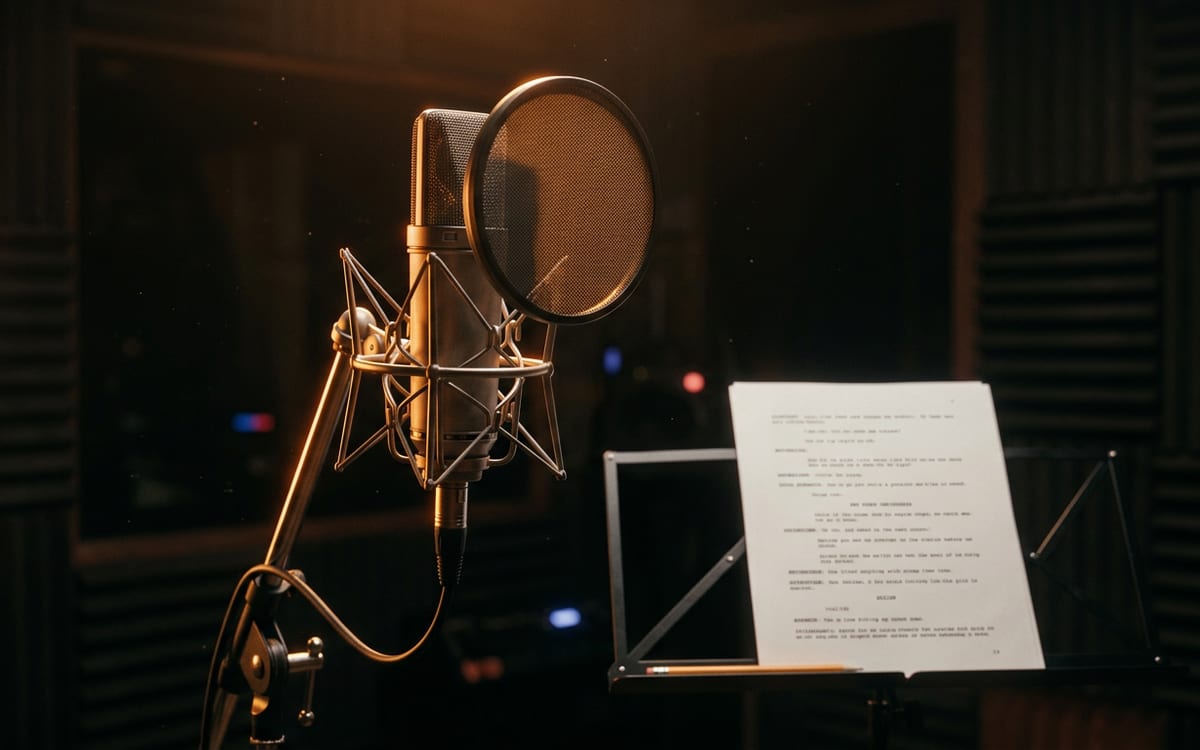
Write the script exactly as it should be spoken, with punctuation where you want a pause. A voice is priced per character, so the button shows what your script costs before you run it.
A sound for each moment
Describe the source, the space and the length: a heavy door in an empty stone hall, four seconds. Set it to loop for a background like rain or a crowd.
Music under it
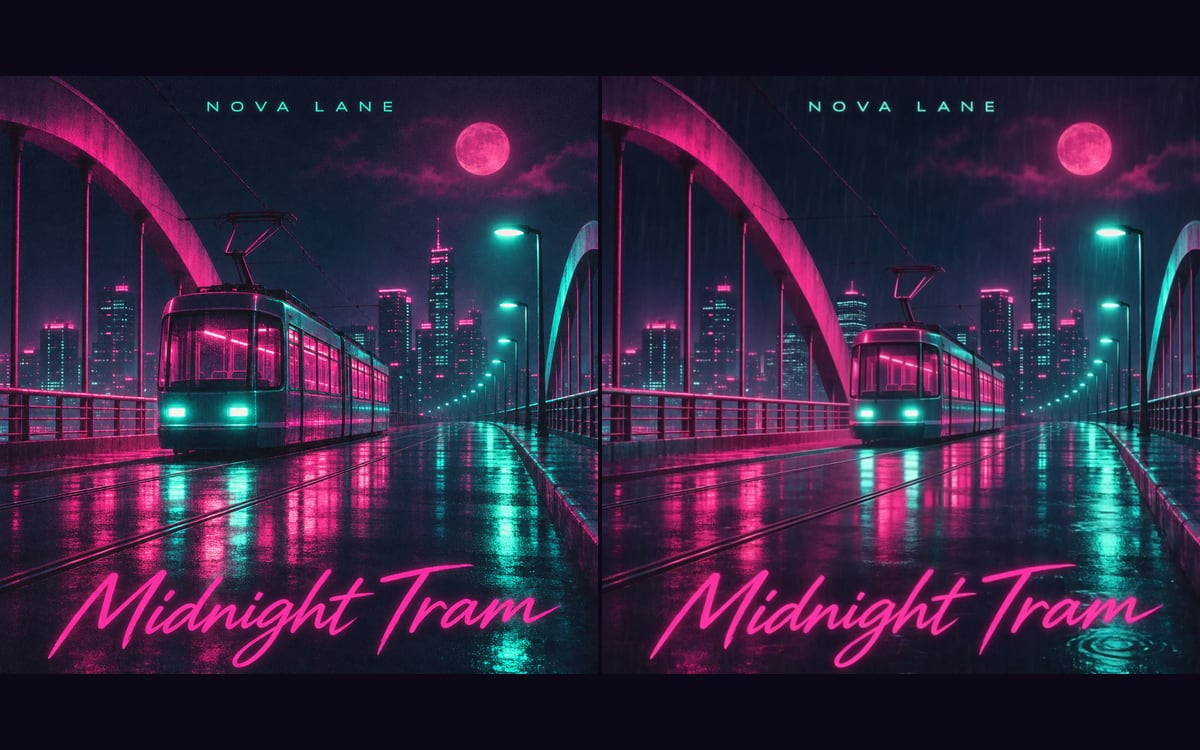
For music without words, describe the mood, the instruments and the tempo. For a song, put your lyrics in the Lyrics node with [Verse] and [Chorus] on their own lines.
- Lyria 3.5: one price per track, strong on mood.
- Mureka 9.5: full songs with vocals, cheaper with your own lyrics.
- MiniMax Music 3: you set the length to the second.
The same video in another language
Dubbing returns your video in the language you pick, in the voices of the people in it. It changes the voice, not the lips.
Dubbing is priced per started minute: a ten-second clip costs a full minute.
Questions
Can I use the music commercially?
Yes. All four music models are licensed for commercial use.
Which languages can I dub into?
Fourteen, from English and Dutch to Japanese and Arabic. The list is on the ElevenLabs page.
Read next
Put this guide to work
Open the studio and try what you just read. You start with 1,000 free credits.
Get early access