
What a LoRA is
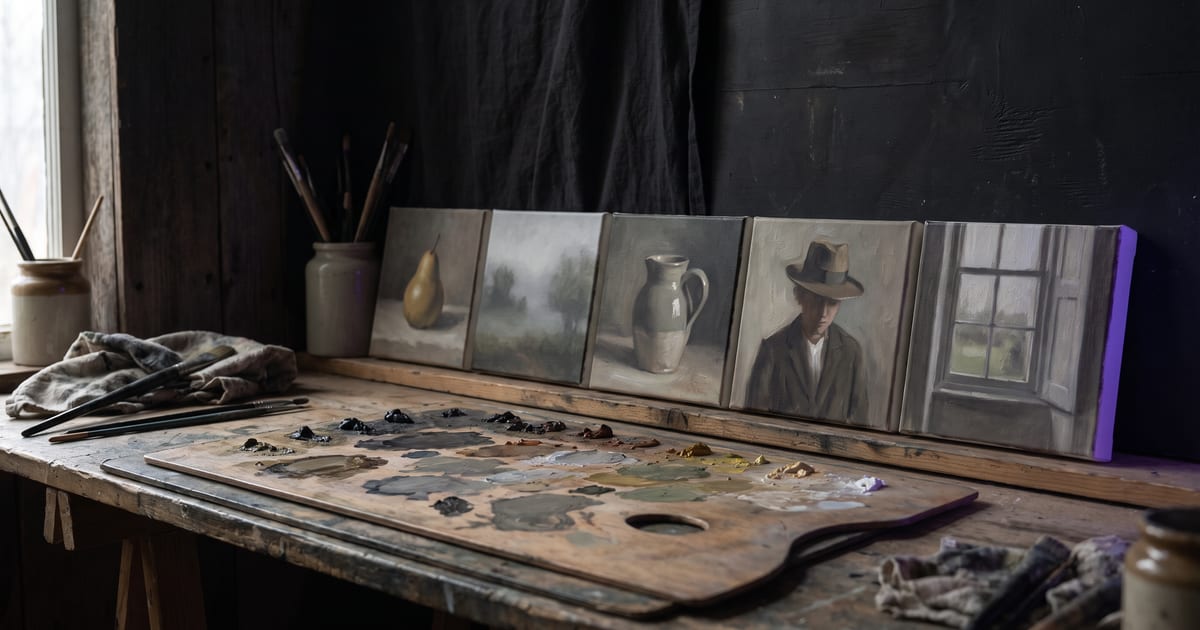
A LoRA is a small add-on to a base model, trained on your own images. After training, the base model draws in your style, your product or your character whenever you use it.
When it is worth it
For a few images, a reference image or a character sheet is often enough.
- A visual style you use across many images, such as a brand look.
- A product that has to look exactly right every time.
- A character you use far more often than a sheet can carry.
What to train on
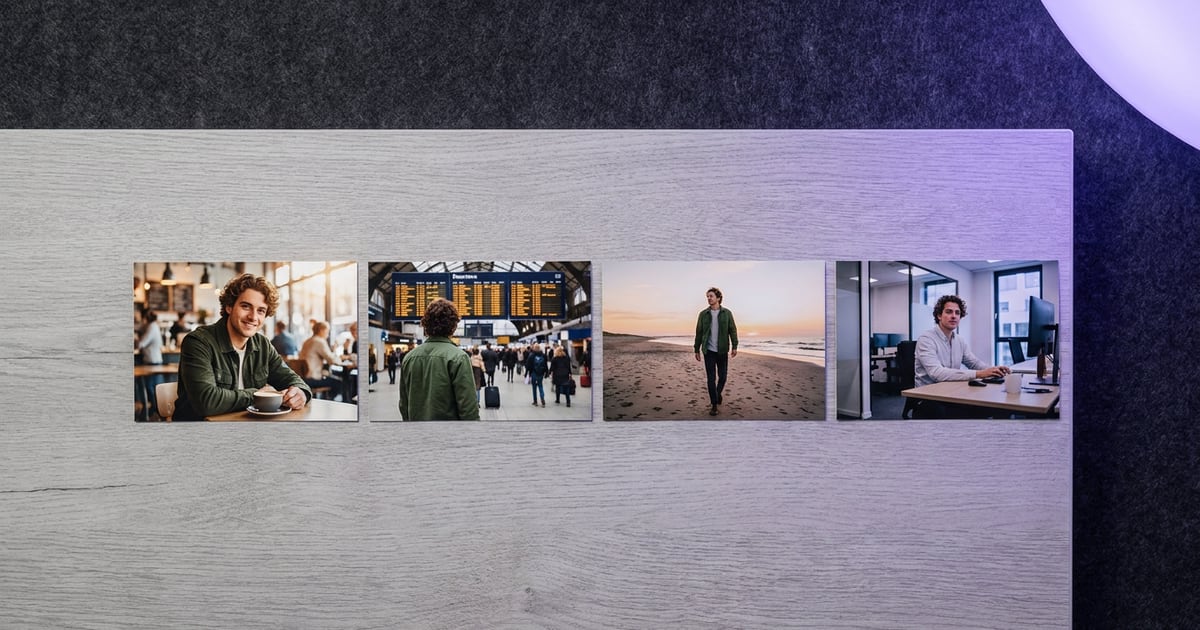
Good training images are varied but consistent: the same style or subject, in different scenes, light and angles. Leave out images with text, logos or other people. Fewer good images beat many mixed ones.
Where the training happens
The studio does not train the LoRA itself. You train it with a training service of your choice, or take one that someone published, and bring the finished file. That file is what the studio uses on every run.
There are two ways in. Upload the .safetensors file, up to 5 GB, or paste a link to it on Hugging Face or Civitai. Links from other places are refused, because the studio fetches the file and only fetches from those two.
It only works on its own base model
A LoRA is trained for one base model family, for example FLUX.1 dev. On a different model it means nothing. That is why the studio asks which family a style belongs to and only offers it on models from that family.
Pick a LoRA and the studio chooses a model that matches. You do not have to know which model reads which file; you just cannot attach a style to a model that would ignore it.
Use it, step by step
A LoRA works for images and for video, on every model in the studio that reads one from its family.
- Add your LoRA once, by upload or link. It stays in your account for every flow after.
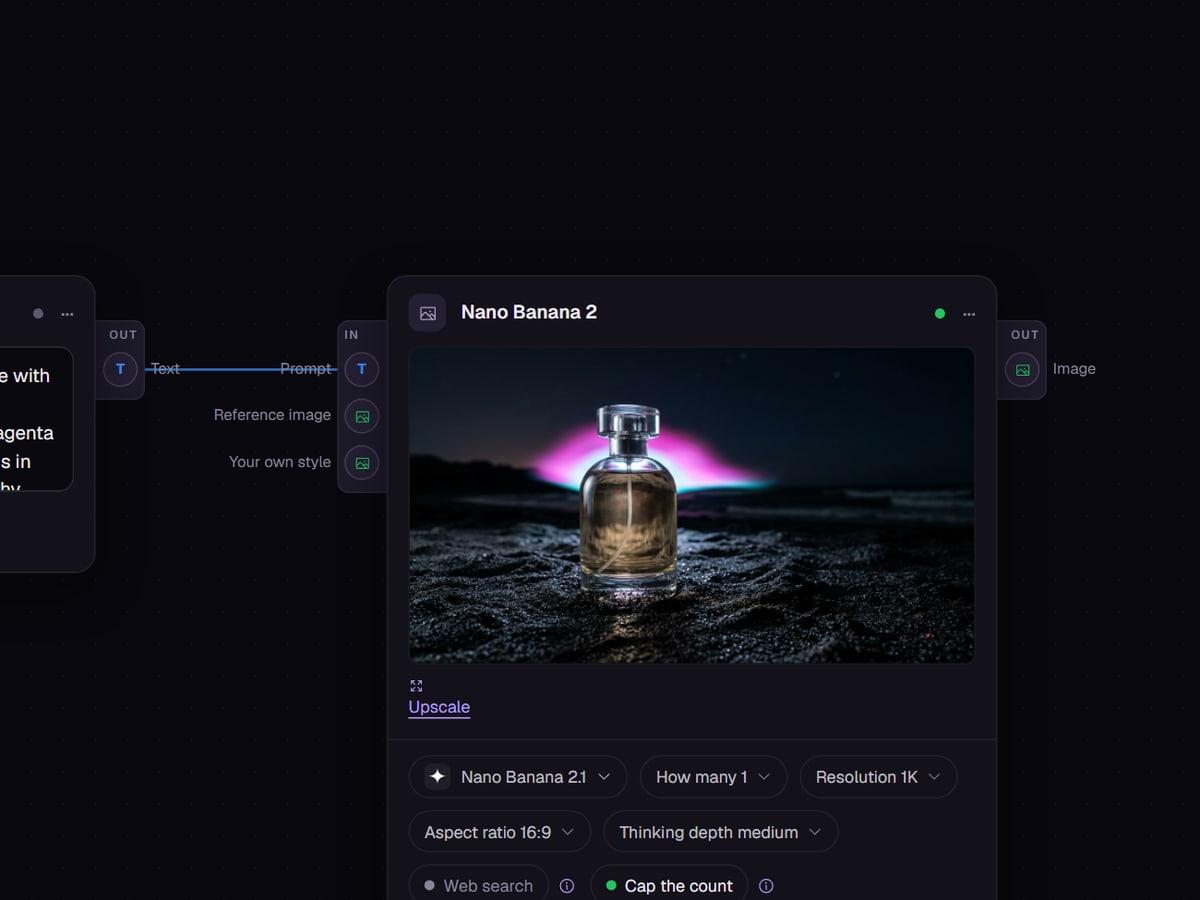
- On the canvas, add a LoRA block and connect it to the Your own style input of a generator.
- On the make screen, pick it as your own style, in the same place where you add a reference.
- If the LoRA was trained with a trigger word, put that word in the prompt.
- Check the price on the button. Some models charge a little more for a large style file.
Keep the prompt short
With a good LoRA the style is in the file, so the prompt only has to say what is in the picture. "A woman reading on a tram at night, rain on the window" is enough. Long lists of style words compete with the LoRA and pull the image away from the look you trained.
Z-Image Turbo takes up to three LoRAs at once. You can combine a style, a character and a brand look in one run without training a new file that holds all three.
A LoRA that ships with the studio
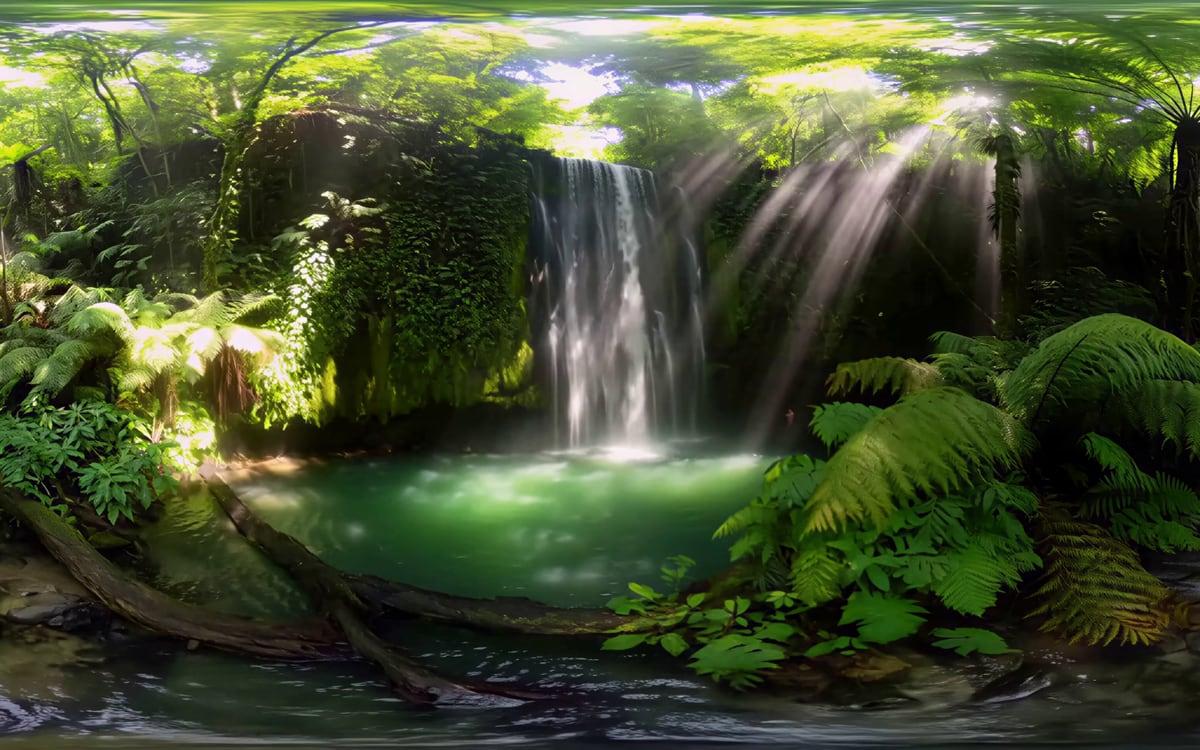
One LoRA is available to everyone: the 360° panorama style for MiniMax H3. It turns a video prompt into a clip of the whole sphere around the viewer, for a headset or a 360 player. The 360 video template has it connected already and adds its own opening words to your prompt.
It shows how a LoRA behaves in practice: a small file, a trigger phrase and one base model it works on.
LoRA, sheet or reference
Start with references and a sheet. Move to a LoRA when the same look has to come back in work you have not planned yet.
- A reference image: one run, no training, good for a few images of the same subject.
- A character sheet: the same face from every side, carried along as a reference on any model that takes one.
- A LoRA: a trained file that carries a style or likeness on its own base model, as long as you keep using it.
Test a new LoRA before a series
Run the same short prompt three times with the LoRA and once without it. If the three with the LoRA share a look the one without does not have, the file does what it should. If all four look alike, the LoRA is not doing much, often because the trigger word is missing from the prompt.
Then try a scene that was not in the training images, such as a product from a different angle or a character in a new place. A LoRA that only works on scenes it has seen is too narrow for a series.
Questions
How many images do I need?
Enough to show the style or subject in different scenes and light. Quality matters more than number; the guide on your own style goes deeper.
Can I use a LoRA in video?
Use LoRA images as start frames or references for video models.
Can I train a LoRA in the studio?
No. You train it elsewhere, or use a published one, and bring the file by upload or a Hugging Face or Civitai link. The studio then uses it on every model of the matching family.
Can someone else use my LoRA?
No. A LoRA you add belongs to your account and only loads in your own runs. The only shared one is the 360° panorama style the studio offers to everyone.
Why can I not pick my LoRA on a model?
Because that model is from another family than the one your LoRA was trained for. The studio only offers a style where it can work.
Read next
Try it in the studio
Open the studio and try what you just read. You start with 1,000 free credits.
Get early access