
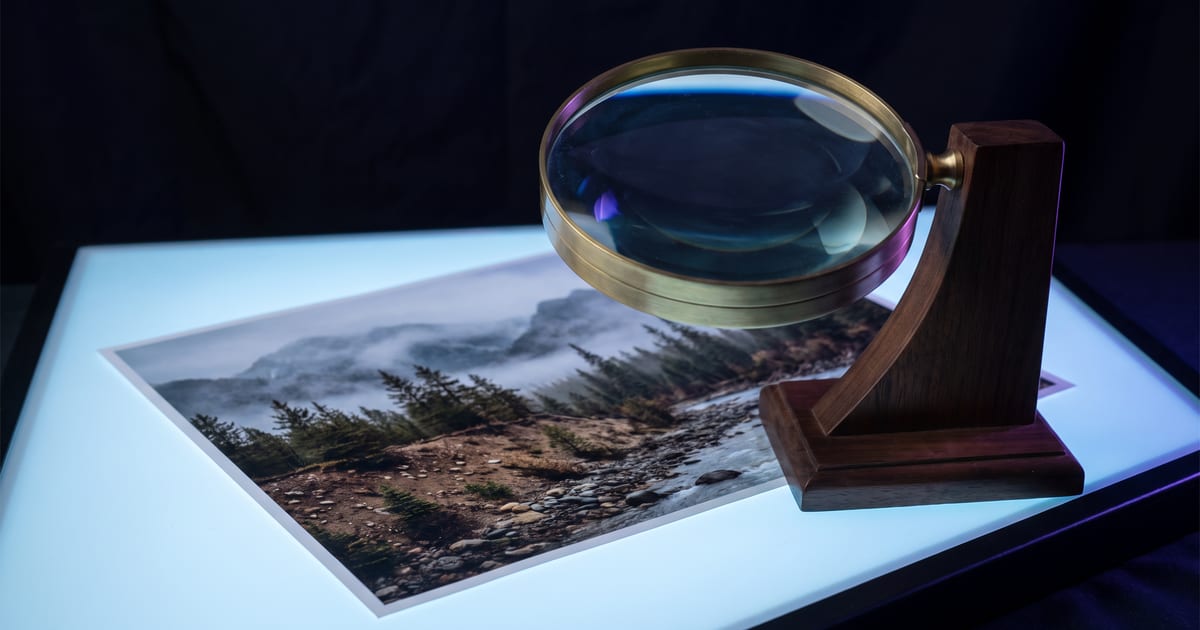
What an upscaler does
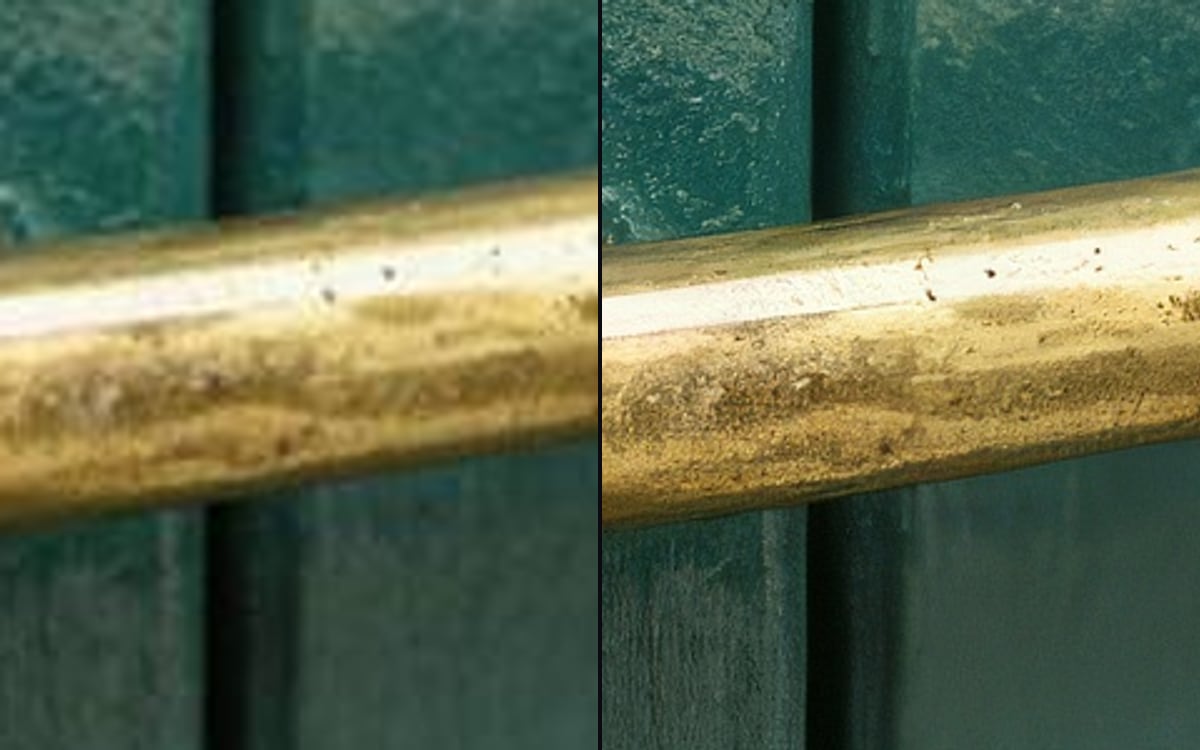
An upscaler makes an image or video larger and fills in detail that fits. It is the last step, after you have the image you want, not a way to rescue one you do not.
When it helps
- Print, posters and large banners that need more pixels than the model made.
- A hero image on a website that is shown full width.
- Older or small images you want to reuse.
When it does not
Fix the image first: make it again, or edit the part that is wrong. Upscale last.
- A wrong hand, a strange face or broken text stay wrong, just larger.
- A social post that is shown small anyway.
- A video you will compress heavily for upload.
Check after
Look at faces, text and fine textures at full size. Some upscalers invent detail that was not there, such as extra pattern in fabric. Compare with the original before you use it.
Questions
Image or video upscaler?
Each has its own models. The studio lists them per kind; the price of a video upscale follows its length.
How far can I upscale?
Each model page lists what it supports.
Read next
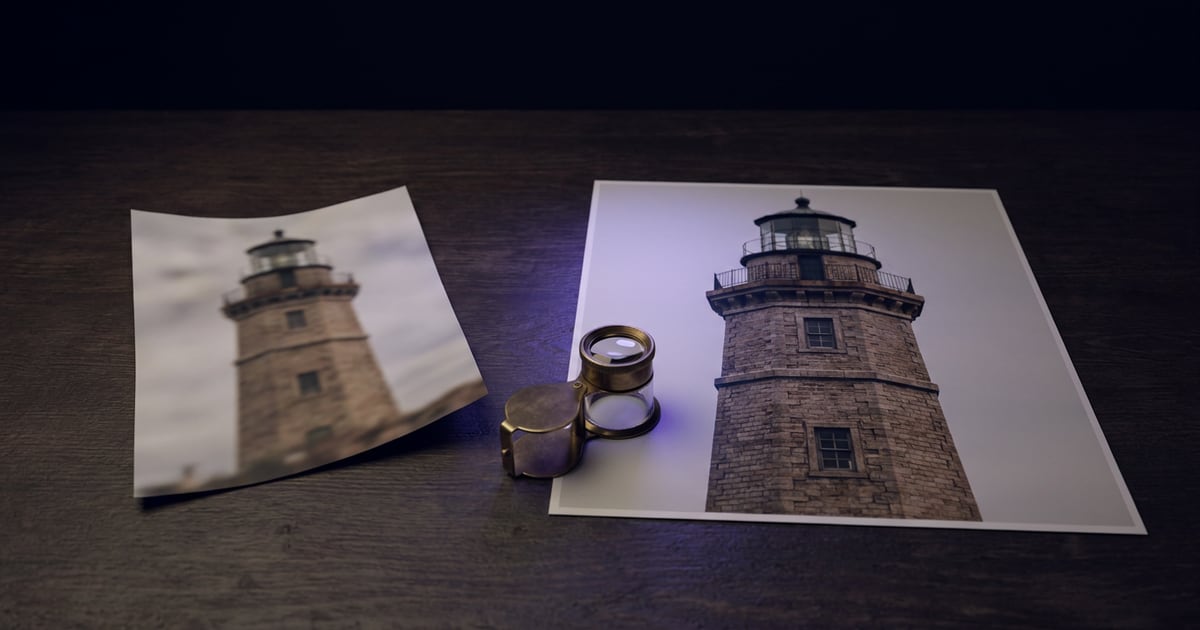
Try it in the studio
Open the studio and try what you just read. You start with 1,000 free credits.
Get early access