
TEMPLATE · IMAGE · 2 STEPS
Upscale
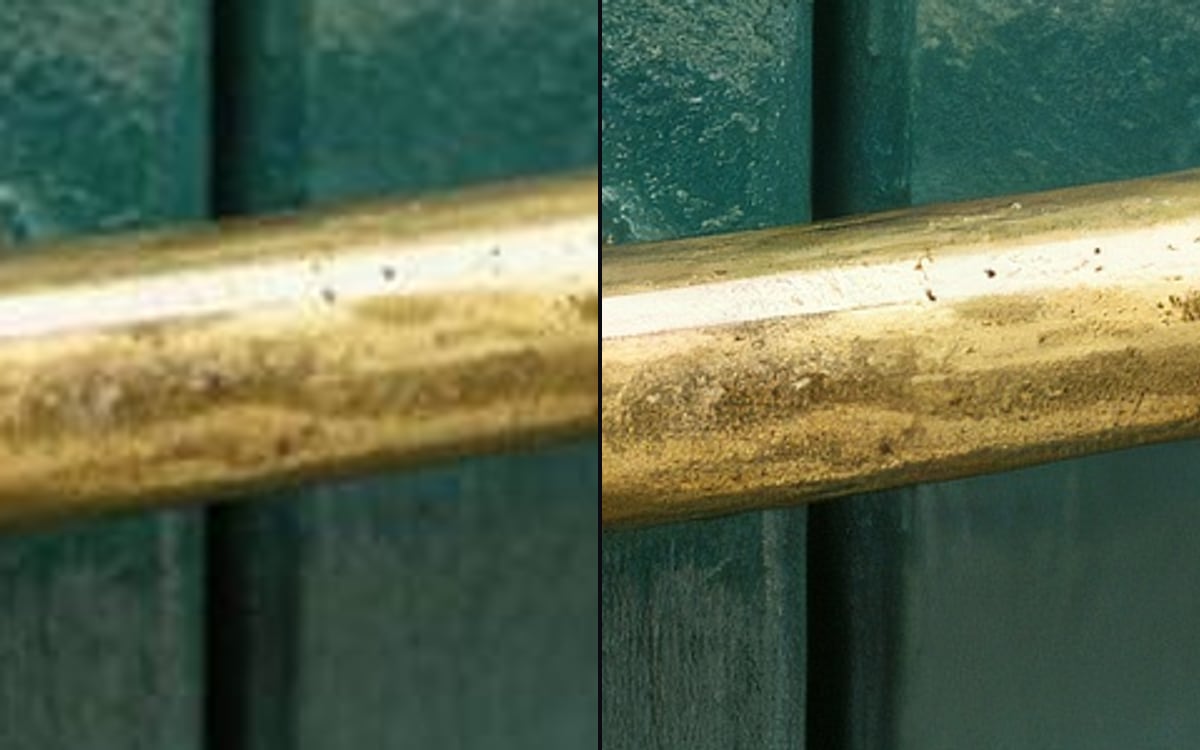
Make an image sharper and larger, without inventing detail.
For photographers, webshops and print work where an enlarged image has to stay faithful to the original.
What you get, and how to use it
Drop your file into the file node. This model needs no prompt: it enlarges what is already there and invents nothing. If you do want detail invented, pick the Creative variant, that one does fill in, which means you get something that was not in the original.
The AI models in it
Questions
What does the Upscale template cost?
You pay per step you run, in credits that never expire. Every step shows its price on its button before you press it. If a step fails before the model has made anything, you get every credit back.
Can I change the models or the prompt?
Yes. A template becomes an ordinary flow the moment you open it. Every model, prompt and setting stays yours to change, and you can save it as your own.
Which AI models does it use?
Topaz.
More templates
Start from Upscale
The studio opens in stages. We open access in the order people signed up, and you start with 1,000 free credits.
Get early access