
A music video for your own track
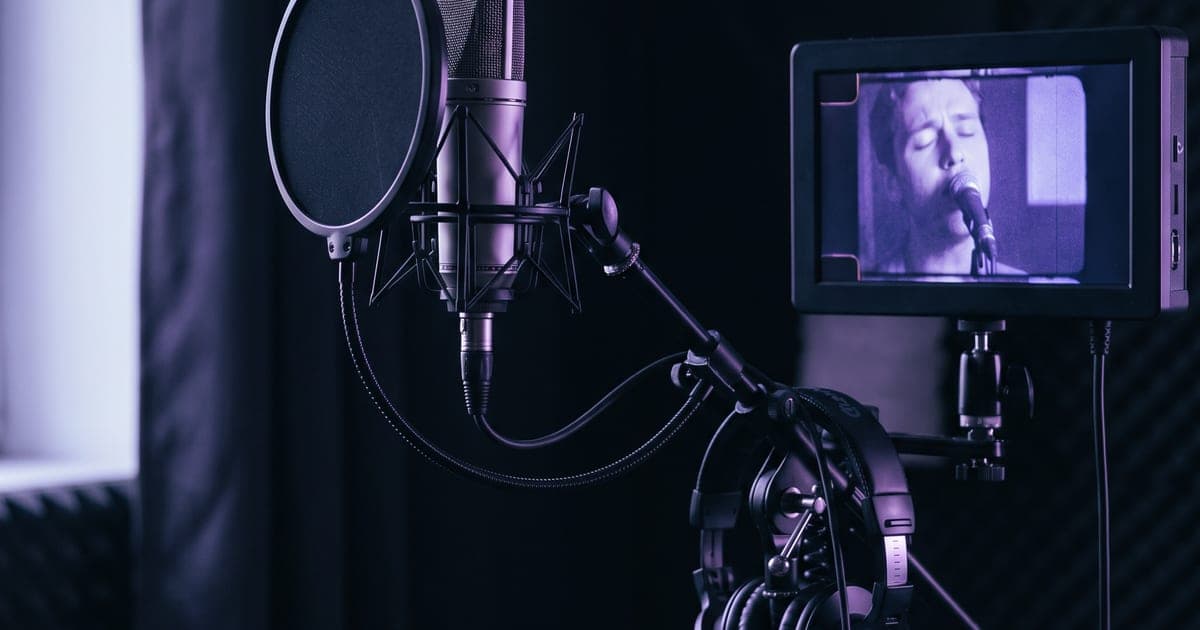
Your artist performs your track, close up and in motion, with the mouth on every word.
2 min read · last checked
A performance that looks shot, not generated
Start from the template Music video performance. It runs one shot in two steps: a still of your artist, then the performance on your vocal, with the mouth following every syllable in the same pass.
Your artist looks into the lens, moves, and sings or raps the exact line from your track. You build the video one line at a time, the way a real shoot works.
Start close, and the whole shot comes alive
Describe the still from the chest up, in the middle of a gesture: leaning into the lens, a hand raised, the mouth open. The video model keeps the framing of your still.
A wide still gives you a small figure standing still, with a mouth too small to sync. A close still gives you a face that sells every word.
Approve the still before you run the rest. It costs a few cents, and the performance after it is the expensive step.
One line at a time, and the mouth lands on it
Cut your vocal into pieces of 5 to 15 seconds, one or two lines each. A dry vocal without the beat syncs best. Set the duration of the performance to the length of the piece, rounded up.
The performance starts on the first word of your piece. In your edit, place the clip at the second the line starts in the track and it stays in sync.
Ask for movement, and nobody stands still
Write what the artist does on which word: points at the lens, nods on every beat, leans in on the last line. Add a moving camera, handheld or slowly circling.
Between the lines, cut to shots where your artist makes something happen, not where things happen around a still figure. Screens and billboards fill up with invented letters, so ask for blank screens or leave them out.
What one shot costs
A shot of about six seconds is around 11,000 credits for the performance at 720p. The still costs a few hundred. The exact amount is on each button before you press it.
A full track of two and a half minutes takes ten to fifteen of these shots plus your effect shots in between.
Do not put a second lip-sync on top of the performance. It redraws the mouth area over the picture, the mouth looks pasted on, and a hand in front of the face disappears behind it. Lip sync is for footage that was not made on your vocal. Use your own face, an invented one, or someone who agreed to it.
Read next
Put this guide to work
The studio opens in stages. We let people in in the order they signed up, and you start with 1,000 free credits.
Get early access