
Why clips are short
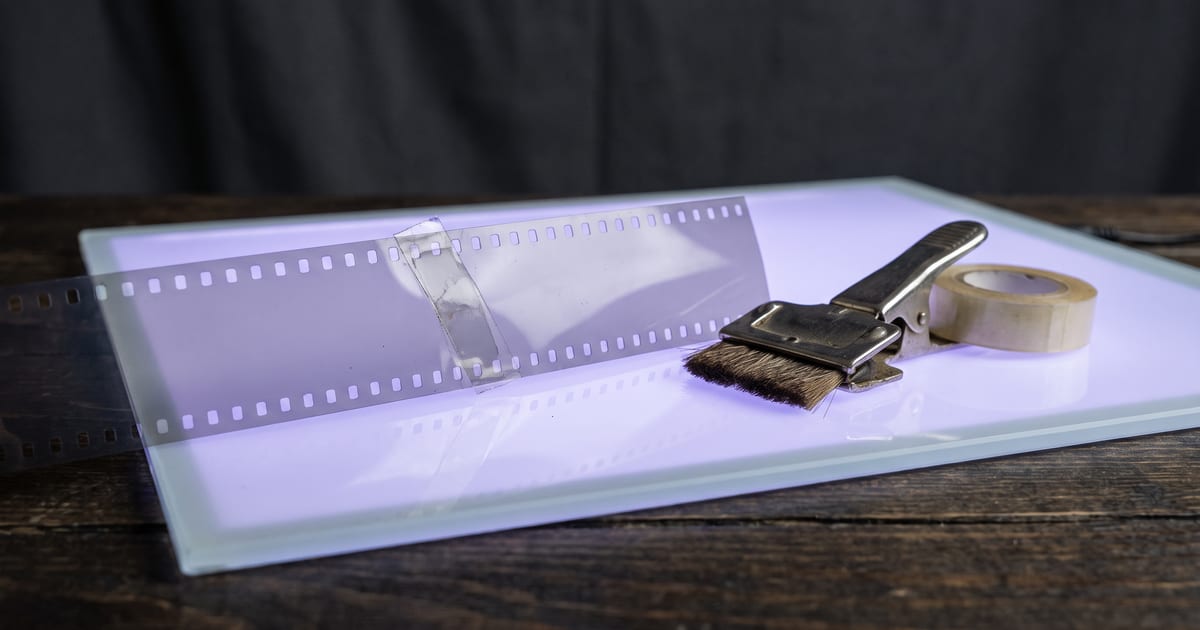
Most video models make clips of a few seconds. For longer scenes you either cut between clips or extend one clip so it carries on.
How extending works
The model continues from the last frame of your clip, with a prompt for what happens next. The new part starts where the old one ended, so the shot feels continuous.
- Describe what happens next, not the whole scene again.
- Keep the camera movement the same as in the first part.
- Extend in short steps and check each one.
Extend or cut?
Extend when the camera should stay on one moment. Cut when the scene changes: a new angle, a new place. Films cut all the time, and a cut is often more natural than one very long shot.
Extend a clip, step by step
You get the full clip back with the new part added. If you only want the new seconds, for example to cut them in yourself, you can ask for just that part.
- Open the Extend a video tool, or the Extend a scene template.
- Add your clip as MP4 or MOV. It can come from any model in the studio or from your own camera.
- Write one or two sentences about what happens next, and what the camera does.
- Pick how many seconds to add, up to fifteen, and run.

What the price includes
On the default model the provider charges for the new seconds and a little for reading your clip as well. The Studio measures your clip before it runs and includes both in the amount on the button.
That is one more reason to trim first. If only the last three seconds matter for the extension, a short clip costs less to read than the full take.
A worked example
The template has an example prompt for a clip of a woman at a window: "She turns away from the window, picks up her coat from the back of the chair and walks slowly out of frame to the left. The camera stays where it is and holds on the empty room for a moment."
Notice what it does. It names one action, says where the person goes, and tells the camera to stay put. It does not describe the room again, because the model already sees the room in your clip.
Start from a clip that is moving
A clip that ends mid-motion gives the extension something to carry on: a step half taken, a car still rolling, smoke still rising. A clip that ends on a still frame leaves the model to decide how motion starts again, and that often shows as a small jolt.
If the shot you want to extend ends too still, trim the last second off before you extend it.
Other ways to a longer video
FLUX 3 and Grok Imagine can extend clips too. Pick one of them in the studio if you need their look for the new part.
- Extend: one shot that keeps going, in the same style and light.
- A start and an end frame: you decide where the clip lands, and the model fills the middle.
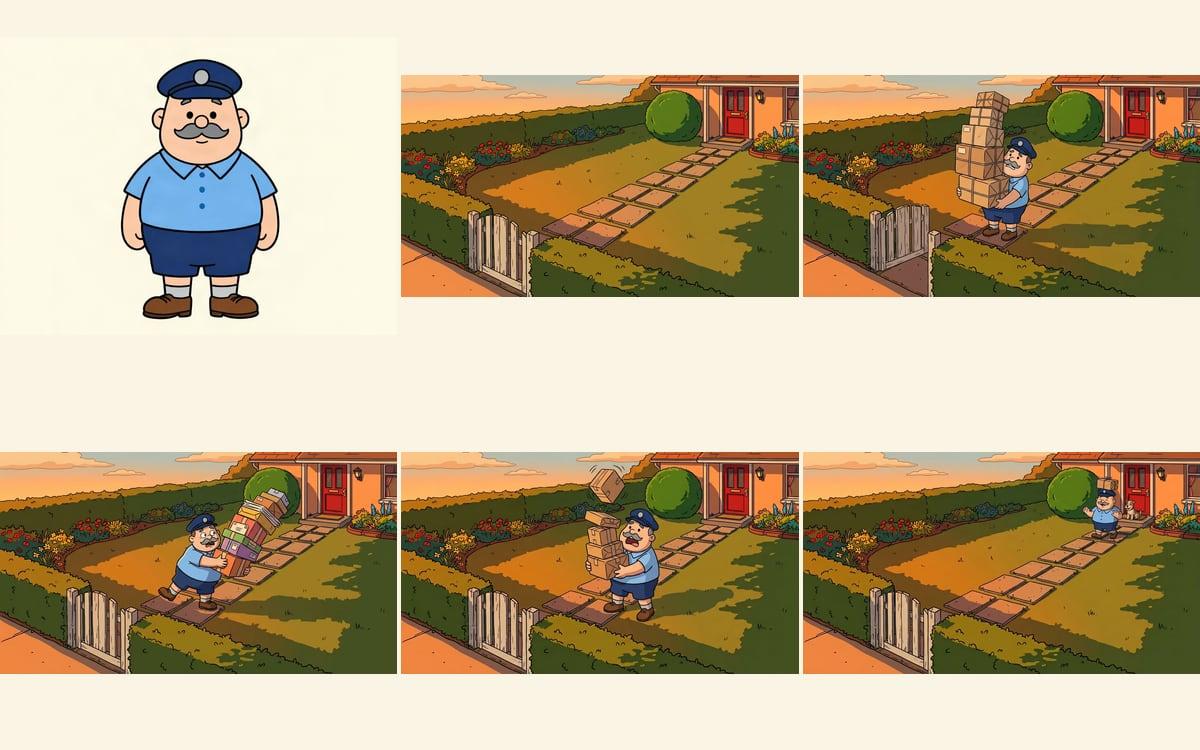
- The Long form video template: a story in scenes, where the last frame of one scene is the first frame of the next, joined into one video with the character speaking its lines.
When extending goes wrong
If a join shows, cut a few frames at the seam in your editor. A hard cut of two frames is less visible than a slow drift.
- The new part asks for a different place. Extend keeps the scene; for a new place, cut.
- The prompt repeats the whole scene. The model then rebuilds it and the join shows.
- Too many steps in a row. Faces and small text can drift a little with each extension, so check every part before the next.
Common reasons to extend
In all three the shot was right and only too short. That is when extending is cheaper than making the shot again, because you keep what you already approved.
If the shot itself is wrong, extending only makes a longer wrong shot. Fix the start first, then extend.
- A shot that ends a beat too early: the person reaches for the cup, but the clip stops before the hand gets there.
- Room for a voice-over or a line of text: the scene needs three more seconds for the words to fit.
- A slow ending for a commercial: the camera holds on the product while the logo comes in.
Writing a run of extensions
For a longer moment, plan the steps before you run the first one. Write one line per extension, each picking up where the last ended: she reaches the door, she opens it, she steps outside into the rain. Three short steps you check one by one hold together better than one long jump, and you can stop the moment it stops working.
Questions
How often can I extend?
Several times, but quality can drift with each step. Check every part.
Does the price change?
Each extension is a run with its own price.
Can I extend a video I filmed myself?
Yes. Any MP4 or MOV works, from a phone, a camera or another tool. The extension carries on in the style and light of your clip.
How many seconds can I add at once?
Up to fifteen on the default model. Adding a few seconds at a time and checking each step usually gives a cleaner result than one long jump.
Does the extension keep the sound?
Check the result: the new part is generated, so ambient sound in it is new too. For a clean soundtrack across the join, lay music or sound over the whole clip afterwards.
Read next

Try it in the studio
Open the studio and try what you just read. You start with 1,000 free credits.
Get early access