
TEMPLATE · VIDEO · 3 STEPS
Extend a scene
Your clip carries on for a few more seconds, in the same style.
For editors and creators whose best shot is just too short for the cut.
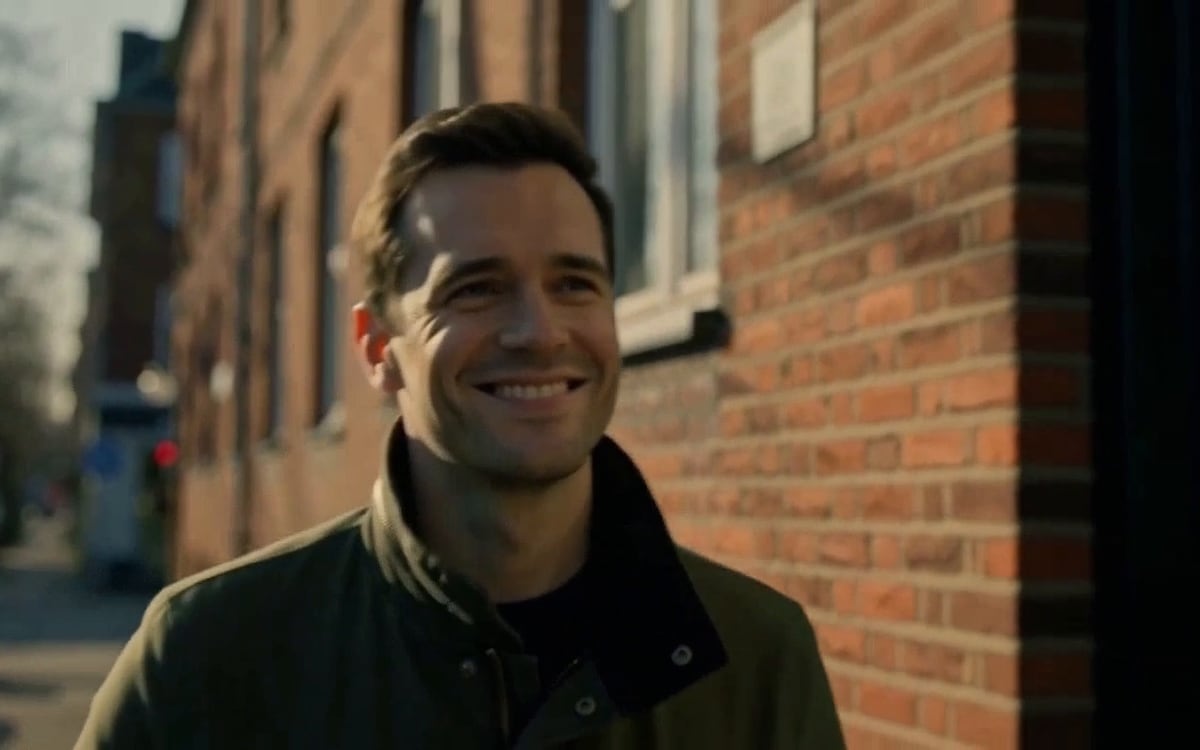
What you get, and how to use it
Drop the clip into the file node and describe what happens next, including what the camera does. The price follows the length you choose and the length of your clip.
The AI models in it
Questions
What does the Extend a scene template cost?
You pay per step you run, in credits that never expire. Every step shows its price on its button before you press it. If a step fails before the model has made anything, you get every credit back.
Can I change the models or the prompt?
Yes. A template becomes an ordinary flow the moment you open it. Every model, prompt and setting stays yours to change, and you can save it as your own.
Which AI models does it use?
MiniMax H3 Max.
More templates
Start from Extend a scene
The studio opens in stages. We open access in the order people signed up, and you start with 1,000 free credits.
Get early access