
Who it is for
For filmmakers, musicians and brands who want a poster or a key visual that looks like a frame from a real film.
How it works
- 1Write what you wantOpen the template and drop your own file in. Everything else is already set up for you.
- 2Press run3 steps run in order, on Seedance, FFmpeg frame, Topaz. Each step shows its price before it runs.
- 3Keep the best oneEverything lands in your library. Change one step and run it again for the next product, client or scene.
What comes out
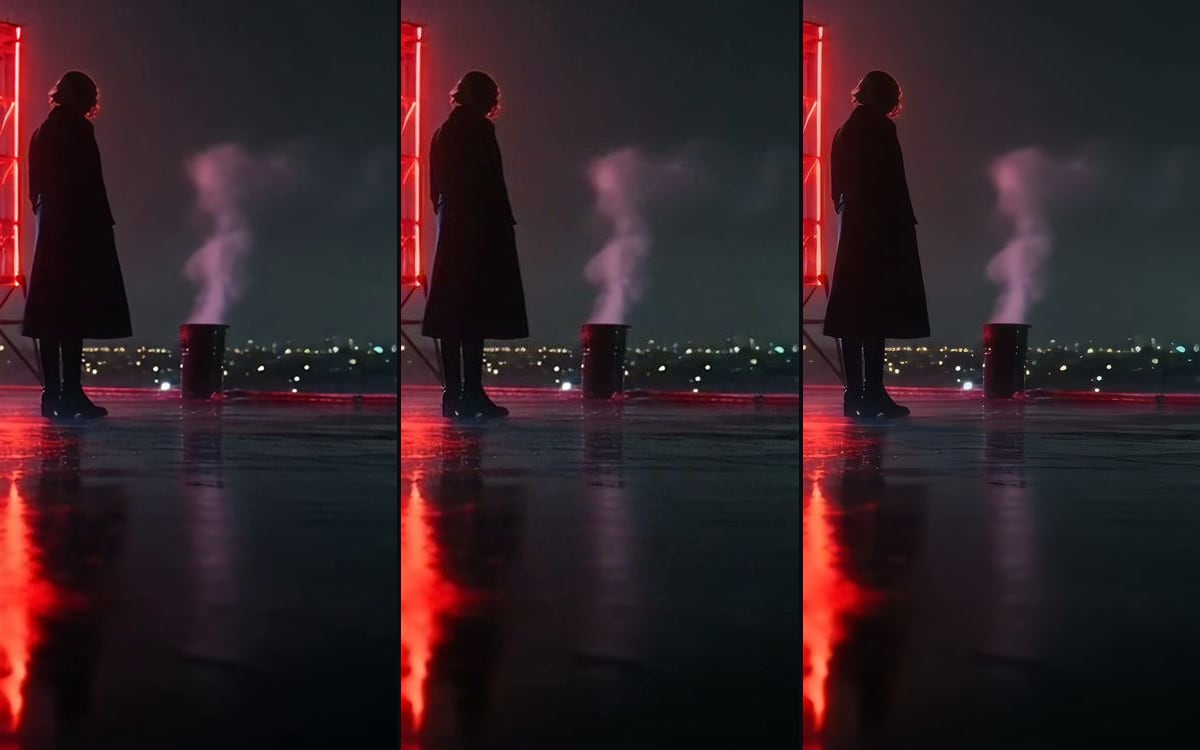
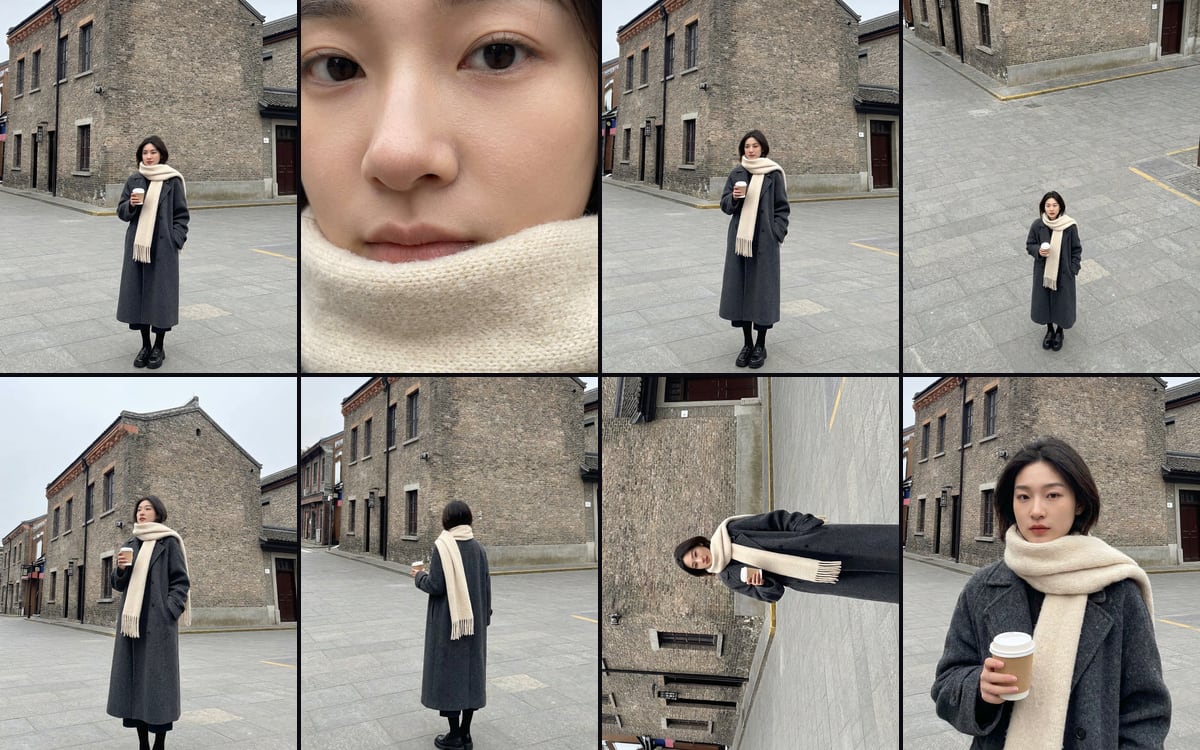
Made in this studio, with this template.
Tips for a better result
- Keep the FORMAT block as it is. It tells the video model to hold the shot still for four seconds, and that stillness is what makes the middle frame sharp.
- Be exact in THE FROZEN INSTANT: how many people, where the light comes from, the lens. A video model keeps light and skin believable, but only for what you describe.
- Add the title afterwards in a layout tool. The frame has no text on purpose, so the type can be set exactly the way you want.
What you get, and how to use it
Use this flow to make a poster still that looks like a frame from a real film. A video model films a frozen four-second shot, the middle frame is taken out, and Topaz enlarges it. Change the scene in THE FROZEN INSTANT. Keep FORMAT as it is: that is what keeps the shot still. Add the title in an editor afterwards; the frame itself has no text.
The AI models in it
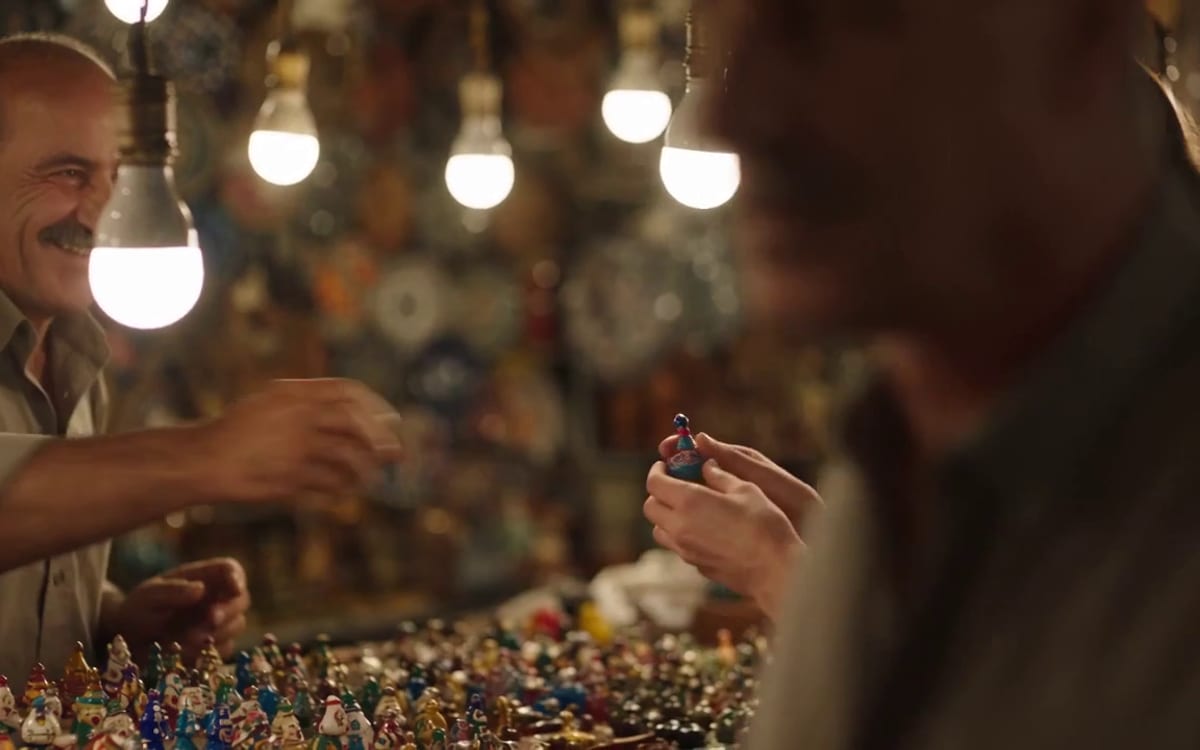
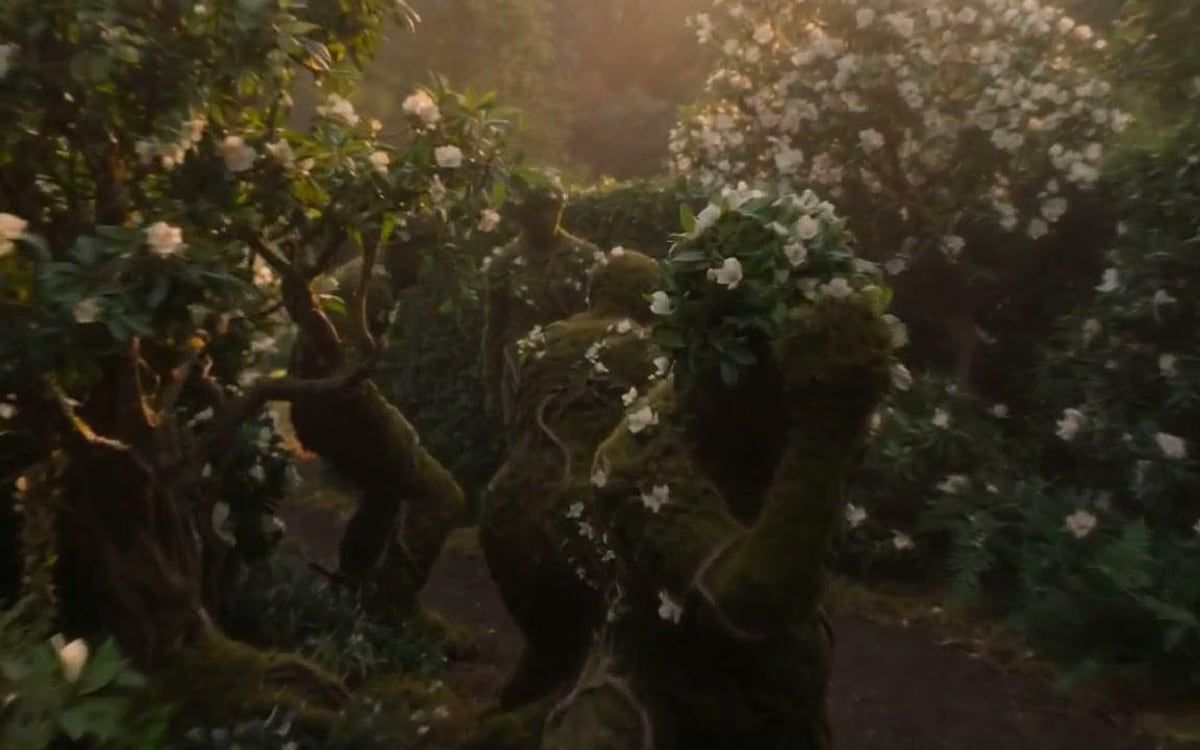
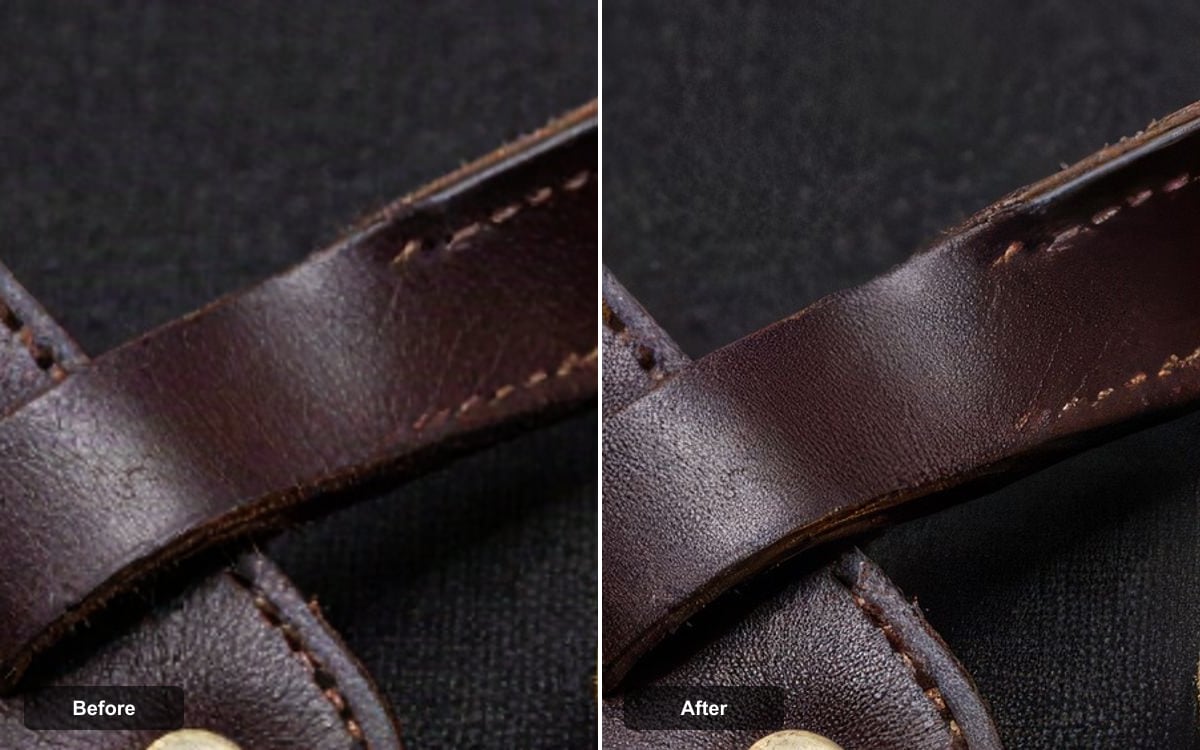
Questions
What does the Poster from your film template cost?
You pay per step you run, in credits that never expire. Every step shows its price on its button before you press it. If a step fails before the model has made anything, you get every credit back.
Can I change the models or the prompt?
Yes. A template becomes an ordinary flow the moment you open it. Every model, prompt and setting stays yours to change, and you can save it as your own.
Which AI models does it use?
Seedance, FFmpeg frame, Topaz.
More templates
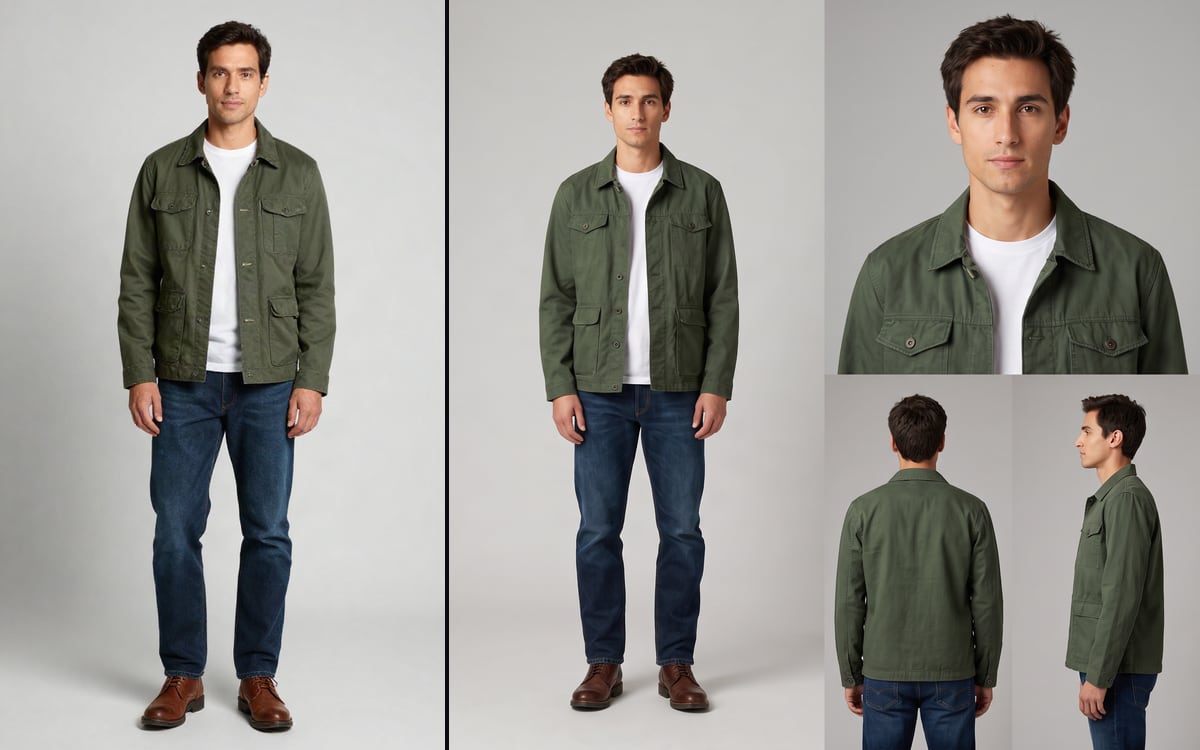 Character SheetOne photo in, a four-panel reference sheet of that same person out.
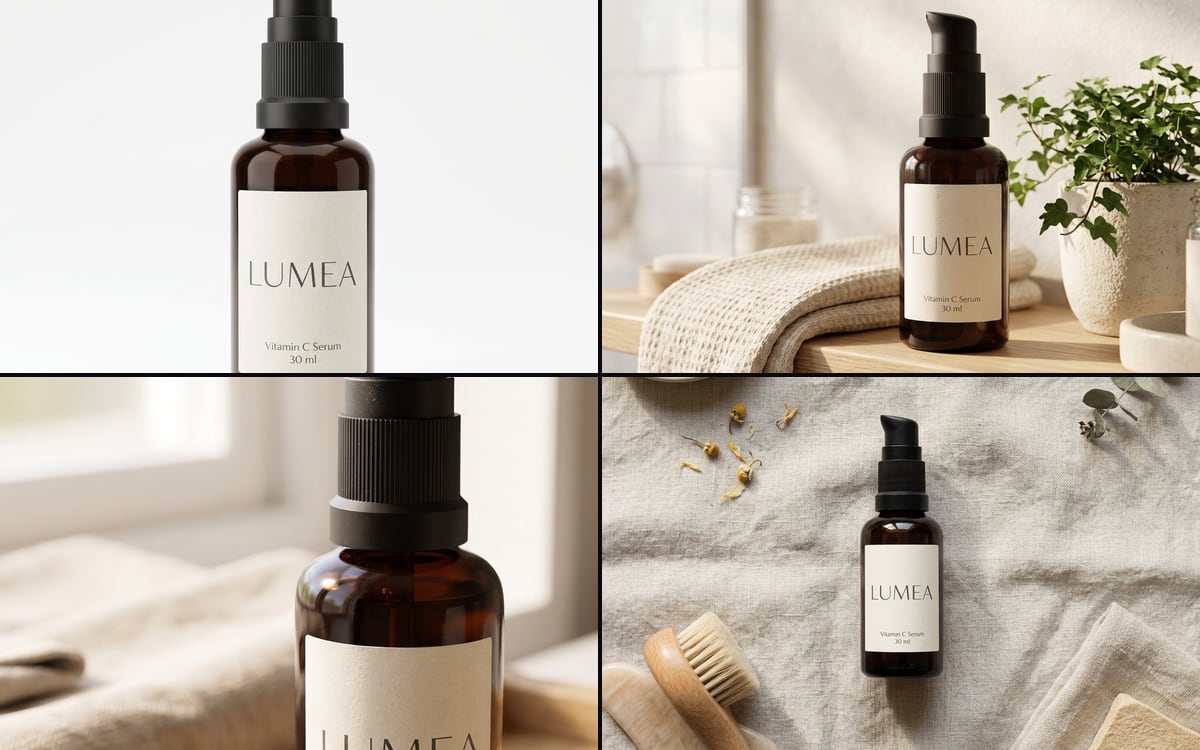 E-commerce image setOne product photo in, a packshot, a lifestyle shot, a detail and a flat lay out.
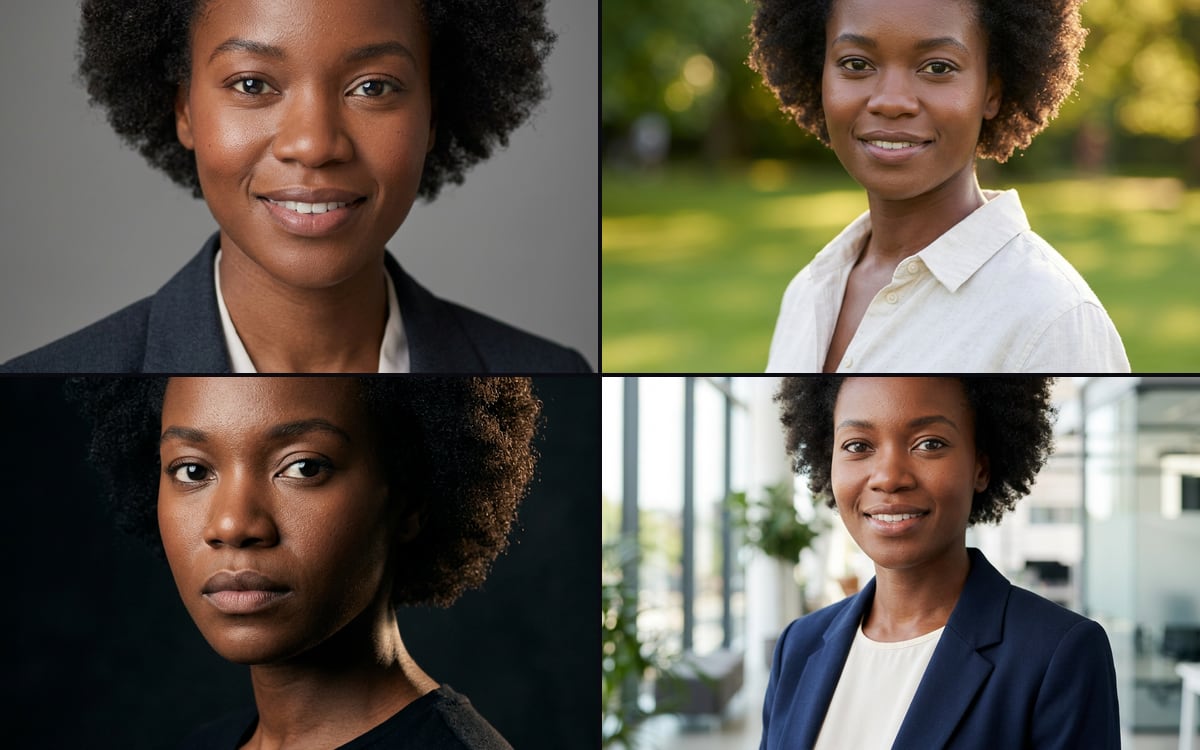 Headshot setOne photo of a person in, four professional headshots in different settings out.
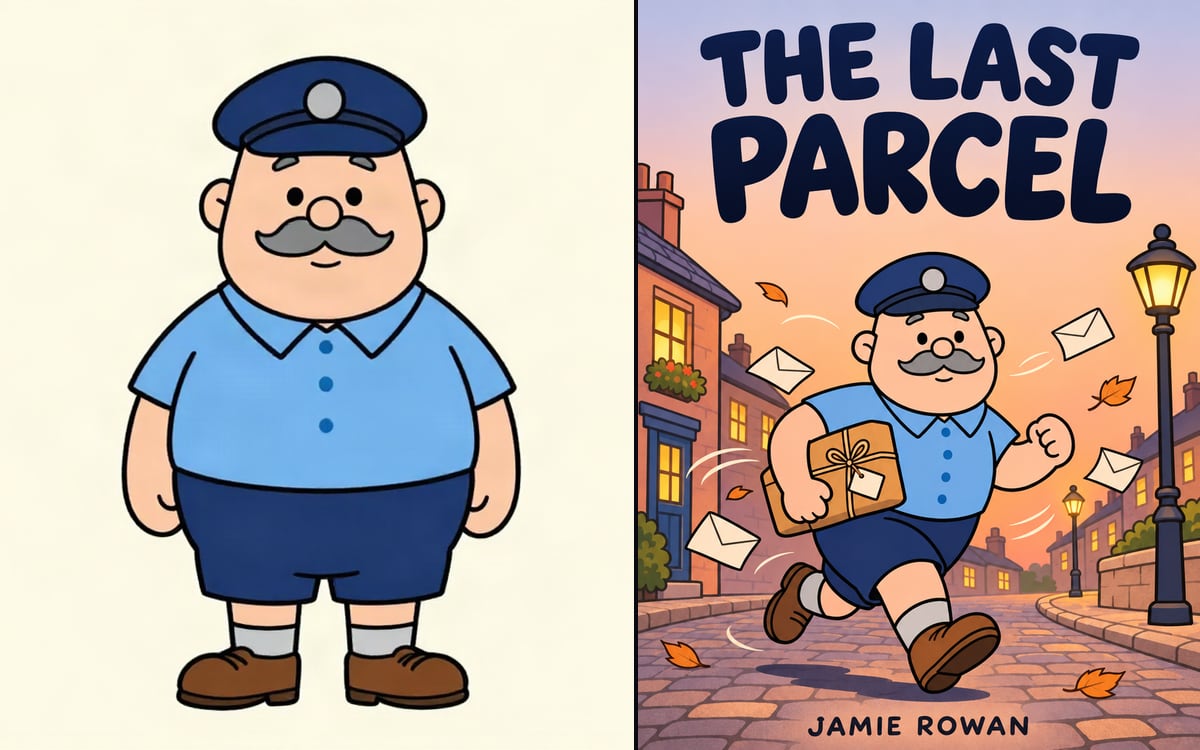 Book coverYour character on a finished front cover, with your title and name set exactly.
Start from Poster from your film
Pick one, swap in your own product or face and press run. You start with 1,000 free credits.
Get early access