
 by Topaz Labs
What it is
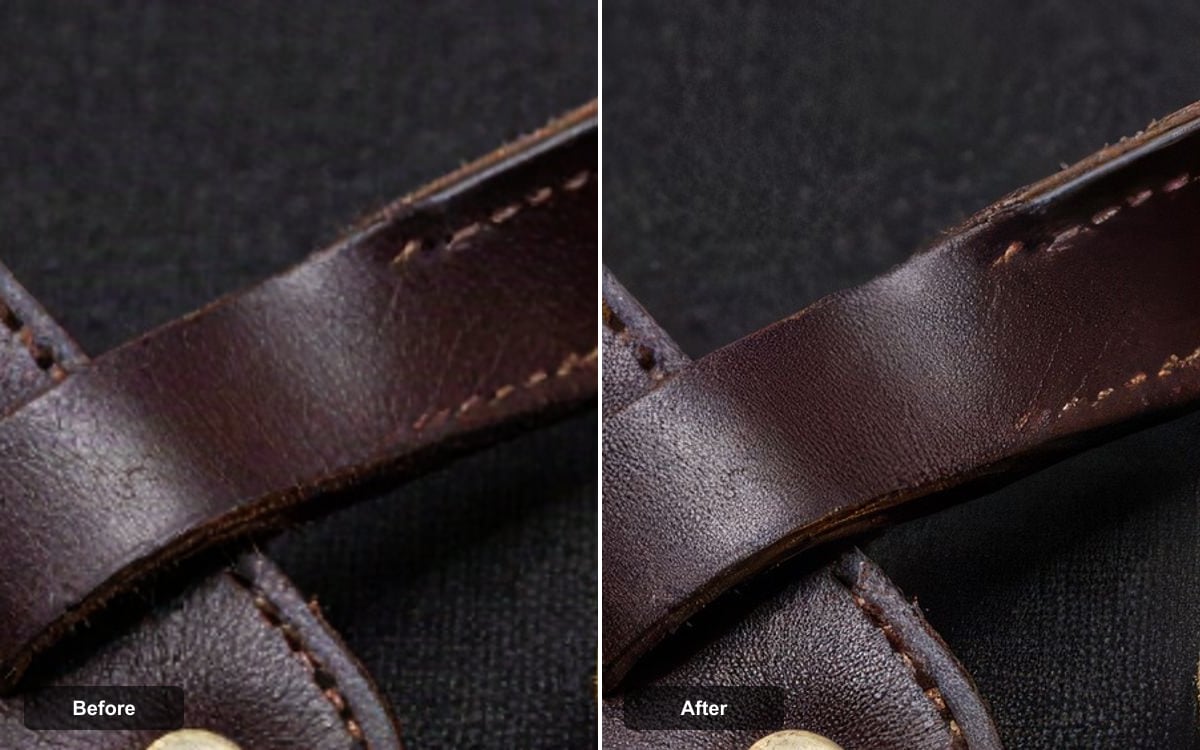
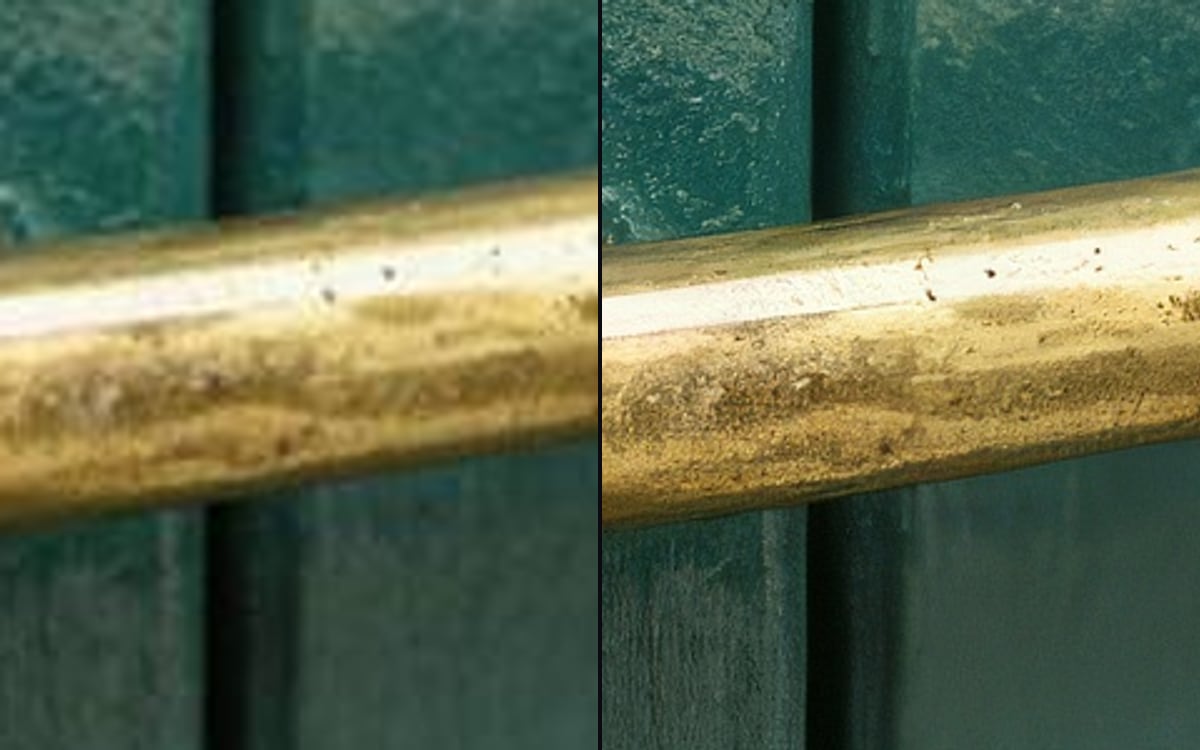
Topaz is "professional photo upscaling powered by Topaz Labs", using Gigapixel precision models to "enlarge images faithfully up to 4x". It is the one to use when an image has to get bigger without becoming a different image.
That word faithfully is the whole distinction. Its own documentation says it is "best for photos that must stay true to the original", which is exactly what you need for a client photograph, a product shot or anything that has to match something real.
Several precision models sit underneath it, including High Fidelity, Low Resolution, CGI and Text Refine, each tuned for a different kind of source. In this studio there is also a Creative tier that adds detail rather than preserving it, and a cheap fast option for a first look.
Made with Topaz in this studio
What it is good at
Faithful enlargement up to 4x. The safe choice when the result has to match the original rather than improve on it.
High Fidelity, Low Resolution, CGI and Text Refine. A screenshot and a photograph do not need the same treatment.
jpg, jpeg, png, webp, gif and avif. No conversion step before you start.
Where it struggles
- It enlarges; it does not invent. If the detail is not in the source, precision upscaling will not add it, that is what the Creative tier is for, and it is less faithful by design.
- Billing is per megapixel of output, not per image, so the price rises with the target size rather than with the source. The Studio shows the amount before you run.
What we offer here
Straight from the catalogue, so this list never goes stale. The price is the provider’s published rate with our markup on top, and it is on the button before you run anything.
Questions
What is the difference between precision and creative?
Precision enlarges faithfully and adds nothing. Creative adds detail that was not in the source, prettier, but no longer a true enlargement of your original.
How much bigger can it go?
Up to 4x. Billing is per megapixel of output, so the price follows the target size.
Will it fix a bad photograph?
No. It enlarges what is there. If the detail was never captured, precision upscaling cannot recover it.
Alternatives
Compare
Guides with Topaz
Next
Sources
Try Topaz in the studio
Compare them on your own prompt instead of on a demo. You start with 1,000 free credits.
Get early access