
What it is
FFmpeg is the open-source tool behind most video software. Here it does one job: take one frame out of your clip and give it back as an image.
Pick the first, the middle or the last frame. The last frame is the one to start the next clip on, so two clips run into each other.
What it is good at
It costs a fraction of a cent, so you can use it on every clip.
Nothing is generated: you get the frame as it is in your clip.
The last frame of one clip becomes the start frame of the next.
Where it struggles
- It takes the frame as it is: a blurry frame stays blurry. Enlarge it with Topaz afterwards if you need it bigger.
- Three positions only: first, middle and last.
How to prompt it
There is no prompt. Connect a clip and pick first, middle or last.
An example that shows what that means
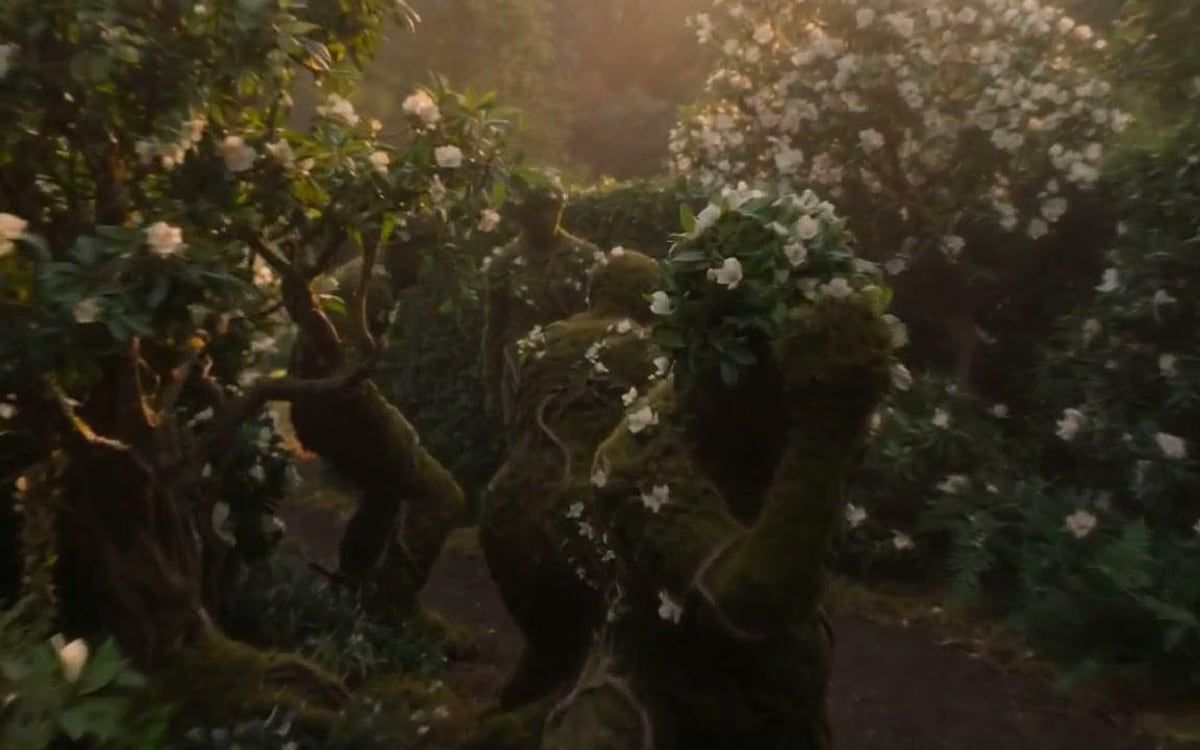
The last frame of a five-second clip of a city street, used as the start frame of the next clip so the two run on without a cut.
What we offer here
Straight from the catalogue, so this list never goes stale. The price is the provider’s published rate with our markup on top, and it is on the button before you run anything.
Questions
Which frame should I take?
The last one to continue a clip, the middle one for a still that shows the scene at its best.
Can I make the frame bigger?
Yes, put an upscale step after it; the Poster from your film template does exactly that.
What does it cost?
A fraction of a cent per frame. The amount is on the button.
Alternatives
Guides with FFmpeg frame
Next
Sources
Try FFmpeg frame in the studio
Compare them on your own prompt instead of on a demo. You start with 1,000 free credits.
Get early access