
Who it is for
For webshops and brands that need a full set of product images for every new product.
How it works
- 1Bring your productOpen the template and drop your own file in. Everything else is already set up for you.
- 2Press run4 steps run in order, on Nano Banana 2.1. Each step shows its price before it runs.
- 3Keep the best oneEverything lands in your library. Change one step and run it again for the next product, client or scene.
What comes out
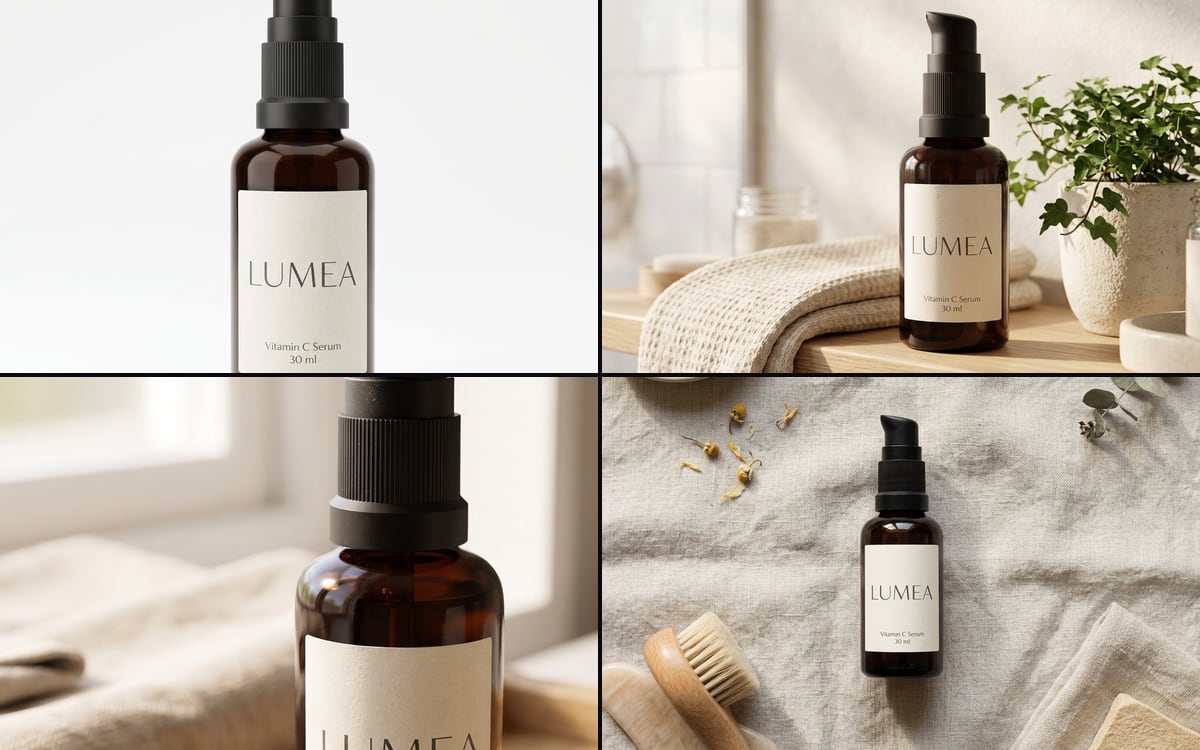
Made in this studio, with this template.
What you get, and how to use it
Use this flow to turn one product photo into the four images a shop page needs: a packshot on white, a lifestyle shot, a close-up detail and a flat lay. Every prompt keeps the product exactly as it is: shape, colour, label and text. Only the setting changes.
You do not have to run all four.
The AI models in it
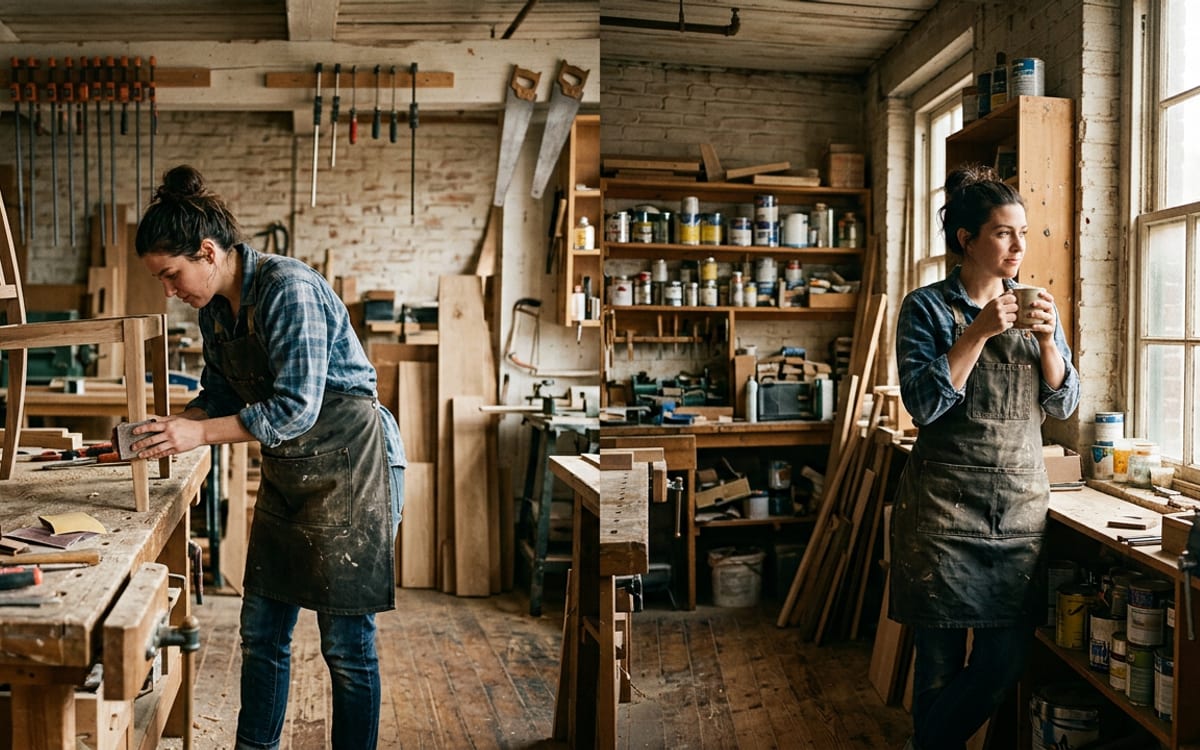
Questions
What does the E-commerce image set template cost?
You pay per step you run, in credits that never expire. Every step shows its price on its button before you press it. If a step fails before the model has made anything, you get every credit back.
Can I change the models or the prompt?
Yes. A template becomes an ordinary flow the moment you open it. Every model, prompt and setting stays yours to change, and you can save it as your own.
Which AI models does it use?
Nano Banana 2.1.
More templates
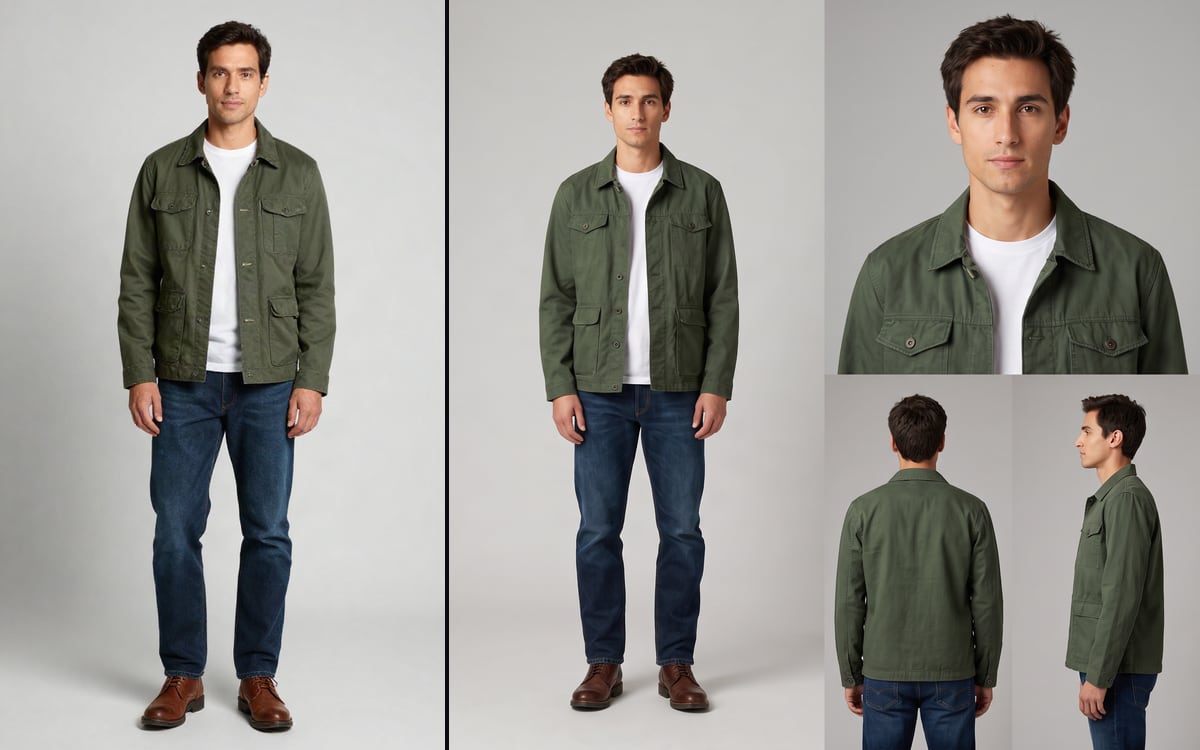 Character SheetOne photo in, a four-panel reference sheet of that same person out.
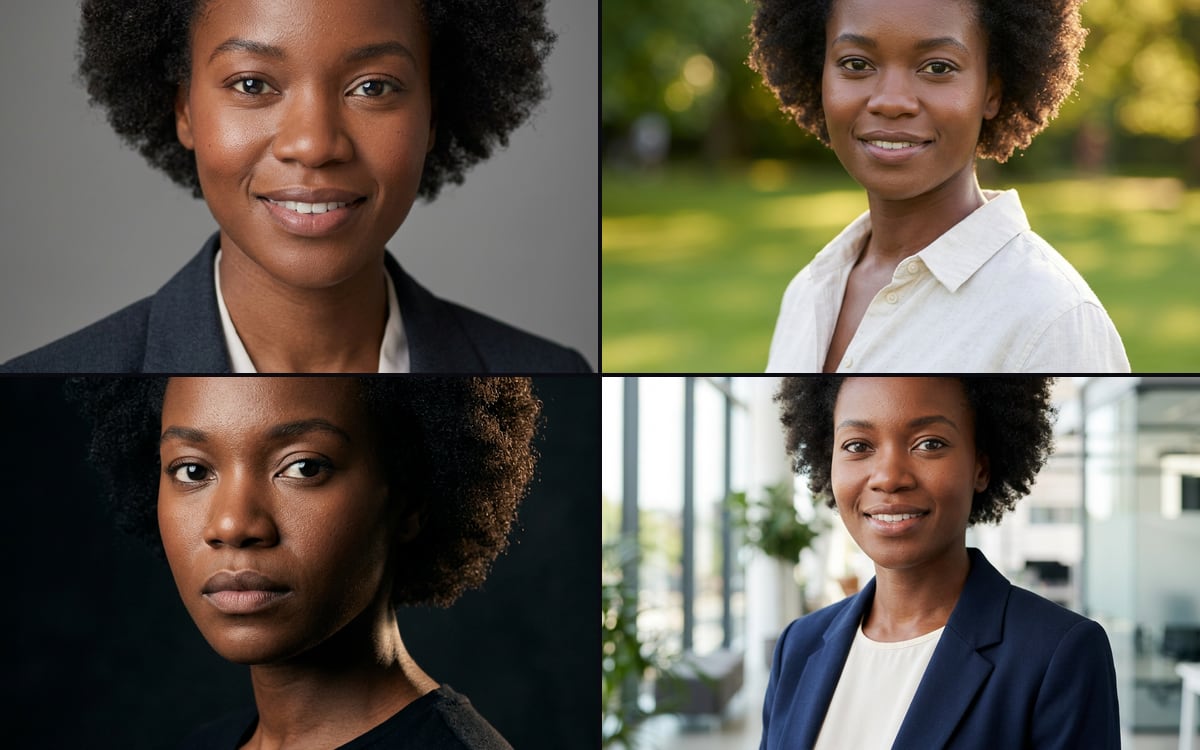 Headshot setOne photo of a person in, four professional headshots in different settings out.
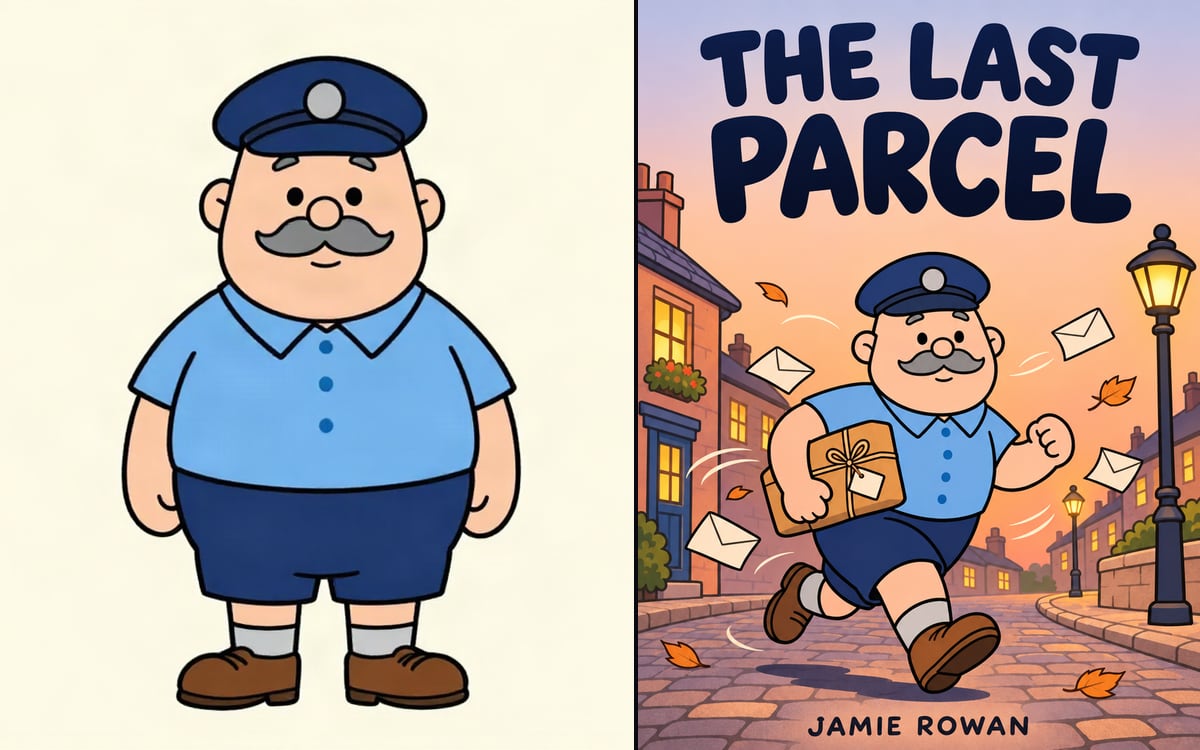 Book coverYour character on a finished front cover, with your title and name set exactly.
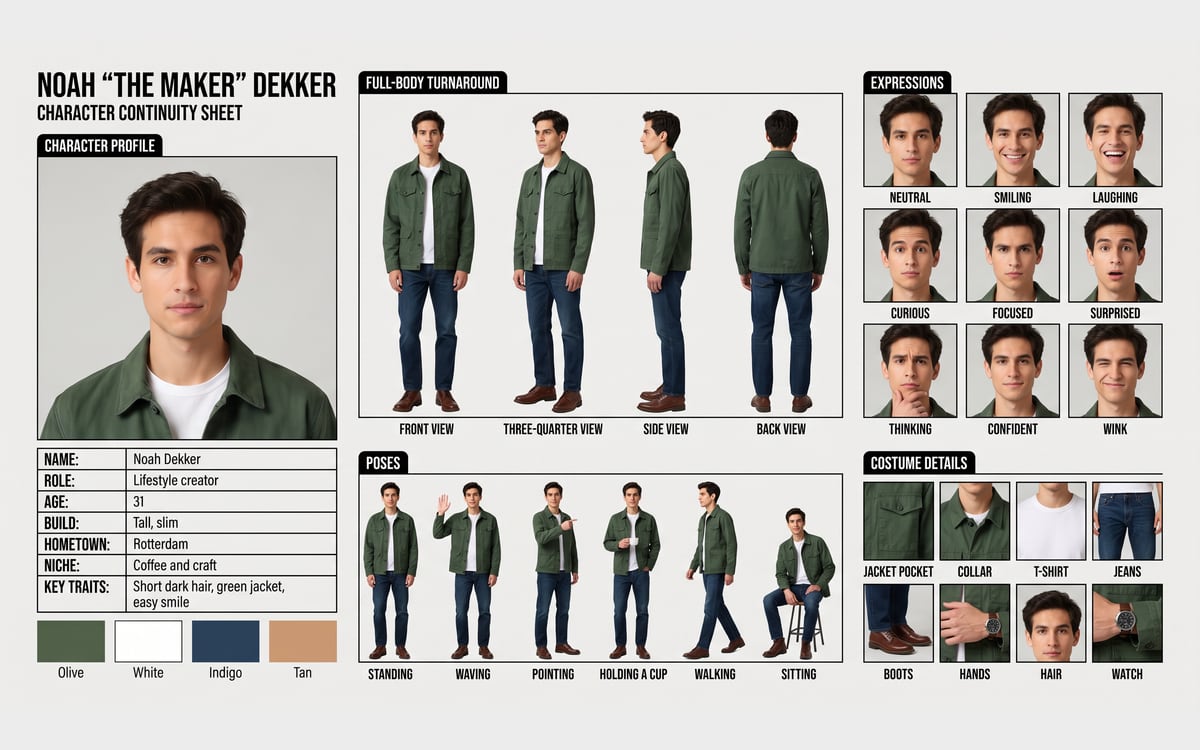 AI influencer sheetOne photo in, a full continuity sheet out: profile, turnaround, expressions, poses and details, with labels.
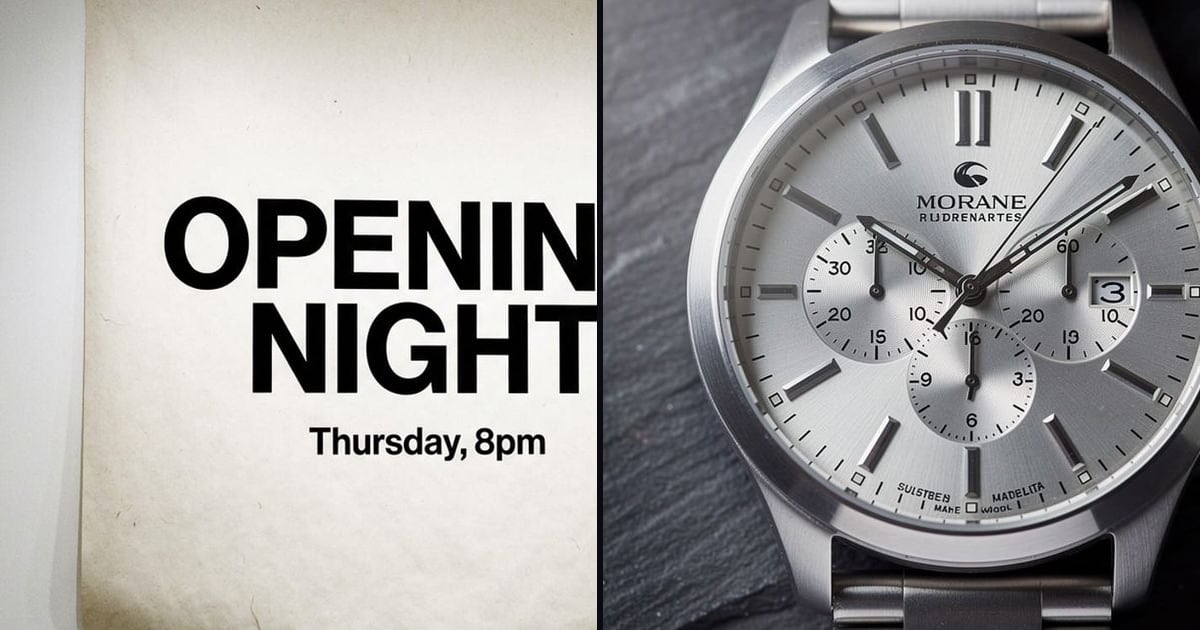
Start from E-commerce image set
Pick one, swap in your own product or face and press run. You start with 1,000 free credits.
Get early access