

Who it is for
For filmmakers, festivals and creators who launch a film, a series or a short on social media.
How it works
- 1Write what you wantOpen the template and drop your own file in. Everything else is already set up for you.
- 2Press run2 steps run in order, on GPT Image 2.6, Gemini Omni Flash 1.2. Each step shows its price before it runs.
- 3Keep the best oneEverything lands in your library. Change one step and run it again for the next product, client or scene.
What comes out
A film title and a logline in, a vertical poster that moves, with sound, out.
Made in this studio, with this template. Turn the sound on.
What you get, and how to use it
Use this flow to make a motion poster: a vertical film poster with your title set exactly, that then comes alive for eight seconds with sound. Change the title, the tagline and the scene in the first prompt. Keep the words in quotation marks: that is the text that goes on the poster letter for letter.
The AI models in it

Questions
What does the Motion poster template cost?
You pay per step you run, in credits that never expire. Every step shows its price on its button before you press it. If a step fails before the model has made anything, you get every credit back.
Can I change the models or the prompt?
Yes. A template becomes an ordinary flow the moment you open it. Every model, prompt and setting stays yours to change, and you can save it as your own.
Which AI models does it use?
GPT Image 2.6, Gemini Omni Flash 1.2.
More templates
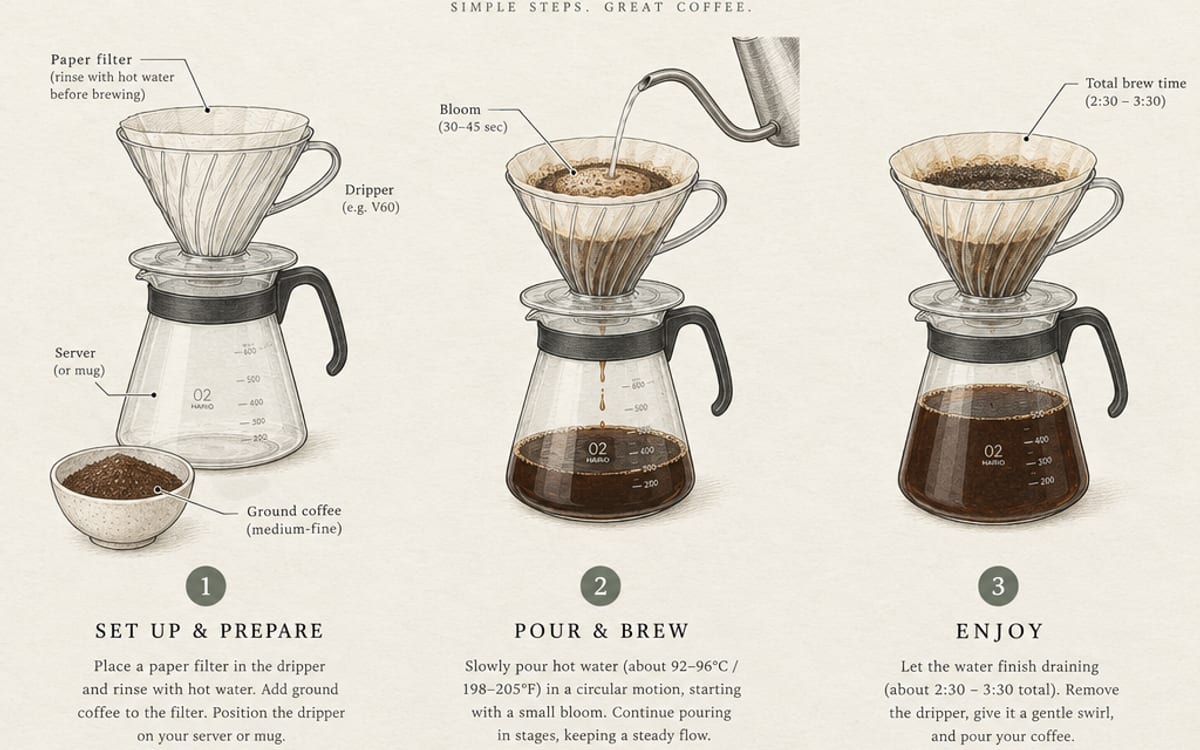
 Food commercialDescribe a dish, get a hero shot and an eight-second slow-motion commercial with sound.
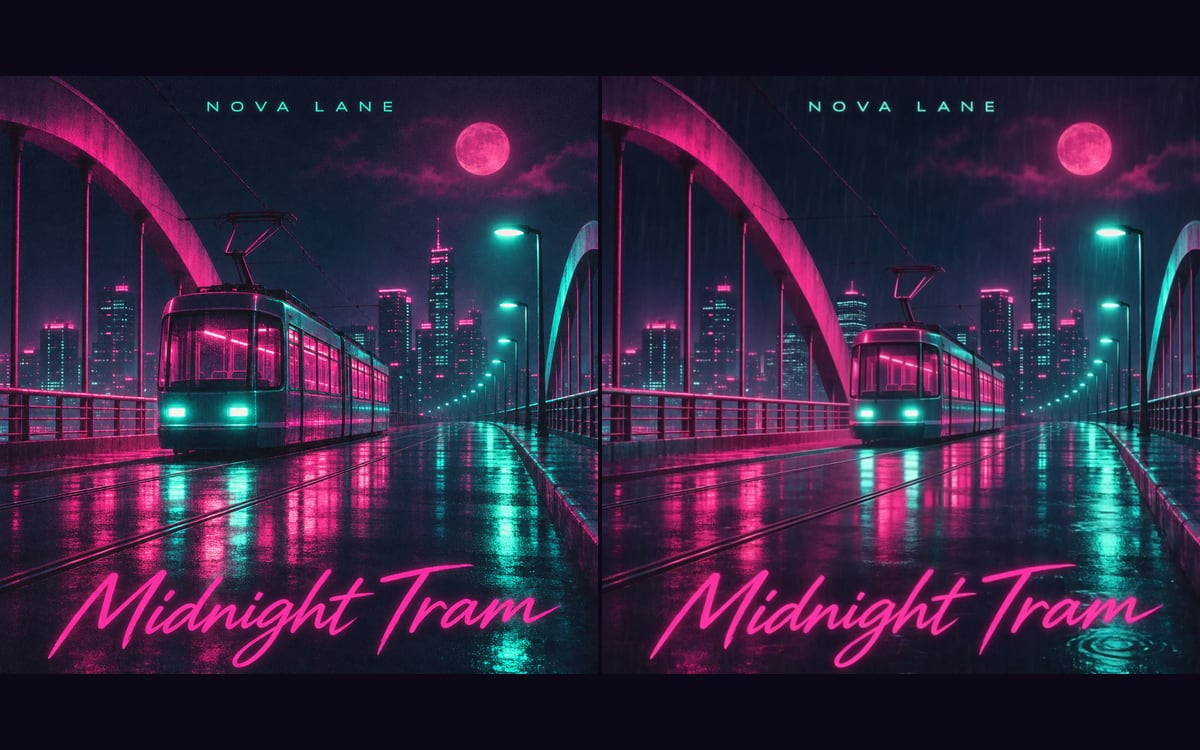 Album cover and visualizerArtist, title and style in: cover art, a looping visualizer and an instrumental track out.
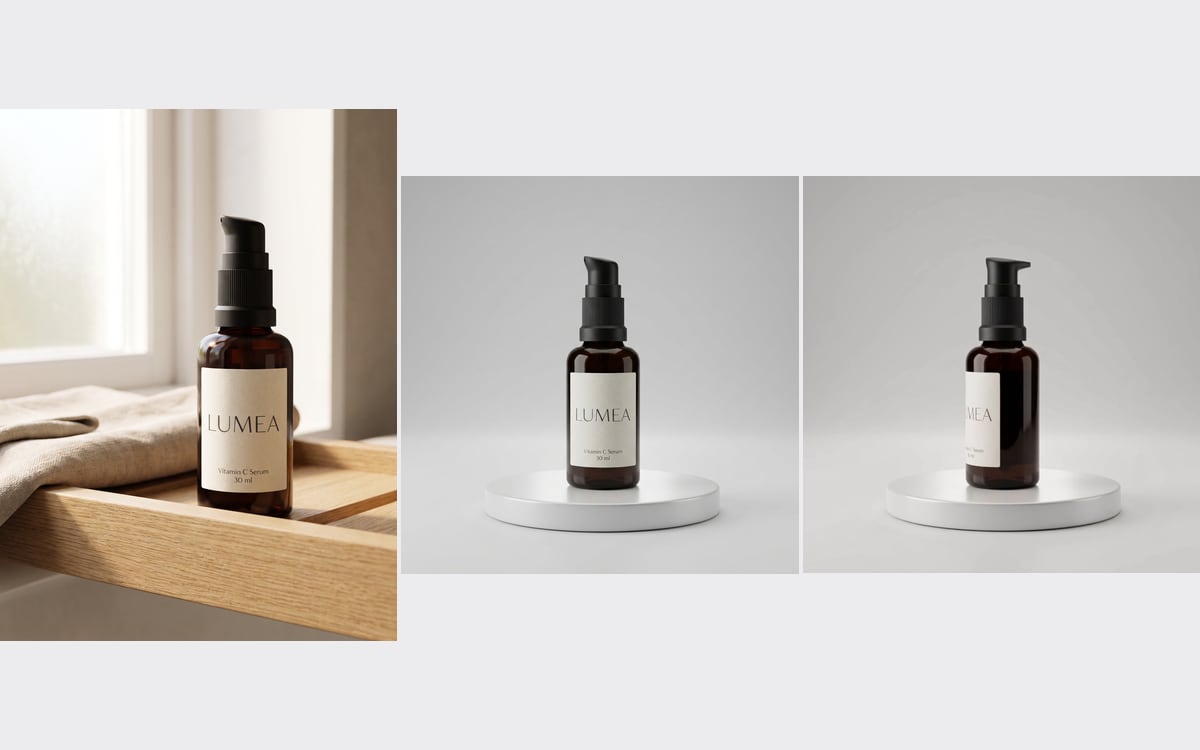 Product turntableOne product photo in, a studio packshot and a short clip of it turning on a turntable out.
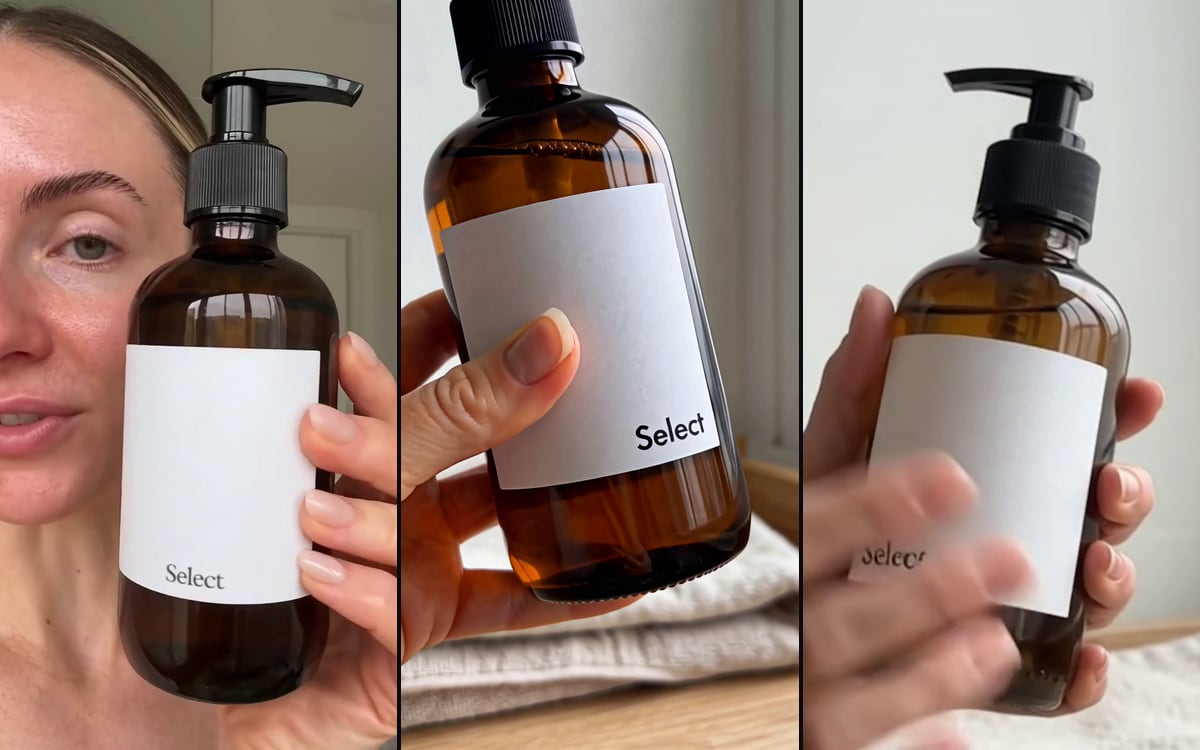 Product to UGCTurn a product photo into authentic UGC content, in three models at once.

Start from Motion poster
Pick one, swap in your own product or face and press run. You start with 1,000 free credits.
Get early access