
BiRefNet
by BiRefNet
Takes the background out of an image, edge and all.
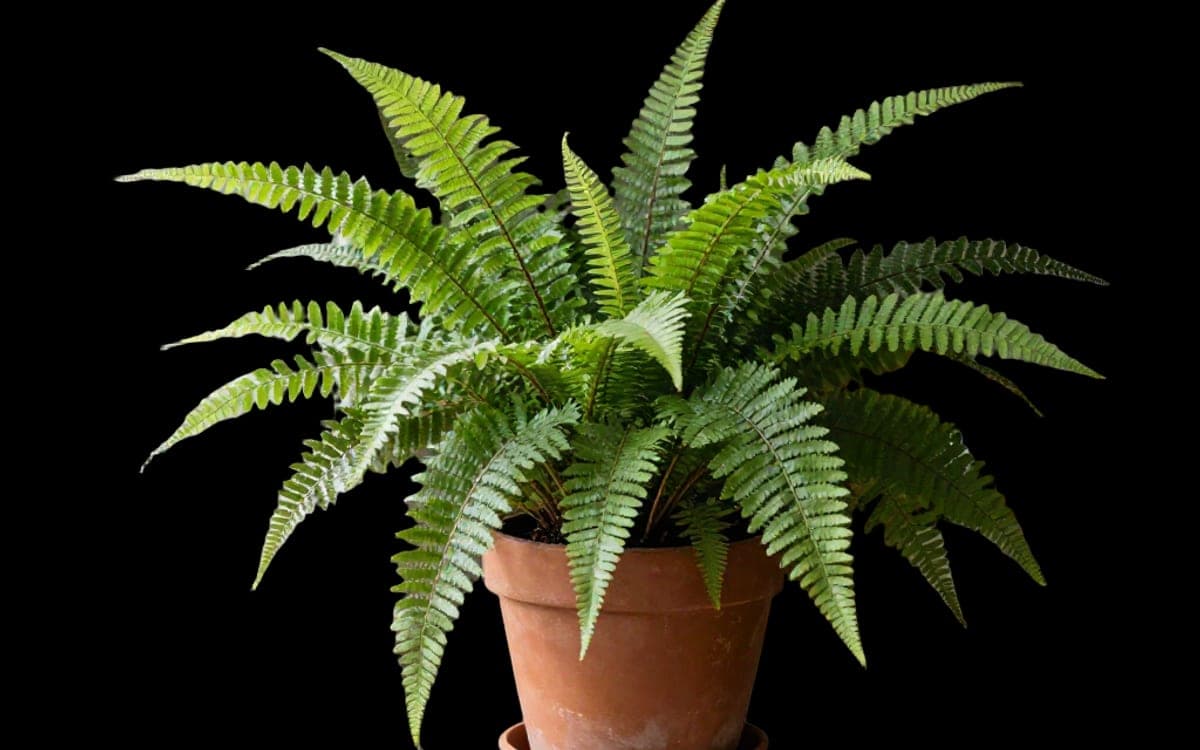
What it is
A segmentation model rather than a generator: it works out what the subject is and cuts everything else away.
Its own description is "bilateral reference framework for high-resolution dichotomous image segmentation", which in plain terms means it is built for one clean cut at full resolution rather than a rough mask.
No prompt. Attach the image and get it back without its background.
What it is good at
Hair, fur and thin edges are where background removal usually falls apart. High-resolution segmentation is exactly what this model is built for.
A file in, a file out. There is no prompt to get wrong and no setting that changes the answer.
It is built for one clean cut at the size you supplied, rather than a small mask you then have to scale up and clean by hand.
Where it struggles
- No published list of limitations, so none is invented here.
- One subject. For an image where the interesting thing is which of five objects you meant, this cannot ask.
- Images only. For clips, use the video background remover.
What we offer here
Straight from the catalogue, so this list never goes stale. The price is the provider’s published rate with our markup on top, and it is on the button before you run anything.
Questions
Does it work on video?
No, this one is for images. There is a separate model for removing a background from a clip.
What happens to hair and thin edges?
That is what high-resolution segmentation is for, and it is where a rough mask usually gives itself away. It is also the fairest way to judge the result.
Do I get a transparent background?
Yes, the subject comes back cut out rather than on a white square, so you can put it on whatever you like afterwards.
Next
Sources
Try BiRefNet in the studio
The studio opens in stages. We let people in in the order they signed up, and you start with 1,000 free credits.
Get early access