

The product has to stay the product
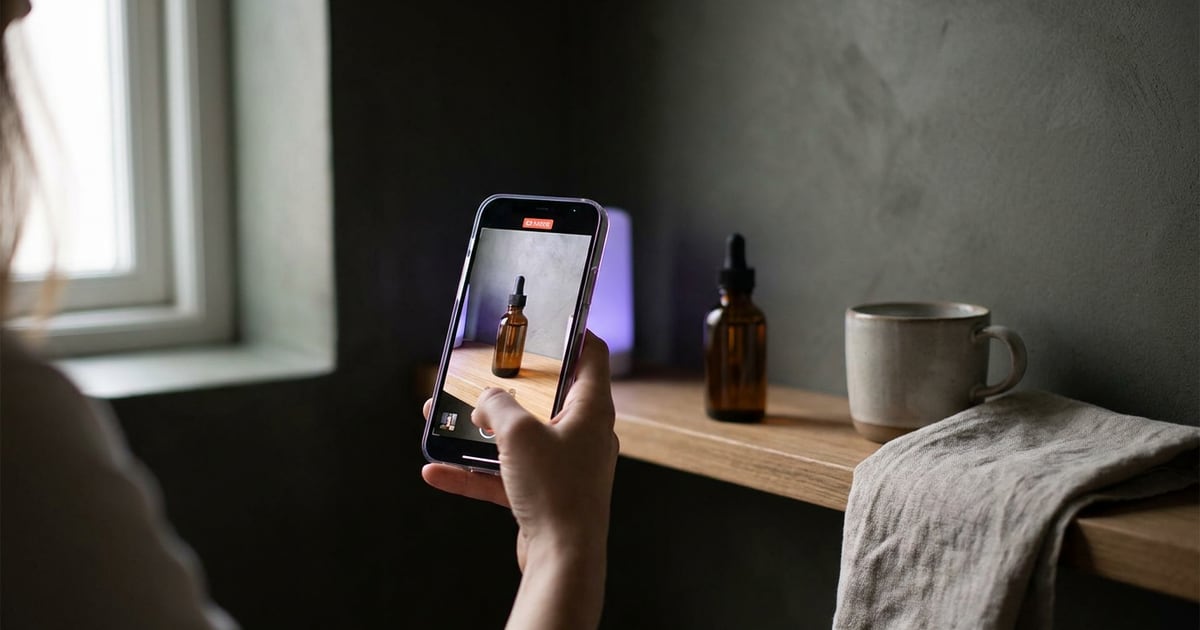
A product photo made with AI is only useful if the label, the shape and the colour are still yours. That rules out generating the product from a description. Start from a photo of the real thing and use a model that edits around it.
A styled scene around your product: Krea 3
Krea 3 makes fast, precise edits that leave alone what you did not ask to change, and keeps a label intact while the scene around it changes. It is fast enough to just try several scenes.
In someone's hand, or worn by a model: Bria FIBO Edit
Bria FIBO Edit is made for one job each: put your product in a person's hand, or your clothes on them. It takes several items at once and has a flat price.
Matching a set of references: FLUX.2
When the shot has to match several photos, of the product from different sides or of a brand look, FLUX.2 takes up to ten references in one prompt.
Check the label in every result before it goes on your shop. Text on a product is where a model can still slip.
Read next
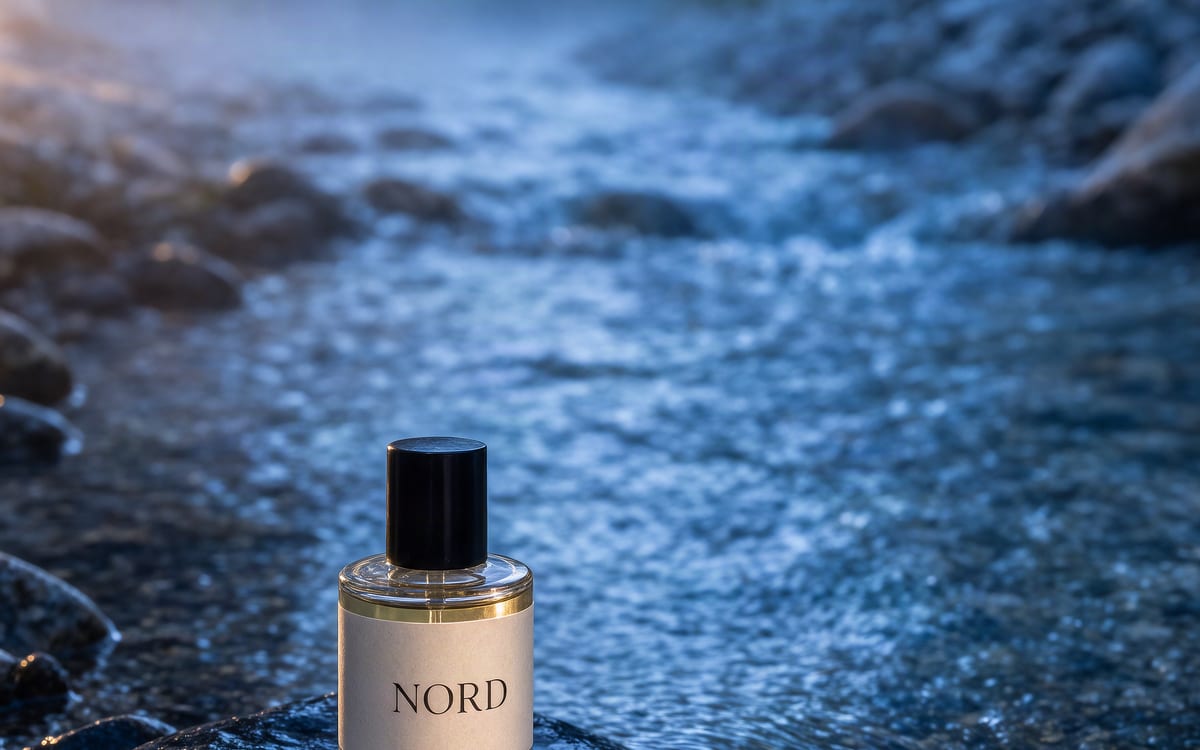 Krea 3Edits that keep the label intact.
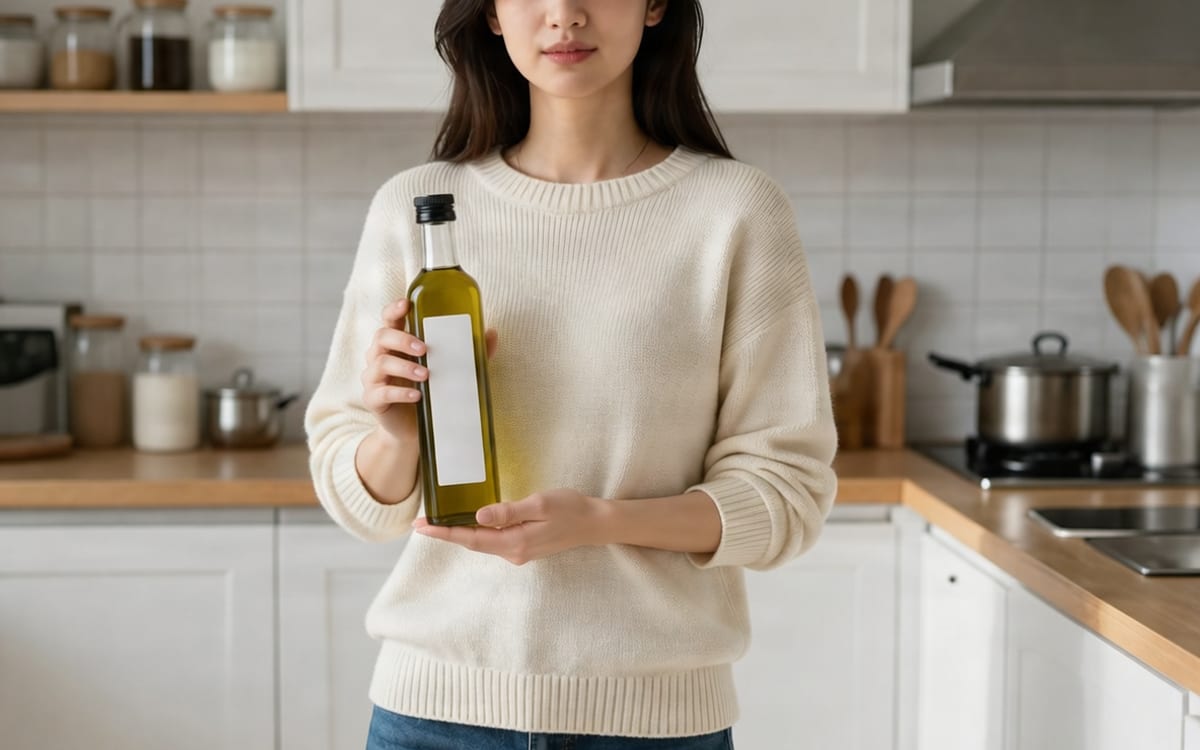 Bria FIBO EditProduct in hand and virtual try-on.
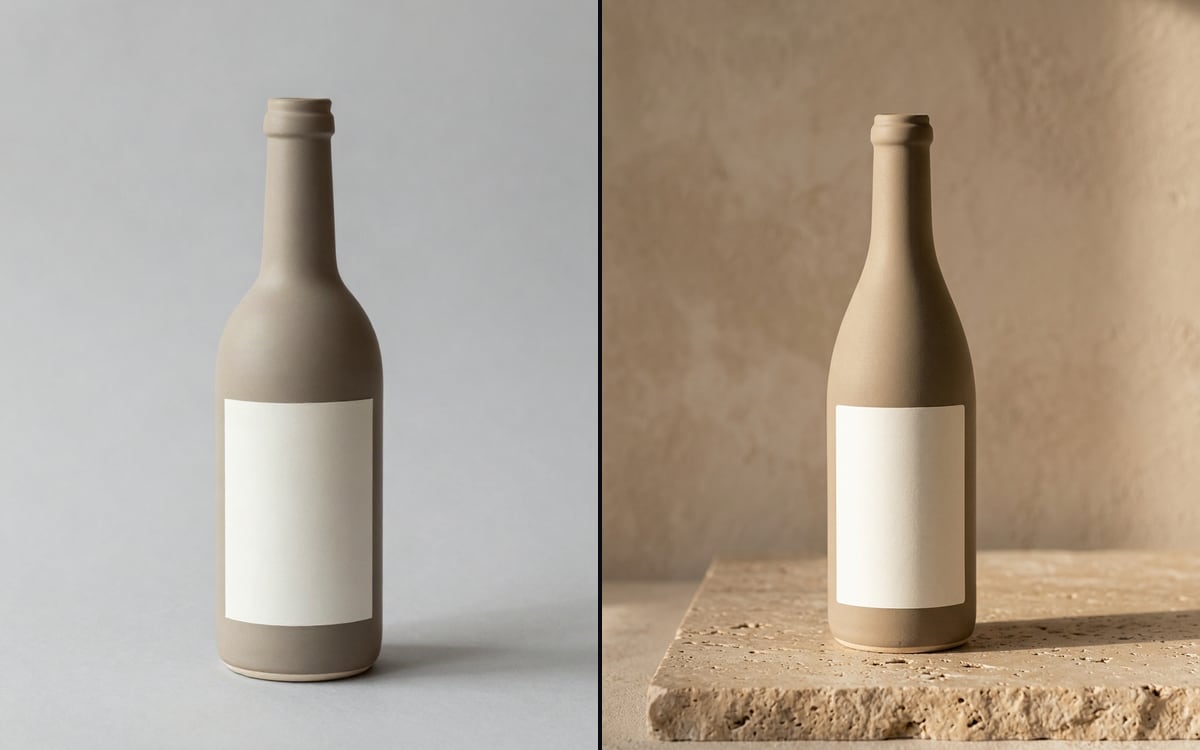 Product visual templateYour product in a styled scene.
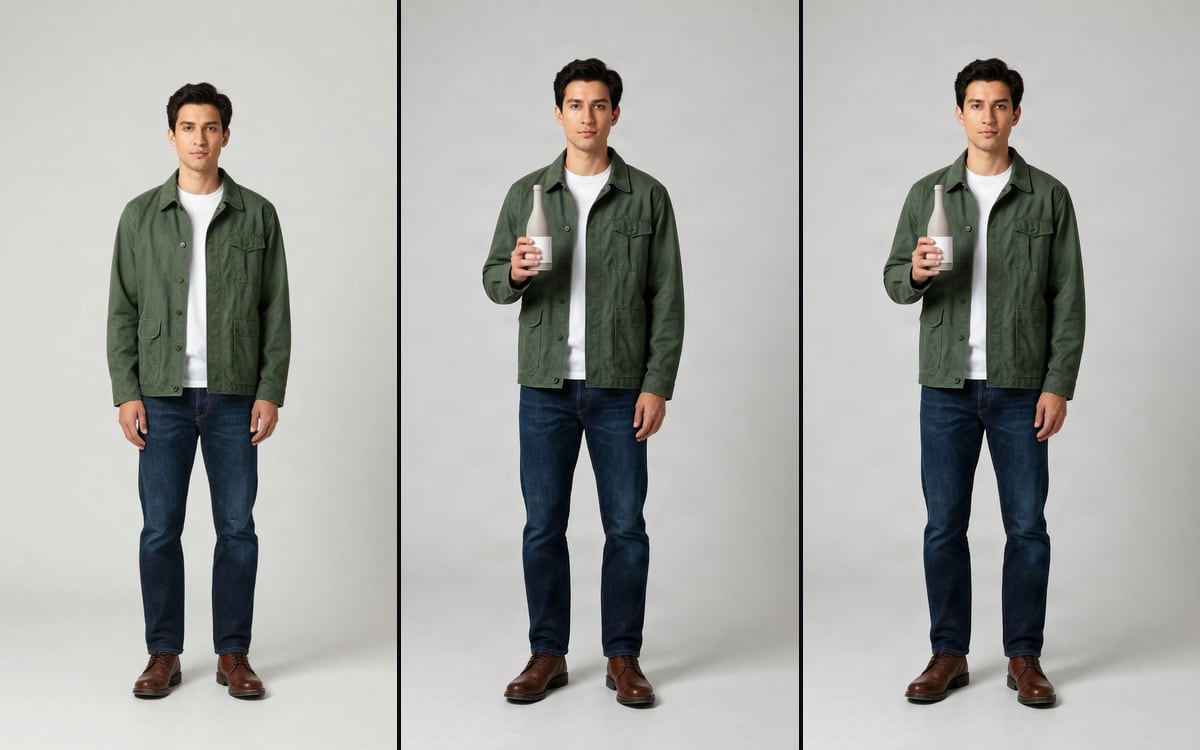 Product in hand templateIn a hand, then as a clip.
 AI UGC video from one photoYour product, filmed by an owner.
 Product photo promptsA newer guide.
 Product in a new sceneA newer guide.

Put this guide to work
Open the studio and try what you just read. You start with 1,000 free credits.
Get early access