
TEMPLATE · VIDEO · 3 STEPS
Lip sync on your video
A clip you already have and your vocal. The mouth follows every word, the rest of the shot stays.
For musicians, dubbing and localisation work, and anyone who wants new words on existing footage.
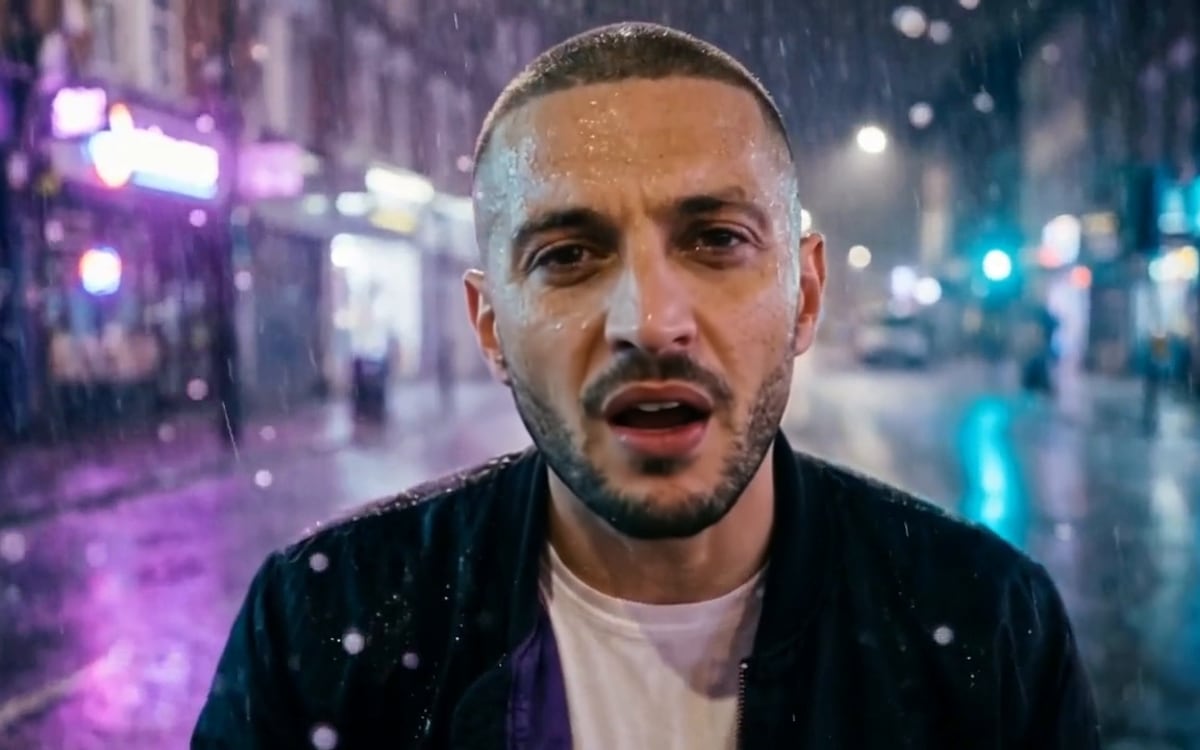
What you get, and how to use it
Drop a clip with a clear face and the piece of vocal that goes with it. Trim the clip to the part that is sung: the price follows the longer of the two. A dry vocal without the beat syncs best. Sync Lipsync keeps your picture as sharp as it was and redraws only the mouth, so keep hands away from the mouth. Want the head to move more with the words? Switch the model to InfiniteTalk: the picture comes out softer. Use your own face, an invented one, or someone who agreed to it.
The AI models in it
Questions
What does the Lip sync on your video template cost?
You pay per step you run, in credits that never expire. Every step shows its price on its button before you press it. If a step fails before the model has made anything, you get every credit back.
Can I change the models or the prompt?
Yes. A template becomes an ordinary flow the moment you open it. Every model, prompt and setting stays yours to change, and you can save it as your own.
Which AI models does it use?
Sync Lipsync 2.
More templates
Start from Lip sync on your video
The studio opens in stages. We open access in the order people signed up, and you start with 1,000 free credits.
Get early access