
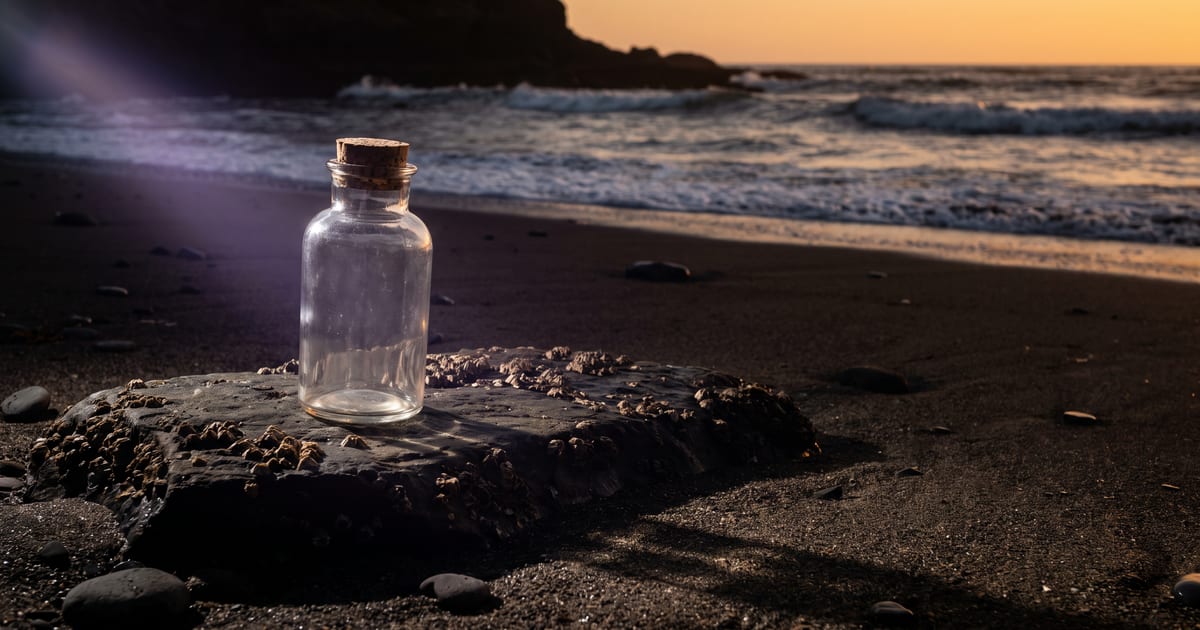
The giveaway is the light
A product pasted into a scene looks pasted when the light does not match: shadows the wrong way, a reflection of a studio that is not there. Describe the scene light, and let the model relight the product.
Steps
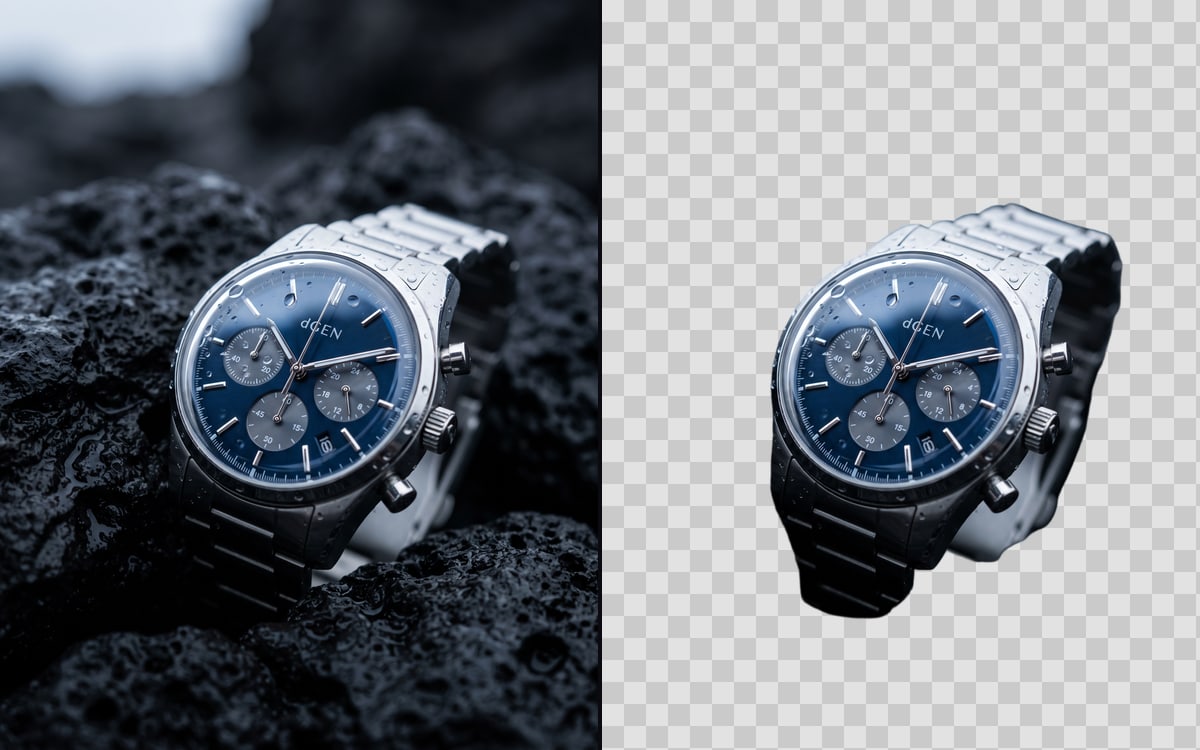
- Start from a clean product photo or cut-out.
- Describe the scene and where the light comes from.
- Ask for a contact shadow where the product touches the surface.
- Keep the product exactly as in the reference.
Scale
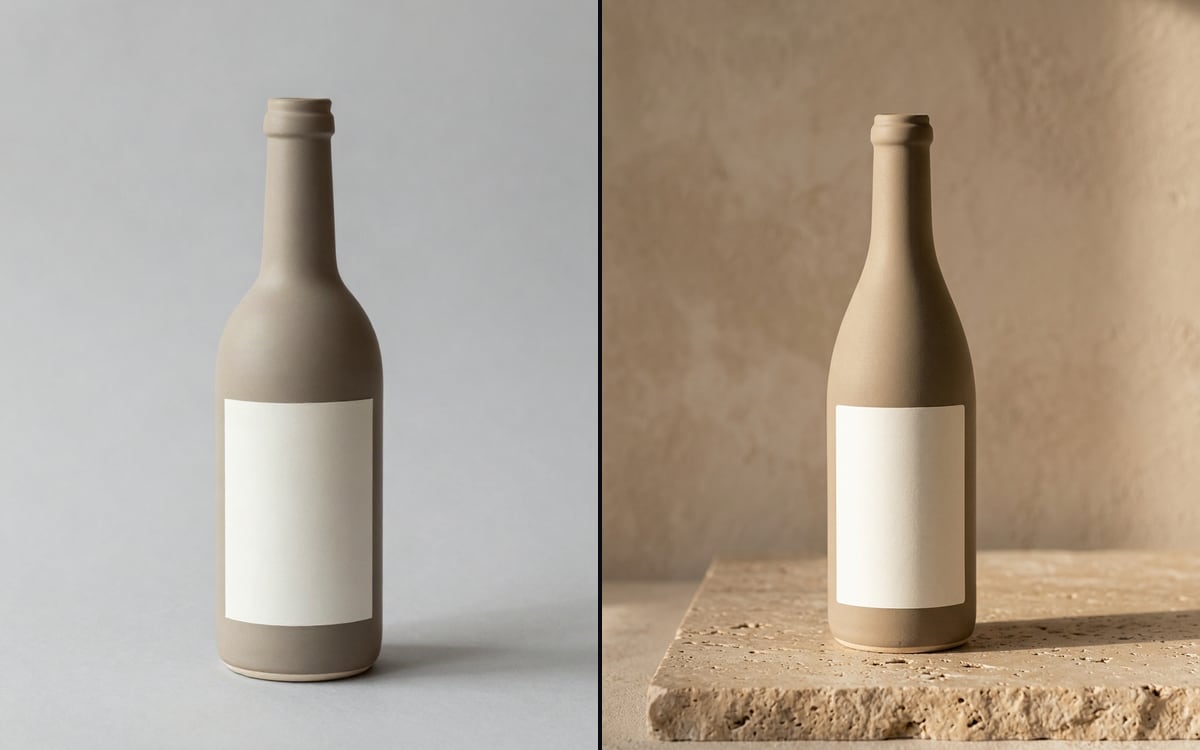
Say how big the product is in the scene: "a 20 cm bottle on a kitchen counter". Without it, products end up too large or too small next to everyday objects.
Questions
Should I remove the background first?
It helps with busy product photos. A clean photo on a plain background often works directly.
Which model?
An edit model that takes a reference image.
Read next
Put this guide to work
Open the studio and try what you just read. You start with 1,000 free credits.
Get early access