
AI motion control: your character copies your moves
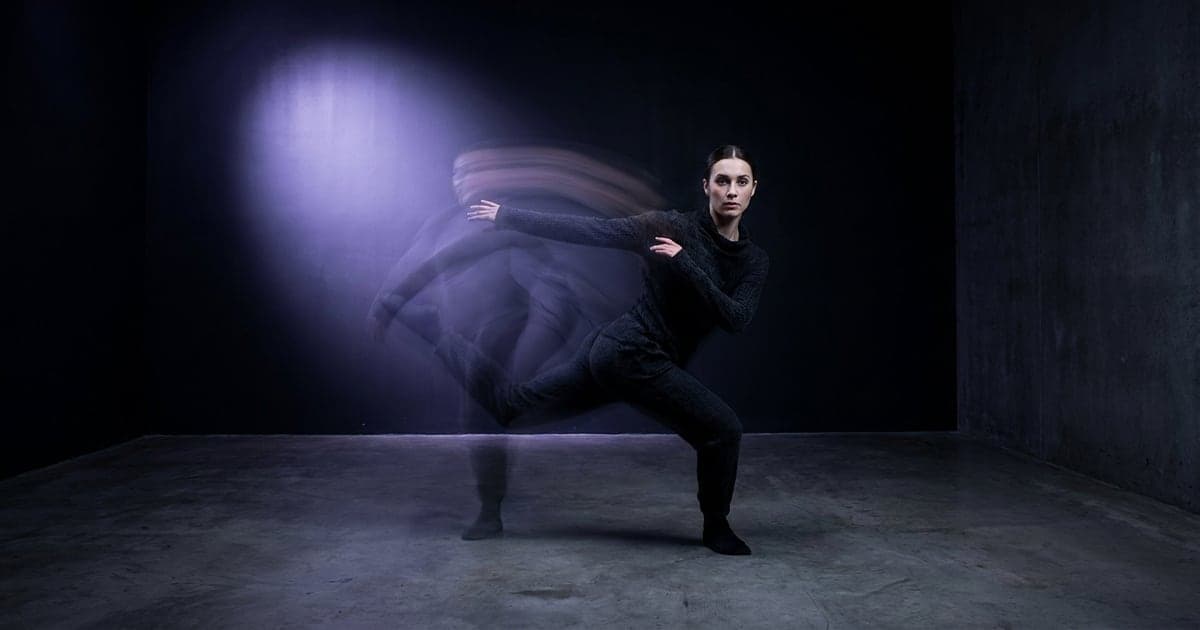
Film a move once and your character does it, with the same steps and timing. Which of the three ways to use, and how to film it.
1 min read · last checked
Film the move well and the rest follows
Bring a clip of the move with the person fully in frame, and a full-body image of your character from head to toe. Keep the camera still and the whole body visible: a hand or foot that leaves the frame is a hand or foot the model has to guess.
The result is as long as your clip, and the price follows that length. It is on the button before you press.
Three ways, three results
The face, the outfit and the proportions come from your image; only the movement comes from your clip.
- Kling motion control puts your character in its own setting, the cleanest result on a plain background.
- Recast keeps your room and your camera, and swaps the person.
- Wan 2.2 Animate replace also keeps the room, at the lowest price per try.
What to do with it
Film a trending dance yourself and let your character do it: your timing, its face. Record a signature move once and give it to your character in every Reel. Or let a brand mascot do the moves your team films in the office.
Film it yourself, or use a clip you have the rights to. The first run asks you to confirm.
Read next
Put this guide to work
The studio opens in stages. We open access in the order people signed up, and you start with 1,000 free credits.
Get early access