

 by Microsoft
What it is
MAI Image 2.7 is Microsoft's image model, described by its model card as a model "for generating images from text prompts, with preset or custom image dimensions and PNG, JPEG, or WebP output".
The edit endpoint takes up to five images and one instruction, so a product photo and a scene become one picture. A local change, one object or the words on a sign, leaves the rest of the image as it was.
MAI Image 2.7 Flash is the same family at about a third of the price, for drafts and volume.
What it is good at
Give it the product and the setting, and get one image back with the light and shadows of the scene.
Ask for a transparent background and you get a PNG cut-out, ready for a layout.
Flash costs about a third of 2.7, the cheapest model in the studio that can return transparency.
Where it struggles
- Microsoft publishes no list of limitations for this model, so there is none invented here.
- It is billed per token, so the price follows the size: a 2K image costs about four times a 1K image. The button shows the maximum, and you pay what it really cost.
- Up to 2K. For 4K or 8K stills, pick another model.
How to prompt it
Describe the scene the way a photographer would brief it: who or what, where, the light, the lens. For an edit, say what changes and what must stay, in one instruction.
An example that shows what that means
A barista pouring latte art in a busy morning cafe, window light from the left, steam over the cup, other customers soft in the background, candid documentary photograph.
What we offer here
Straight from the catalogue, so this list never goes stale. The price is the provider’s published rate with our markup on top, and it is on the button before you run anything.
Questions
2.7 or 2.7 Flash?
Flash for drafts and many variants, at about a third of the price. 2.7 for the version you keep.
Can it put my product in a new scene?
Yes. Use the edit endpoint with your product photo and describe the scene. It takes up to five images.
Why does the price change with the size?
Microsoft bills per token, and a 2K image has four times the tokens of a 1K image. The Studio shows the amount before you press the button.
Alternatives
Guides with MAI Image 2.7
Next
Sources
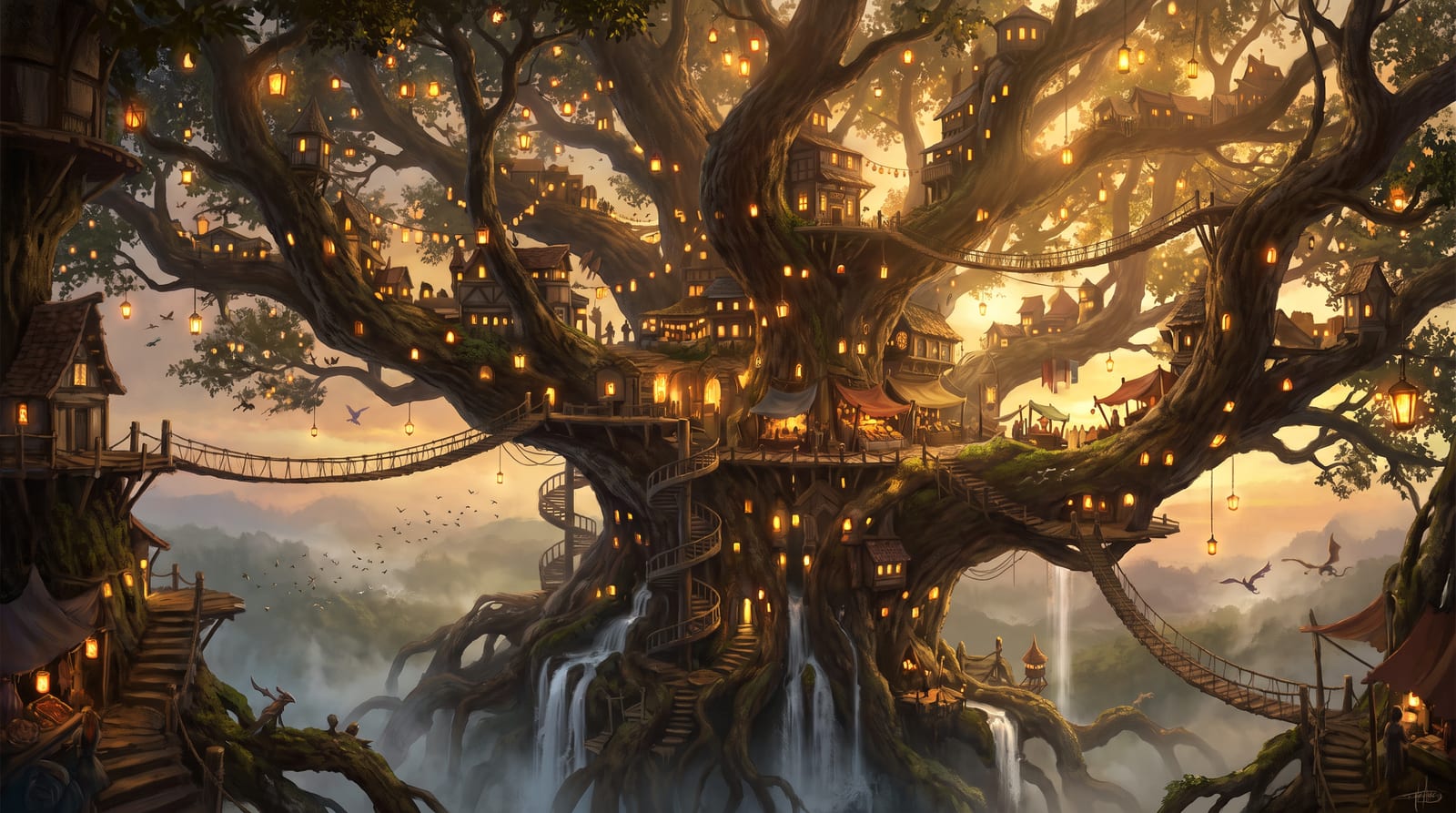
Try MAI Image 2.7 in the studio
Compare them on your own prompt instead of on a demo. You start with 1,000 free credits.
Get early access