
Nano Banana prompts that work, with examples
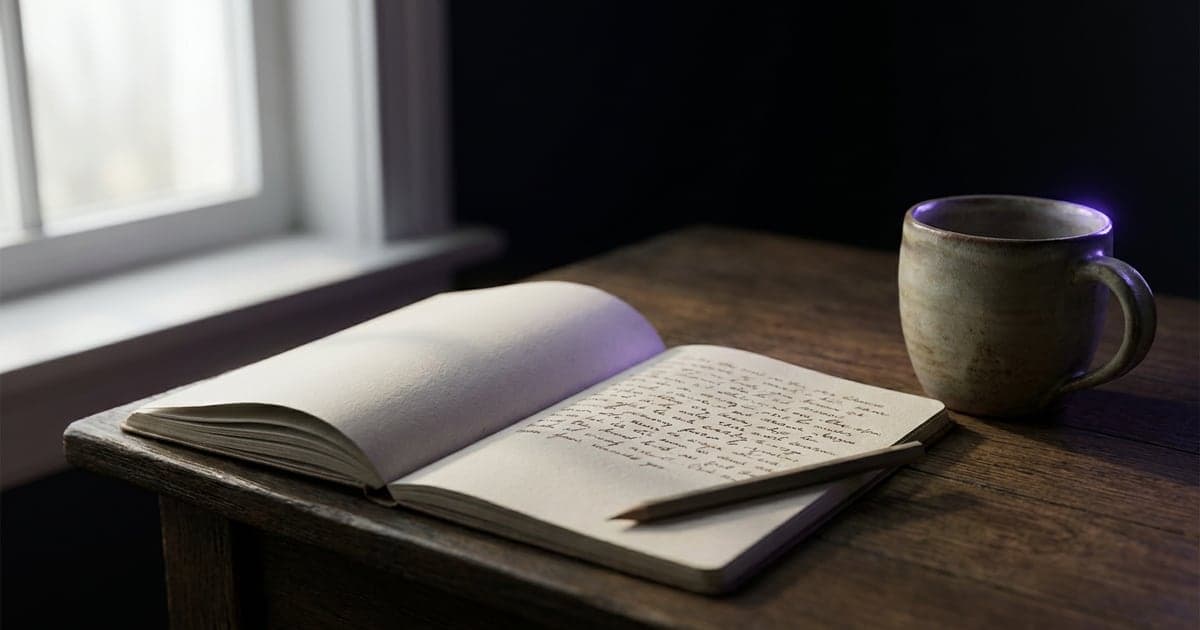
How to write a prompt for Nano Banana Pro and 2.1: subject, setting, light and finish, text in quotes, and edits that change one thing.
1 min read · last checked
It rewards detail
Google's own guidance for Nano Banana Pro is to be detailed: think about the characters, the setting and the overall feel, and write them down. This is not a model that rewards three words.
A working order: the subject, then the environment, then the light, then the finish. "A ceramic mug on an oak table by a window, morning light from the left, soft shadows, shot like a catalogue photo" gives it something to work with.
Spell out the text
If something has to be legible, put the exact words in quotes and say where they go: a poster that reads "OPENING NIGHT" in large clean type. Short text sets best.
Small faces, accurate spelling and fine detail are where Google says the model can slip. Check every word.
For an edit, name one thing
When you edit an image you have, describe only the change: make the jacket green. Everything you describe is something the model may redraw, so a full description of the scene is an invitation to touch all of it.
Nano Banana 2.1 is the faster tier for rounds of changes. It defaults to 1K: set the resolution higher if the result looks softer than you expected.
Read next
Put this guide to work
The studio opens in stages. We open access in the order people signed up, and you start with 1,000 free credits.
Get early access