

Images and video
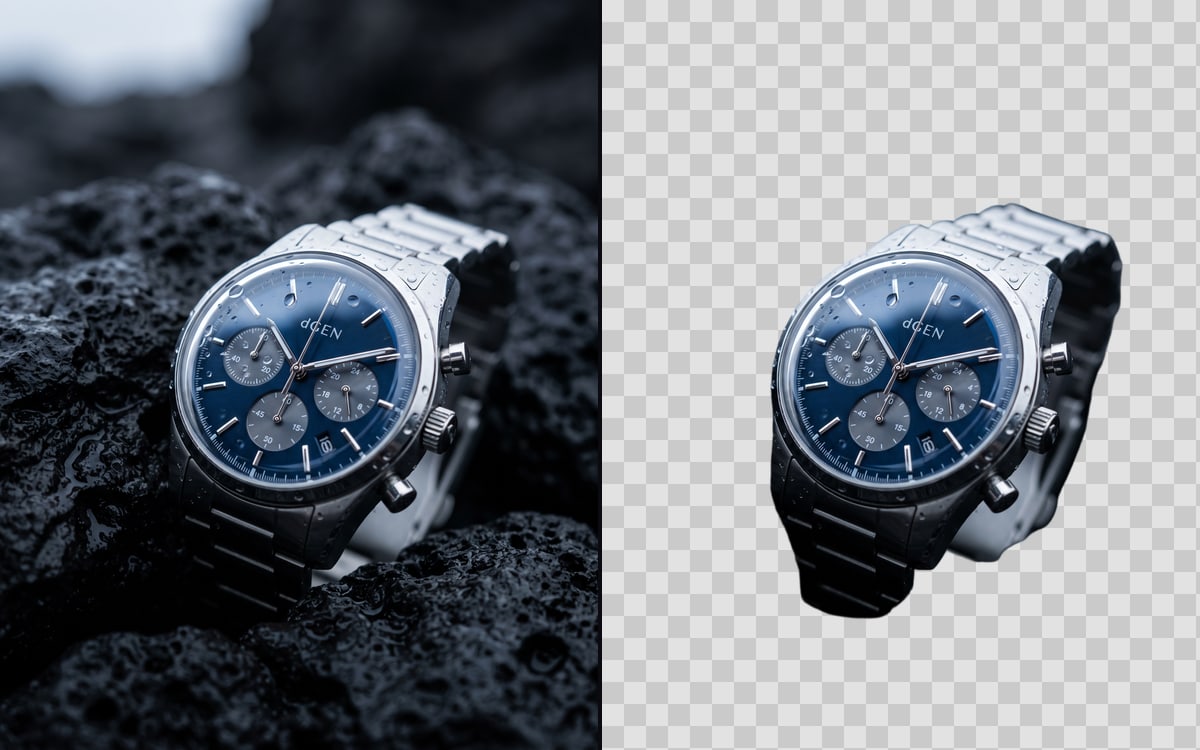
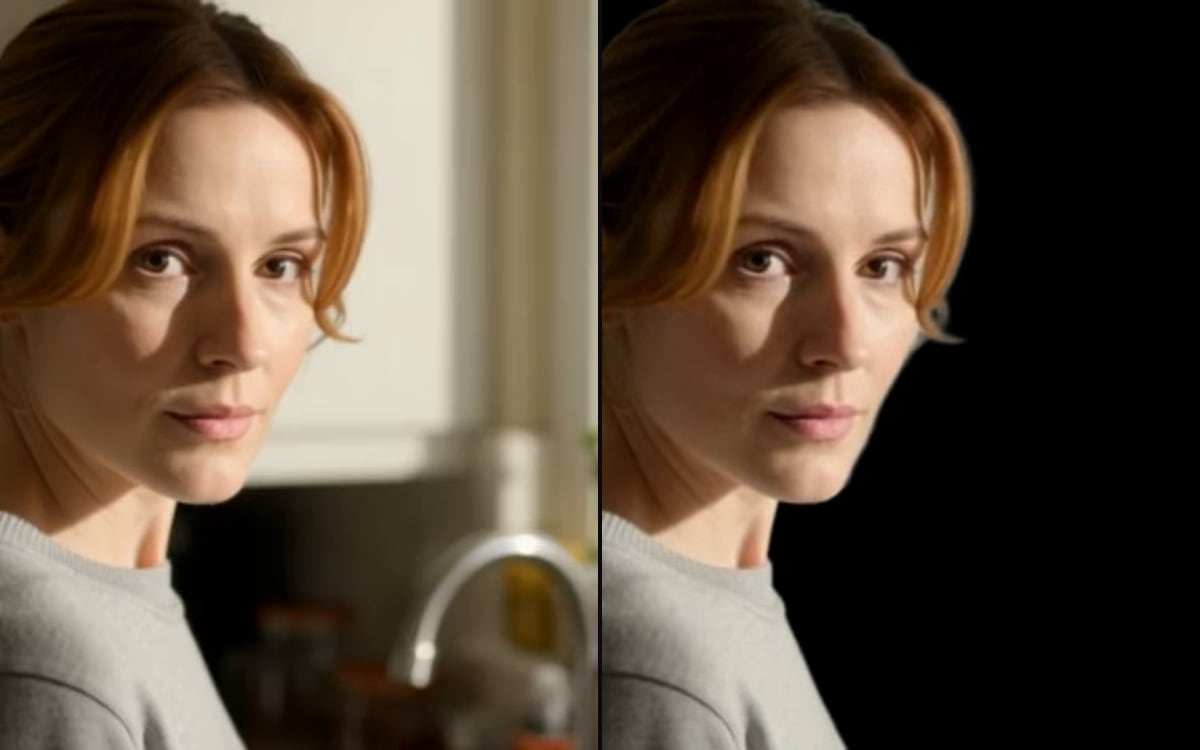
The studio removes backgrounds from images and from video clips. For an image you get a cut-out with a transparent background; for a clip, the person or object without the scene behind it.
What works well
- A clear subject with good contrast to the background.
- Sharp edges: products, people against a plain wall.
- Even light without strong shadows on the background.
Hair, glass and smoke
Fine hair, transparent glass and smoke are the hardest. Look at the edges at full size. If they look cut out with scissors, try another model or start from a photo with a plainer background.
What next
A cut-out is a start: put the product in a new scene, place a person in front of another background, or use it on a white product page. The price of a video cut-out follows its length.
Questions
Do I get a transparent PNG?
For images, yes: the cut-out has a transparent background.
Does it work on long clips?
Yes, and the price follows the length of the clip.
Read next

Try it in the studio
Open the studio and try what you just read. You start with 1,000 free credits.
Get early access