dGENdGEN Visual Studio

Tutorial 02 · 2:10

Create AI images that look like a real photoshoot

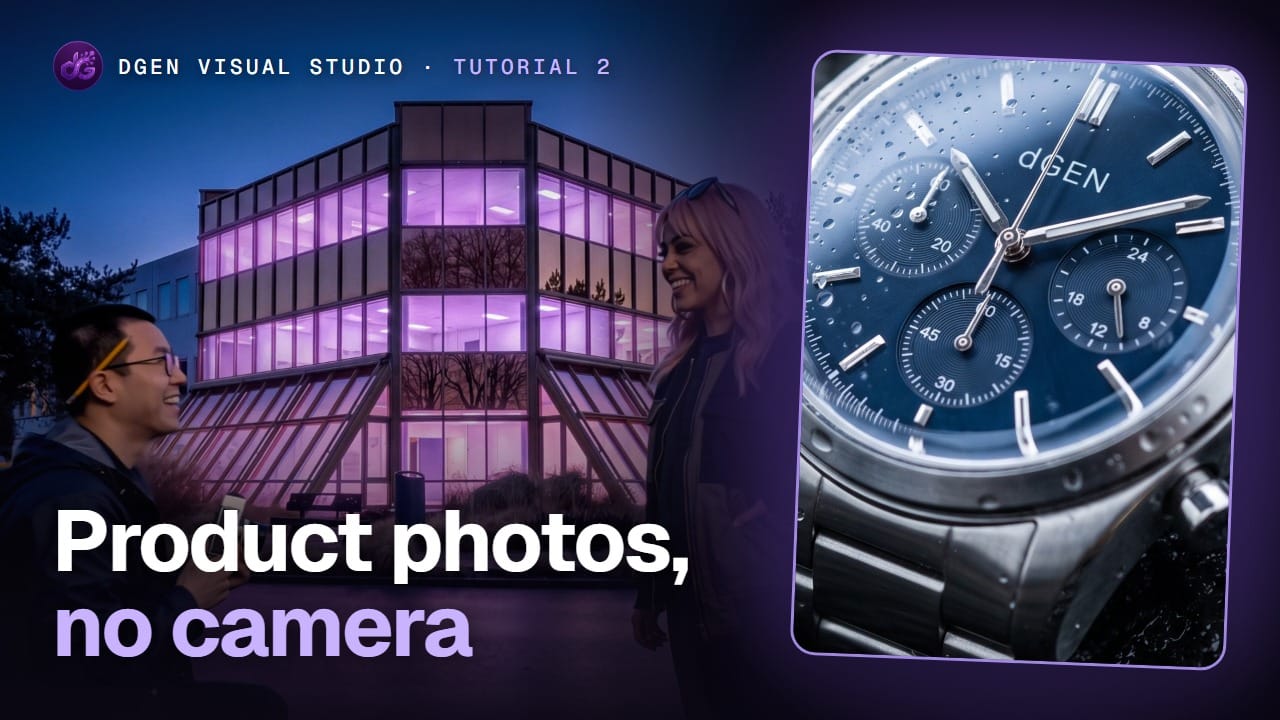
No camera, no crew. Lola sets up a product shoot of a luxury watch on wet volcanic rock and walks you through every setting: describe the shot, enhance the prompt, pick a model, choose the shape, resolution and number of images, then set the look with a style, a lens and a light. After that she adds Kenji Park as a character, so his face stays the same in every shot, on a rooftop in Tokyo at blue hour. Every photo in this video was made on screen.

Get early accessAll tutorials

Chapters

More about this part of the studio: AI image generator.

Next tutorial

2:41Tutorial 01 · AI influencers

Make an AI influencer that looks real, with her own voice
Make it yourself

The studio opens in stages. We open access in the order people signed up, and you start with 1,000 free credits.

Get early access