

 by xAI
What it is
Grok Imagine 2.0 generates images from text using xAI's model, and there is a video counterpart in the studio as well. Its documentation is sparse, so what follows is deliberately short, we are not going to describe capabilities the maker has not published.
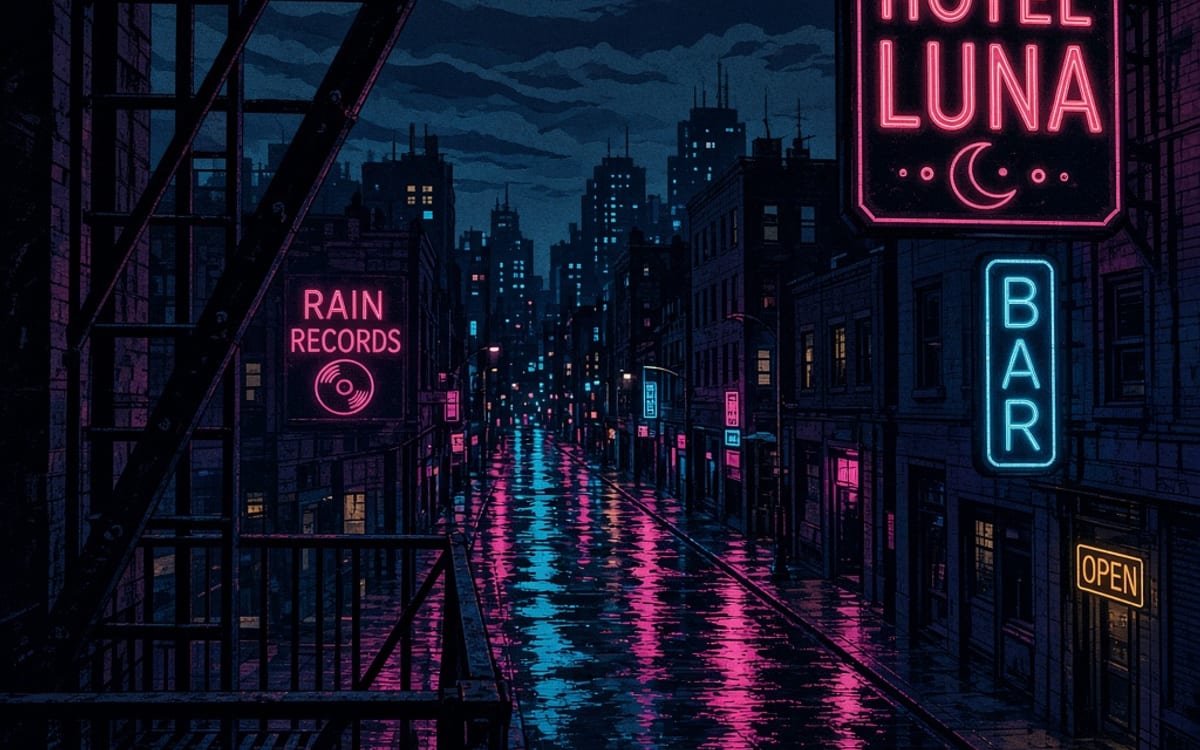
What we can say from curating it: the results lean stylised rather than photorealistic. That is a reason to choose it, not a flaw. When you want something that looks made rather than shot, this is one of the places to look.
It runs at two quality levels and two resolutions, and the four combinations are genuinely four different prices.
Made with Grok Imagine in this studio

What it is good at
Stylised output rather than photoreal. Useful precisely when you do not want something that pretends to be a photograph.
Two quality levels across two resolutions. The cheapest and the most expensive are meaningfully different, not just faster and slower.
The same house style across stills and clips, which is harder to achieve when you mix makers.
Where it struggles
- xAI publishes very little about this model. We would rather leave this section short than fill it with claims we cannot point at.
- ⚠️ A request that is judged to violate xAI's terms is still charged. That is the provider's policy, not ours, and it is the reason this warning is here rather than buried.
- Photorealism is not its strength. For that, the Gemini image family, FLUX and Seedream are the ones to use.
How to prompt it
Lean into the style rather than fighting it. Describe the subject and the treatment, illustration, poster, painterly, and let it do what it does. Asking a stylised model for photorealism gives you the worst of both.
An example that shows what that means
A bold graphic illustration of a lighthouse in a storm, heavy black linework, flat colour in four tones, dramatic diagonal composition, the beam cutting across the top left corner, poster-like.
What we offer here
Straight from the catalogue, so this list never goes stale. The price is the provider’s published rate with our markup on top, and it is on the button before you run anything.
Questions
Is it photorealistic?
Not particularly, and that is the point. It leans stylised. For photoreal work the Gemini image family, FLUX or Seedream are stronger.
What are the quality and resolution options?
Two quality levels and two resolutions, which is four real price points. The Studio shows the amount for the combination you pick.
What happens if a request is refused?
xAI still charges for a request judged to violate their terms. That is their policy and worth knowing before you experiment near the edges.
Alternatives
Guides with Grok Imagine
Next
Sources

Try Grok Imagine in the studio
Compare them on your own prompt instead of on a demo. You start with 1,000 free credits.
Get early access