
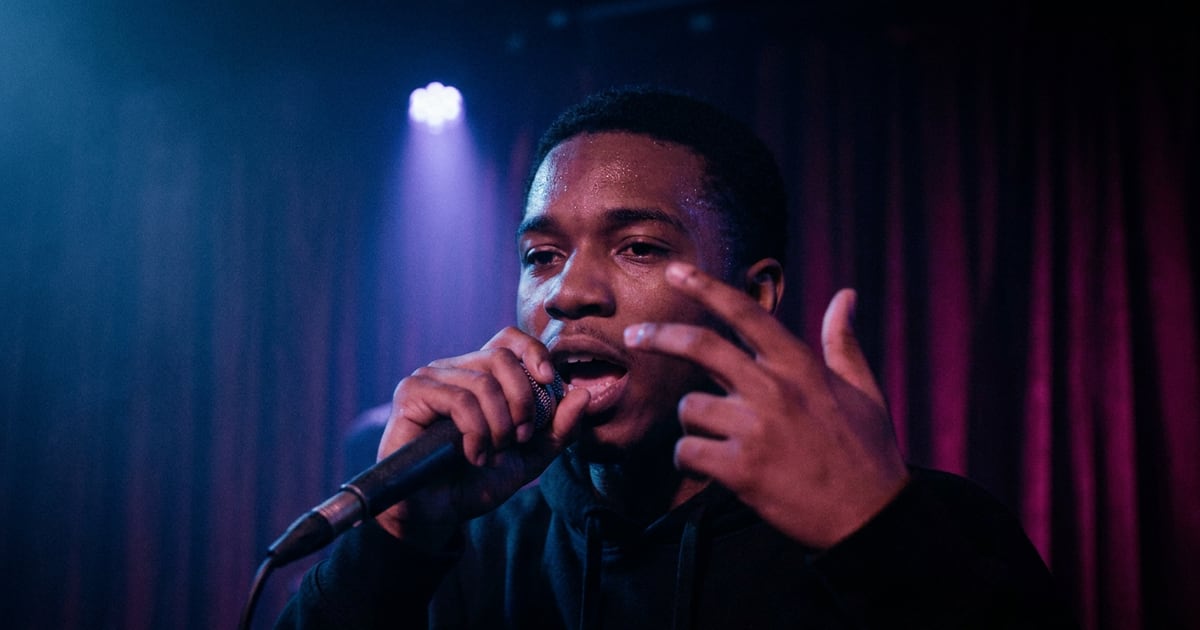
A music video is three jobs
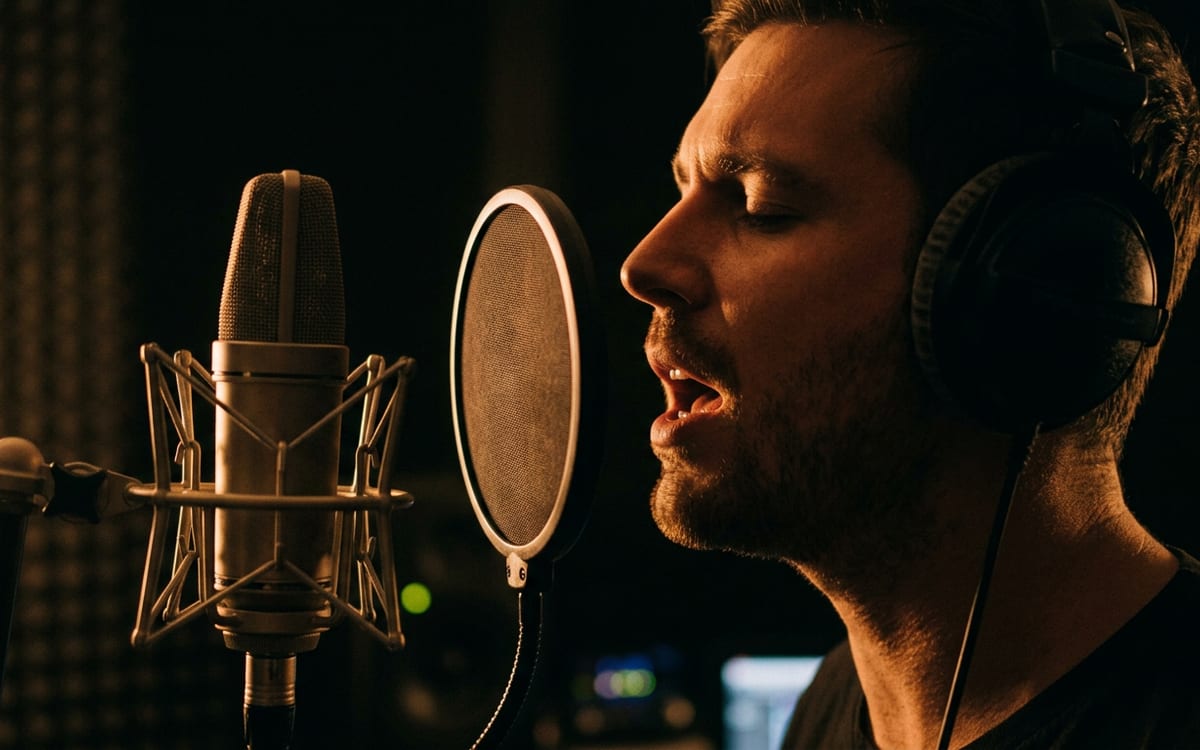
No single model makes a music video. It takes a still of the artist, a performance shot in motion, and lip sync that puts the mouth on your vocal. Each step has a model that is best at it, and the Music video performance template chains them.
The models per step
This is the chain the template uses.
- The still: Nano Banana 2.1, close up and mid-gesture.
- The performance: Seedance, for movement that holds together.
- The lip sync: Sync Lipsync 2, the mouth on the vocal frame by frame.
One line at a time
Work line by line: a dry vocal of five to fifteen seconds, without the beat, syncs best. For close-ups where the head should move with the words, InfiniteTalk is the alternative to Sync Lipsync.
Use your own face, an invented one, or someone who agreed to it.
Read next

Put this guide to work
Open the studio and try what you just read. You start with 1,000 free credits.
Get early access