
 by ByteDance
What it is
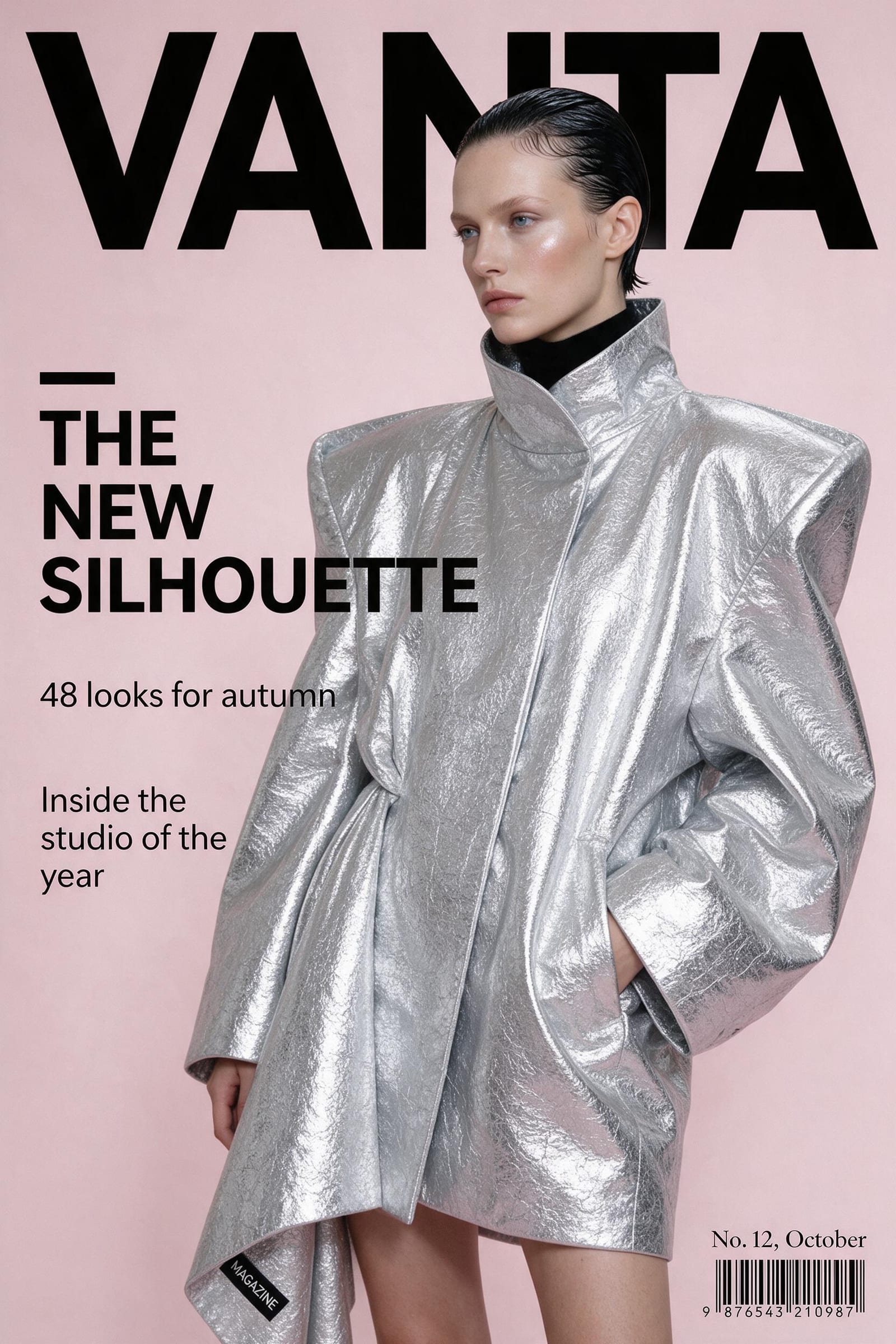
Seedream 5 Pro is ByteDance's flagship text-to-image model, described as a "text-to-image model, with deep-thinking prompt understanding, native text in 14 languages, and precise control over dense layouts and structured designs".
That last part is the reason to choose it. Most image models fall apart the moment a picture becomes a layout, a poster with three text blocks, a packaging mock-up, an infographic. Seedream is built for exactly that case, and it renders the text natively rather than approximating letter shapes.
Fourteen languages means a campaign that has to run in more than one market does not need a separate design pass per language.
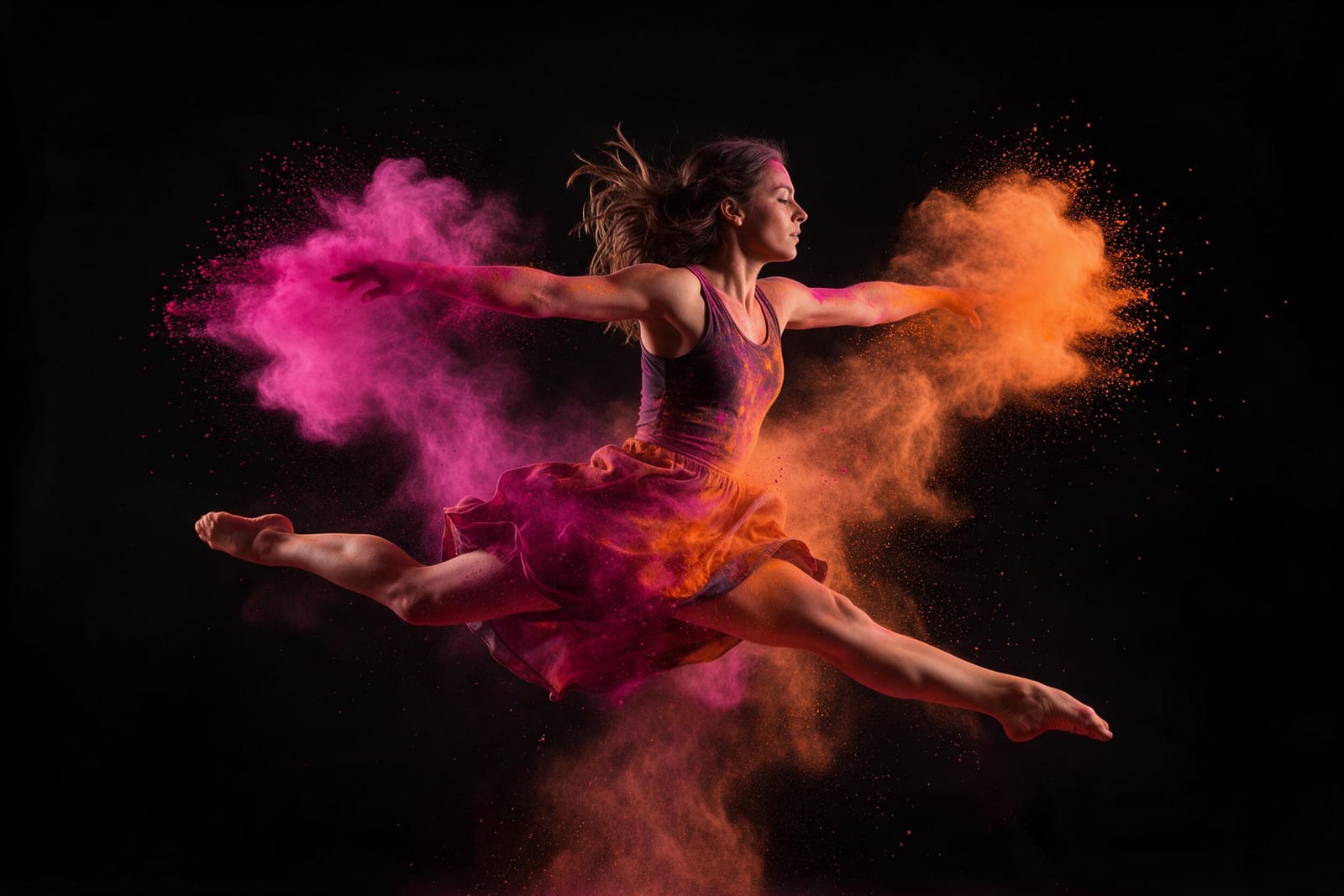
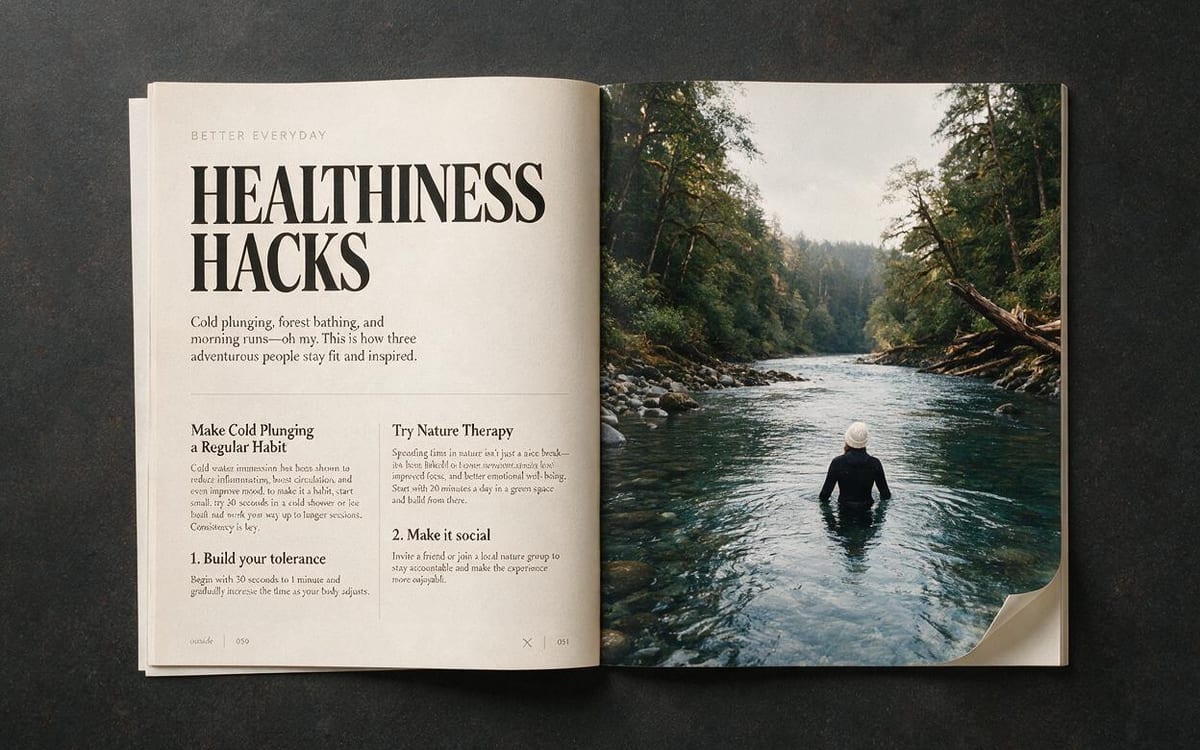
Made with Seedream 5 in this studio




What it is good at
Precise control over dense layouts and structured designs. Posters, packaging and interfaces instead of a single subject on a background.
Native text rendering, not letter-shaped decoration. A campaign in several markets stops being several design jobs.
ByteDance calls it deep-thinking prompt understanding, which shows up most on prompts that are a specification rather than a description.
Where it struggles
- ByteDance publishes no list of limitations for the model, so there is none invented here.
- Price doubles above 1536x1536, and the model's own default sits at that boundary. Worth knowing before you push the resolution up, the Studio shows the amount either way.
- It is a text-to-image model first. For changing an image you already have, the edit endpoint is the one to use.
How to prompt it
Write it like a spec, not a mood. Say where each element sits, what the exact wording is, and what the hierarchy between them should be. This is the one model in the studio where "a headline top left reading X, a subhead beneath it in smaller type" is a reasonable instruction rather than wishful thinking.
An example that shows what that means
A minimal event poster on off-white stock: the words "FIELD NOTES" in a large condensed sans across the top third, a single black-and-white photograph of a pine forest filling the middle, and three lines of small centred type at the bottom reading the date, the venue and the city. Generous margins, one accent colour, nothing else.
What we offer here
Straight from the catalogue, so this list never goes stale. The price is the provider’s published rate with our markup on top, and it is on the button before you run anything.
Questions
Can it really put readable text in an image?
Yes, natively, in fourteen languages. That is the main reason to pick it over a general-purpose image model.
Why does the price jump?
The provider charges roughly double above 1536x1536, and the default sits right at that boundary. We pass their published rate through with our markup, and the amount is on the button.
Is it good for photography-style images too?
It handles them, but its edge is layout and typography. For pure photographic work there are stronger choices in the studio.
Pro or Flash?
Flash costs a fraction of Pro and keeps one flat price up to 2K, also when you edit with up to ten reference images. Use it for drafts and volume, and Pro for the version you keep.
Alternatives
Compare
Guides with Seedream 5
Next
Sources
Try Seedream 5 in the studio
Compare them on your own prompt instead of on a demo. You start with 1,000 free credits.
Get early access